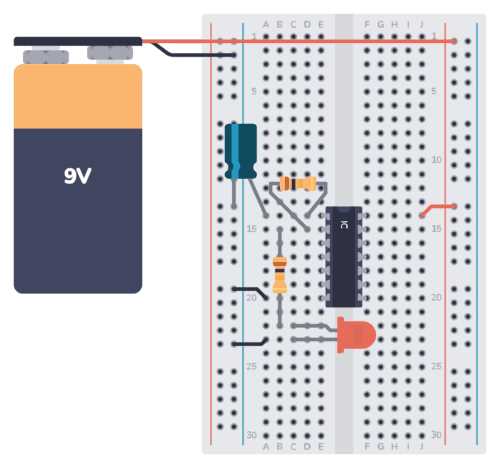
Identify all components and their ratings before arranging them on your layout. Include resistors, capacitors, diodes, and power sources with precise values to ensure accurate calculations and connections.
Use standardized symbols for each element to maintain clarity. Place power inputs at consistent positions and orient components logically to minimize crossing lines and simplify readability.
Draw connections systematically from power to load points, following proper polarity. Verify that each node correctly joins related elements and that paths reflect real electrical behavior.
Label all terminals and nodes clearly to avoid confusion during assembly or troubleshooting. Include voltage and current annotations where relevant to provide practical reference for construction and testing.
Review and simulate the schematic before finalizing. Check for open loops, unintended shorts, and ensure each component meets the design specifications for safe and functional operation.
Step by Step Instructions for Designing Accurate Electronics Schematics
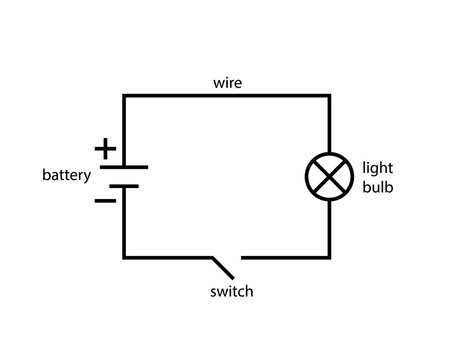
Start by compiling a complete list of components including resistors, capacitors, transistors, and power sources with their ratings. This ensures every element has a defined function and value before placement.
Use consistent symbols for each element to maintain clarity. Arrange power sources, switches, and loads logically to reduce line crossings and simplify reading during assembly or review.
Connecting Components Methodically
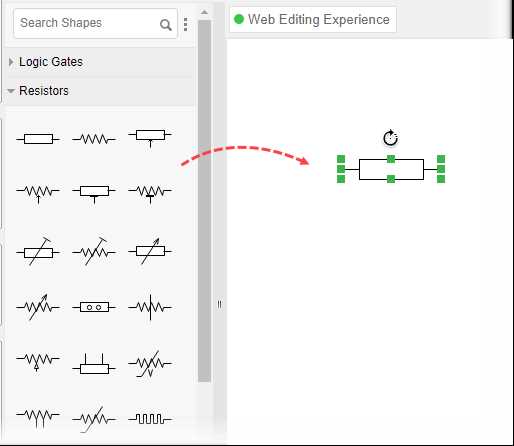
Draw connections in a systematic order starting from the voltage source to all dependent elements. Label nodes and junctions clearly to reflect actual electrical paths and prevent errors during testing.
Verify orientation and polarity for components like diodes, LEDs, and polarized capacitors. Incorrect placement can result in malfunction or damage to parts when energized.
Review and Test Before Finalization
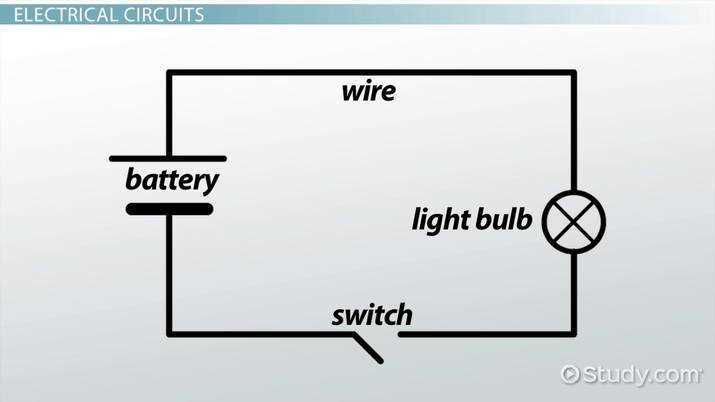
Simulate or mentally trace current paths to detect shorts, open loops, or incorrect connections. Ensure all voltage drops and load currents match design expectations for safe operation.
Document additional parameters such as expected voltage levels at critical points and current ratings through sensitive elements. This provides practical guidance for assembly and troubleshooting without ambiguity.
Selecting Symbols and Components for Your Circuit
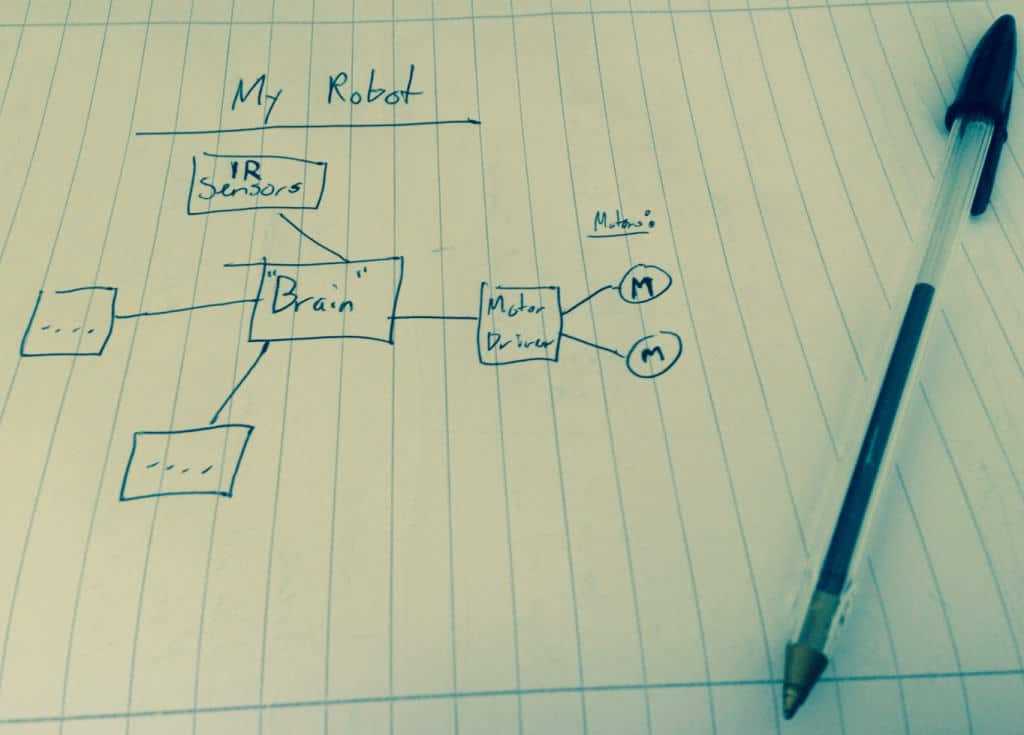
List all required elements with exact specifications including voltage, current rating, and tolerance. Include resistors, capacitors, switches, transistors, and power sources for precise mapping.
Use standardized symbols from IEEE or IEC references to ensure clarity. Assign unique identifiers like R1, C2, or Q1 to avoid confusion during assembly or troubleshooting.
- Resistors: Select values matching load requirements and calculate power rating to prevent overheating.
- Capacitors: Choose types based on filtering, timing, or decoupling needs; note polarity for electrolytics.
- Semiconductors: Include diodes and transistors with correct voltage and current limits to match circuit function.
- Power Sources: Define voltage, type, and maximum current output to ensure safe operation.
Arrange elements logically to minimize line crossings. Group related functions such as power management, signal processing, and output stages for readability.
Verify compatibility between all elements. Ensure voltage and current ratings of switches, LEDs, and ICs align with power sources to avoid damage.
Document each component with manufacturer part numbers and footprints if PCB layout is planned. This reduces assembly errors and supports future maintenance or upgrades.
Review selections by simulating expected electrical behavior or tracing paths manually. Adjust components that exceed ratings or create impractical connections before final layout.