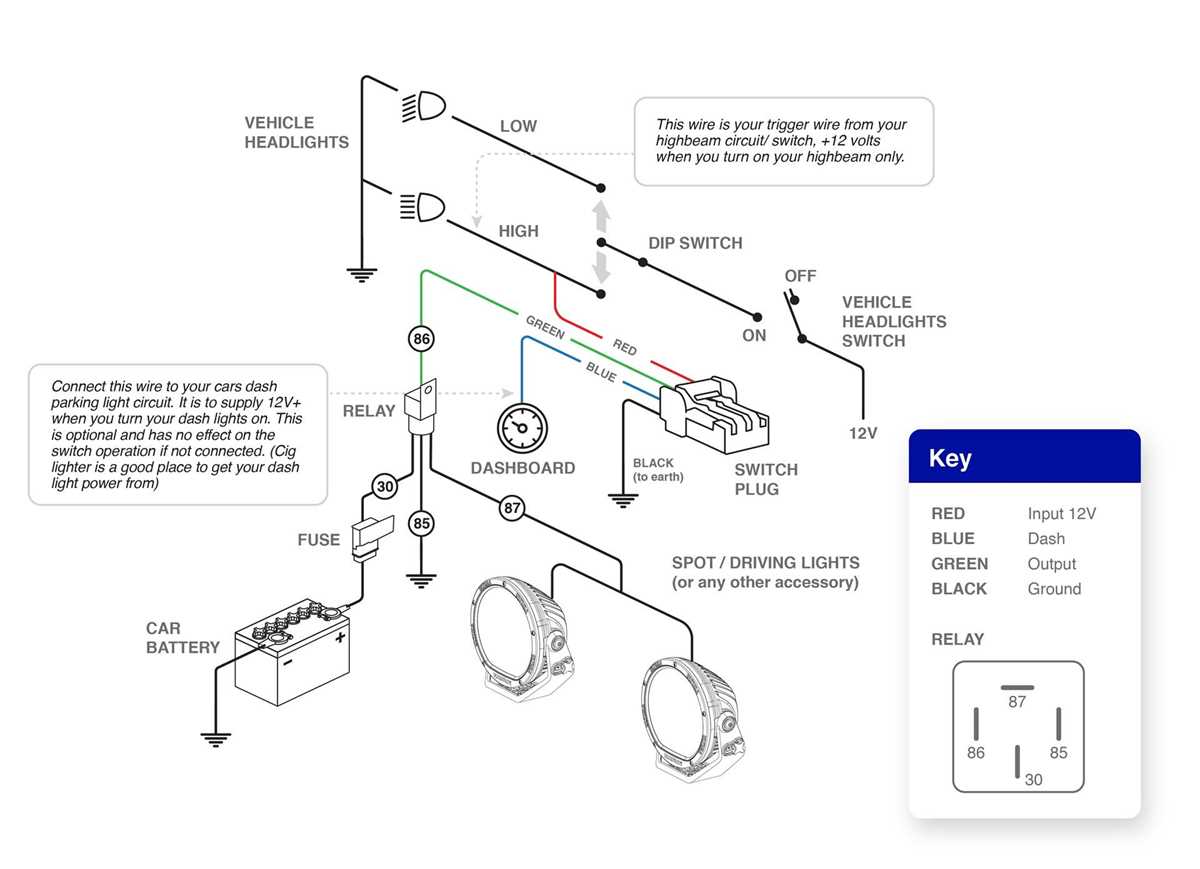
Connect the positive and negative leads to a dedicated 12-volt fused circuit. Ensure the polarity matches the motor controller terminals to prevent reverse rotation or damage to the motor. Use insulated terminals and tighten all connections to avoid sparks under load.
Attach the grounding conductor directly to the chassis frame and confirm continuity with a multimeter. A solid ground prevents electrical shock and stabilizes the system against voltage fluctuations during operation.
Route each conductor carefully through protective conduit or flexible loom to reduce abrasion and avoid pinching points. Maintain separation from high-current circuits in the RV to prevent electromagnetic interference and unintended activation of other devices.
Identifying RV Awning Switch Terminals
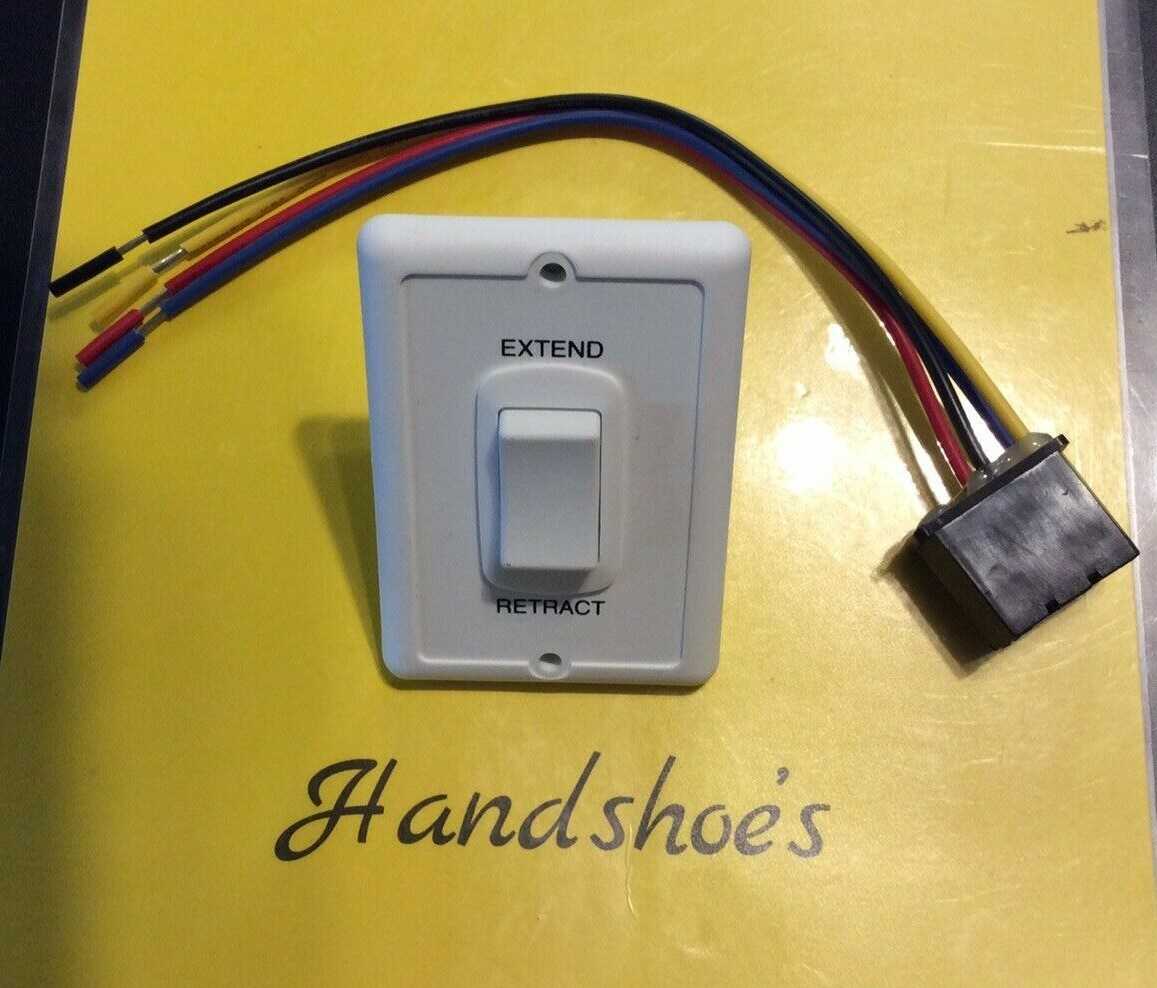
Label each terminal before connecting to the control module. The common terminals usually carry power input, while the remaining pins correspond to extension and retraction outputs. Confirm the markings on the back of the control plate to avoid misconnection.
Terminal Functions
- Power input: supplies 12 volts DC to the motor controller.
- Ground: connects directly to the RV chassis for safety.
- Extend output: activates the motor in one direction.
- Retract output: activates the motor in the opposite direction.
- Accessory or signal terminals: optional connections for LED indicators or remote controls.
Use a multimeter to verify continuity between the terminals and the respective motor leads. Check each function individually by applying temporary voltage and observing the motor response. This prevents permanent damage and ensures accurate operation when fully installed.
Proper Power and Ground Connections
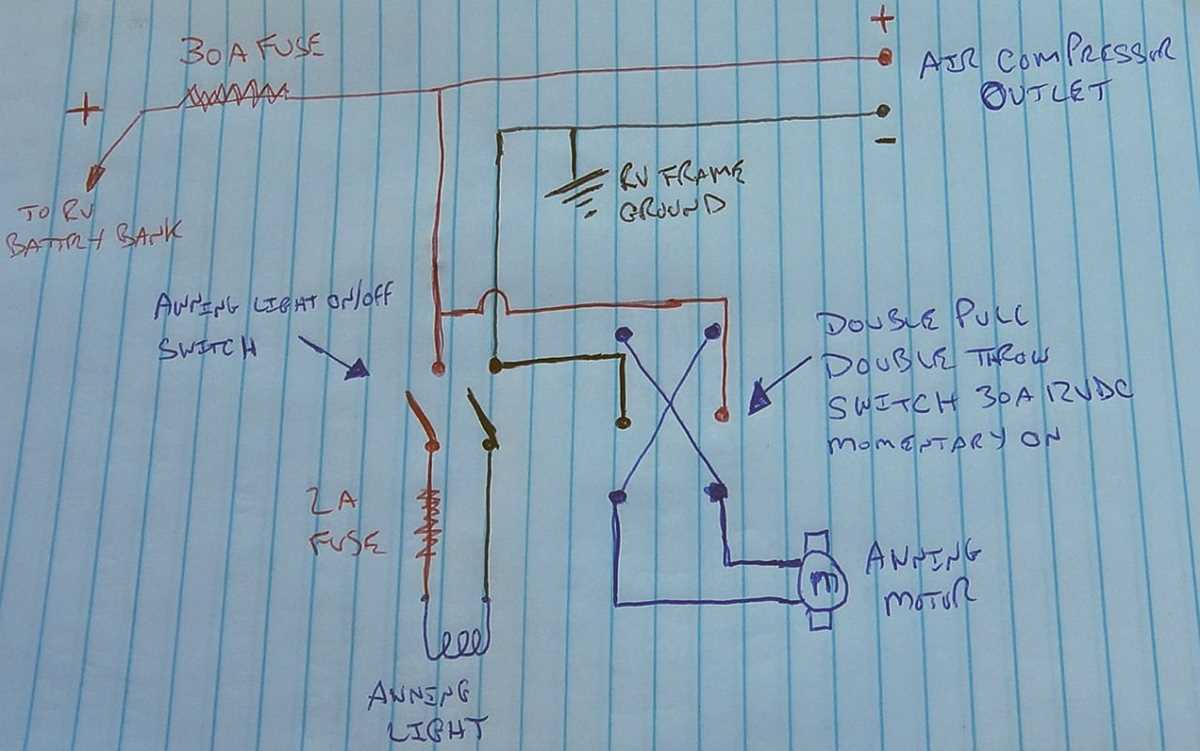
Connect the positive lead from the RV battery or fuse panel directly to the input terminal of the motor controller. Use an inline fuse rated at 15 amps to protect the motor and control circuitry from overcurrent conditions.
Attach the negative conductor to a clean metal surface on the RV chassis. Ensure the contact point is free of paint, corrosion, or debris to maintain a low-resistance path. Use a lock washer and properly sized nut to secure the connection.
Recommended Terminal Connections
| Terminal | Function | Recommended Conductor Size |
|---|---|---|
| Power Input (+12V) | Supplies voltage to the motor controller | 14 AWG |
| Ground | Chassis bonding for safety | 14 AWG |
| Extend Output | Motor activation in extension direction | 16 AWG |
| Retract Output | Motor activation in retraction direction | 16 AWG |
Route the conductors carefully along the frame to avoid rubbing against sharp edges or moving parts. Use cable ties and protective loom to prevent abrasion. Separate power leads from signal or accessory conductors to minimize interference.
Test each connection with a multimeter before final assembly. Confirm voltage at the motor terminals while manually activating the controls. Verify that polarity is correct to prevent reverse rotation or mechanical stress on the drive components.
Regularly inspect the power and ground connections for loosening or corrosion. Tighten all screws and replace any damaged terminals to ensure reliable operation and prevent intermittent faults during extended RV trips.
Testing and Troubleshooting Switch Operation
Verify power at the control terminals before activating the motor. Use a digital multimeter to check for proper voltage at the input and output pins. A stable 12-volt reading confirms the source and connections are correct.
Manually actuate the control to test each function individually. Observe the motor response for extension and retraction. If the motor does not respond, check for loose terminals, blown fuses, or a tripped breaker.
Step-by-Step Functional Checks
Check continuity across the terminals while toggling the control. The extend output should only be live when the control is engaged in the extension position, and similarly for retraction. This isolates mechanical failures from electrical faults.
Inspect the grounding path using a continuity tester. A high-resistance reading indicates a poor ground connection that could prevent operation or cause erratic behavior. Clean and tighten the ground lug to restore proper function.
Test accessory terminals if present. Connect LEDs or other indicators temporarily to ensure signals match the control position. Any inconsistency may indicate internal contact wear or broken traces within the control housing.
Common Troubleshooting Techniques
Swap the control temporarily with a known working module to determine if the issue is internal. If the replacement functions correctly, the original unit may require repair or replacement. Always disconnect power before swapping components to prevent shorts.
Inspect the motor connections directly at the drive unit. Verify that voltage reaches the motor during operation and that polarity is correct. Mechanical resistance or binding can mimic electrical faults, so check for free rotation.
Document test results and mark any failing terminals or leads. Recheck all connections after adjustments and repeat the functional tests. This ensures consistent performance and reduces the risk of intermittent failures during travel.