
Match each wire color from the stereo harness to the vehicle harness before applying power. A typical single-DIN digital media receiver uses a standard color scheme where yellow connects to constant battery power, red links to the ignition accessory line, and black attaches to chassis ground. Correct pairing prevents blown fuses and protects the internal amplifier.
Speaker leads follow paired colors with a solid wire for positive and a striped version for negative. White and white with black stripe feed the front left speaker, gray and gray with black stripe connect to the front right, green pair routes to the rear left, and purple pair feeds the rear right. Keeping polarity consistent across all four channels maintains balanced audio and avoids phase cancellation.
Additional control leads handle lighting and external devices. The blue or blue-white conductor sends a 12-volt trigger to a power antenna or amplifier remote input. An orange or orange-white line connects to the vehicle illumination circuit so the display brightness changes with the dash lights. Check voltage on these control lines using a multimeter before connecting accessories.
Ground quality strongly affects audio performance. The black lead should attach to bare metal on the vehicle body using a short path and a secure bolt. Paint or corrosion between the terminal and metal surface can introduce noise or intermittent resets of the receiver. Cleaning the contact point with sandpaper and tightening the fastener restores stable operation.
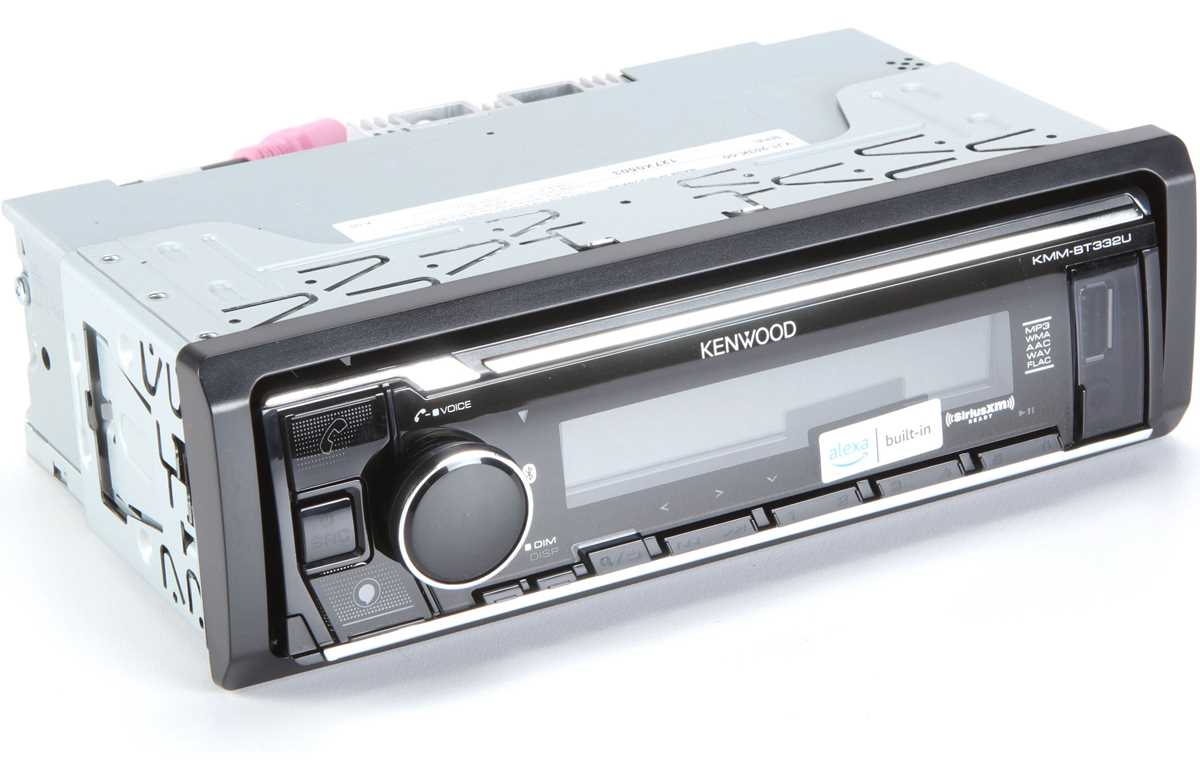
Kenwood KMM BT332U Wiring Diagram

Match the harness colors from the head unit to the vehicle harness before connecting the battery. This digital media receiver uses a standard aftermarket color scheme. Yellow connects to constant 12V from the battery, red attaches to the ignition accessory line, and black links to chassis ground. Confirm voltage with a multimeter: battery feed should show about 12.6V with the engine off and accessory voltage should appear only when the key is in ACC or ON.
Speaker outputs leave the rear harness as four color-coded pairs. Each pair carries positive and negative leads for a single channel. Maintaining correct polarity keeps bass response balanced and prevents phase cancellation between speakers.
Speaker connection color pairs
- White positive and white with black stripe negative for front left speaker
- Gray positive and gray with black stripe negative for front right speaker
- Green positive and green with black stripe negative for rear left speaker
- Purple positive and purple with black stripe negative for rear right speaker
Route speaker conductors away from power cables where possible. Separation reduces the chance of electrical noise entering the audio path. If the vehicle uses factory speaker lines, check continuity between the harness connector and each speaker before attaching the receiver.
The blue with white stripe lead acts as a remote trigger output. When the unit powers on, this conductor supplies about 12V to activate an external amplifier or powered antenna module. Connect this lead only to control inputs, never directly to a speaker or power line.
Additional control and lighting connections

- Orange with white stripe connects to dashboard illumination circuit
- Black attaches to bare metal chassis ground
- Yellow links to constant battery feed through the fuse panel
- Red connects to ignition accessory line
Ground quality influences sound clarity and system stability. Attach the black conductor to a clean metal surface using a short path. Paint, rust, or loose fasteners can cause noise, weak amplifier output, or unexpected resets.
After completing all connections, reconnect the battery and power on the receiver. Check each speaker channel individually using the balance and fader controls. If a channel produces no sound, inspect the corresponding color pair and confirm continuity between the harness and the speaker terminals.
Kenwood KMM BT332U Power and Ground Wire Connections with Color Codes
Connect the yellow lead to a constant 12-volt battery feed and the red lead to the ignition accessory line. The yellow conductor maintains memory for clock, radio presets, and Bluetooth pairing. This line must receive uninterrupted battery voltage through the vehicle fuse panel. The red conductor powers the receiver only when the ignition key moves to ACC or ON. Measure both lines with a multimeter before installation: constant supply should read about 12–12.6V at rest, while the accessory line should show voltage only when the key is turned.
The black conductor provides the ground path. Attach this lead to bare vehicle chassis metal using a short bolt or factory grounding point near the dashboard support bracket. Remove paint or oxidation from the contact surface so the ring terminal touches clean metal. A poor ground may cause random resets, dim display illumination, or audio noise entering the amplifier stage.
Check the fuse protecting the constant battery feed after completing the connections. Most installations rely on a 10A or 15A fuse within the radio harness or vehicle fuse block. If the receiver fails to power on, inspect the yellow supply line, the accessory lead, and the chassis ground point before testing other components.