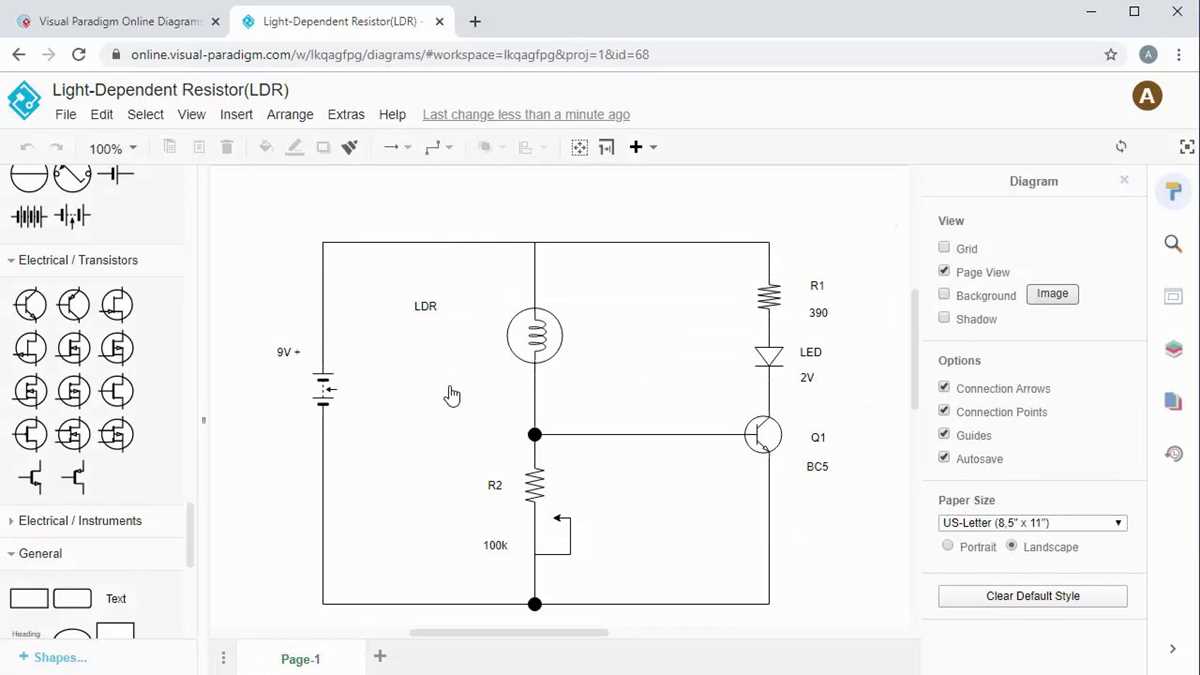
Start by gathering the right tools–you’ll need a diagramming software or drawing tools and the proper symbols for electrical components. Familiarize yourself with common schematic symbols such as resistors, capacitors, and switches before beginning the design.
When drafting your schematic, begin by placing the power source. Draw the lines that represent wires connecting the various components. Make sure each connection is clear and that no wires cross without a proper junction or connection point, which could cause confusion later on.
Pay attention to the layout and clarity. Organize the components logically, ensuring that the flow of current makes sense. Label each part of the system, such as power supplies and load devices, so anyone reading the diagram can easily follow the path of the electrical flow.
After your initial sketch, verify that all components are connected properly and that no short circuits are present. Double-check the placements of resistors, capacitors, and other components to ensure that they follow their correct configuration. A clear and organized drawing will make both troubleshooting and construction much easier.
How to Design Electrical Schematics
First, choose the appropriate software to sketch your system. Popular tools like AutoCAD or online platforms like Fritzing can help create accurate representations with ease. If you prefer manual drawing, use graph paper to maintain proper alignment and scale.
Next, place all components logically on the page, starting with the power supply. Use standardized symbols for elements such as resistors, switches, and batteries. These symbols should be clearly labeled and easy to distinguish, ensuring anyone who views your sketch can understand its structure without confusion.
When connecting components, use straight lines to represent wires. Be mindful of the connections, ensuring that each junction is represented properly with a dot or junction symbol. Avoid crossing wires unless necessary, as this can lead to confusion in the final sketch.
Finally, review your work carefully. Check for any unconnected or incorrectly placed components. A clean, well-organized diagram will not only make the system easier to understand but will also help troubleshoot or modify the design later. Ensure that all labels are clear and that the flow of electricity is logical and consistent throughout the design.
Steps to Design a Basic Circuit Diagram
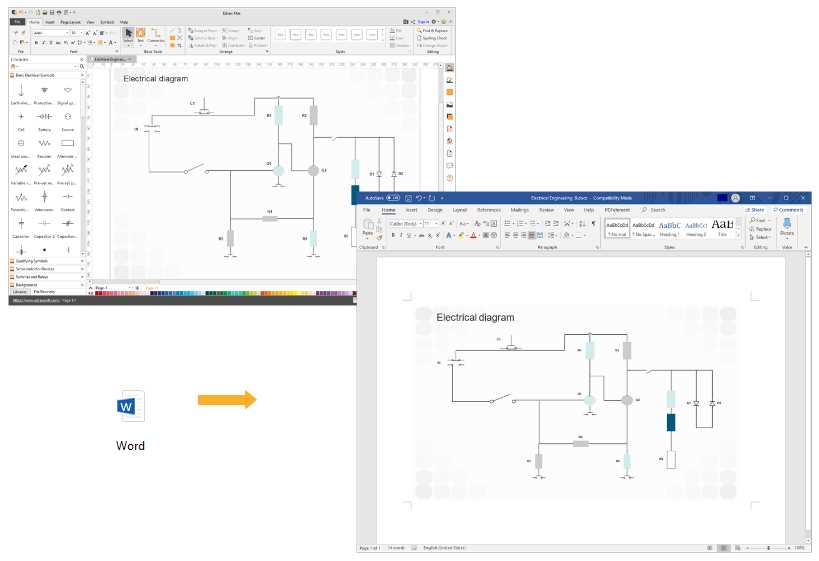
Begin by identifying all components that will be part of your design, such as power sources, switches, resistors, and load devices. Label each component clearly and ensure you know how they interact within the system. Sketch the general layout, placing the power source at the beginning of the flow.
Connecting the Components
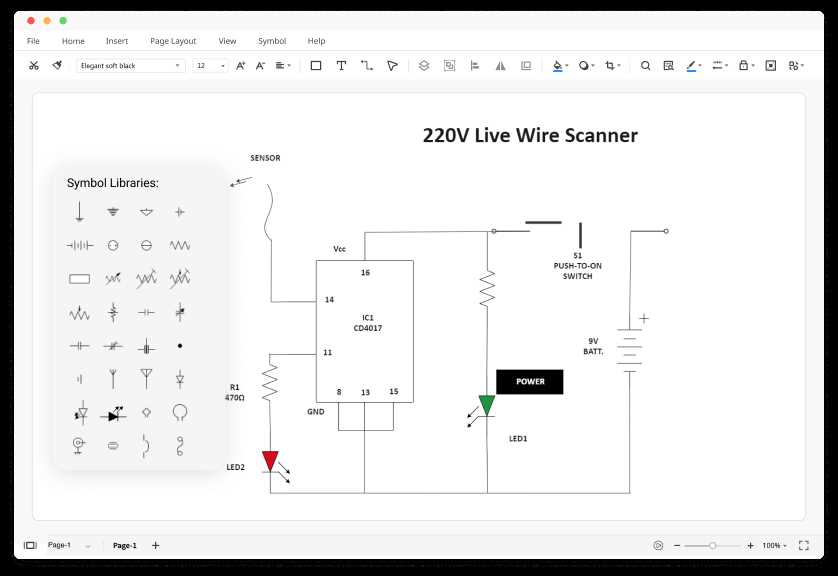
Next, connect the components using straight lines to represent the electrical paths. Make sure to follow the correct flow direction, from the power source through the various components. Label each connection point, ensuring that all wires are properly linked, and avoid any unnecessary intersections that could confuse the design.