Check the power leads and audio channel lines before connecting any head unit. The constant 12-volt supply usually appears as a yellow lead, while the ignition-controlled line is commonly red. Ground is typically black and must attach to bare metal on the vehicle chassis. Incorrect pairing of these conductors often causes unit reset, memory loss, or no startup.
Speaker channels require correct polarity and pairing. Each audio output normally uses a solid color conductor for positive and the same color with a black stripe for negative. For example, white and white-black serve the left front channel, gray and gray-black handle the right front, green pairs feed the left rear, and purple pairs connect the right rear. Mixing polarity leads results in weak bass and phase cancellation between speakers.
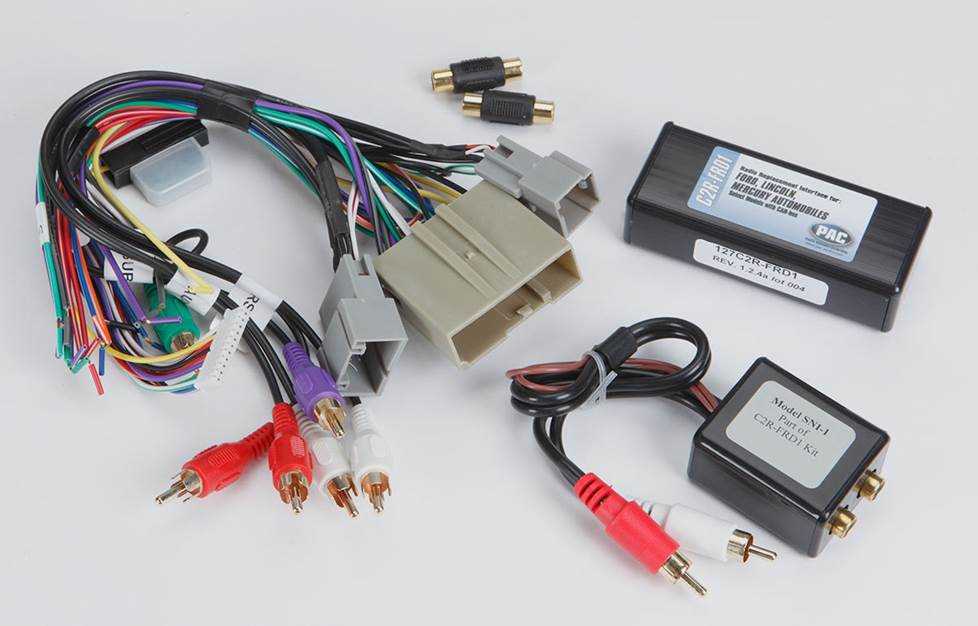
Use a vehicle harness adapter instead of cutting factory cables whenever possible. Adapters match factory plug layouts used by brands such as Toyota, Ford, Honda, and GM, allowing direct connection between the dashboard audio receiver and the factory loom. This method keeps the original electrical network intact and simplifies future upgrades or equipment replacement.
Car Stereo Wiring Diagram With Color Codes and Speaker Connection Layout
Match each conductor by color before attaching the dashboard audio receiver. A typical head unit harness uses yellow for constant 12V supply, red for ignition-controlled power, black for chassis ground, and blue for antenna or amplifier trigger. Orange or orange-white often connects to panel illumination so the display dims with interior lighting. Connecting these lines incorrectly leads to memory reset, display issues, or a unit that does not power on.
Pair speaker outputs using standard color groups. Front left usually uses white for positive and white with a black stripe for negative, while the right front channel uses gray and gray-black. Rear channels typically follow green and green-black for the left side and purple with purple-black for the right side.
Maintain polarity across every audio channel to avoid phase cancellation. When positive and negative conductors are reversed on one speaker, bass response weakens and sound staging shifts toward one side of the cabin. Route speaker leads separately from high-current power lines whenever possible; this reduces electrical noise from the alternator and ignition system. Use crimp connectors or solder joints protected with heat-shrink tubing so vibration inside the dashboard does not loosen electrical contacts.
Car Stereo Wire Color Codes for Power Ground and Illumination Leads
Verify power conductors with a multimeter before connecting the dashboard audio receiver. Constant battery supply normally shows 12–12.6 volts at all times and is usually marked by a yellow lead. The ignition-controlled supply activates only after the key turns to ACC or ON and commonly uses a red conductor. Confusing these two lines causes lost radio presets or prevents the head unit from shutting down with the ignition.
Common Power and Control Lead Colors
- Yellow – constant battery supply for memory and clock
- Red – ignition or accessory power line
- Black – chassis ground connection
- Blue – antenna motor or external amplifier trigger
- Blue with white stripe – remote amplifier activation
- Orange or orange with white stripe – dashboard lighting control
Attach the black conductor to bare metal on the vehicle body. Paint or plastic between the terminal and the metal frame raises resistance and causes unstable operation such as display flicker or unexpected shutdown. Use a ring terminal secured by a bolt or factory grounding point behind the dashboard frame.
Illumination and Display Dimming Leads
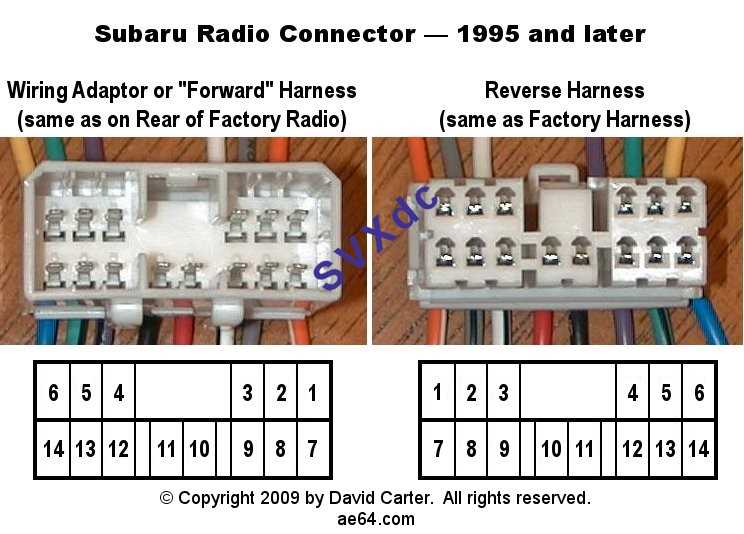
- Orange conductor connects to the vehicle lighting network.
- When interior lights activate, voltage reaches the head unit display.
- The screen brightness drops automatically during night driving.
- Incorrect connection may leave the display at full brightness in darkness.
Protect all joints with heat-shrink tubing or insulated crimp connectors. The dashboard environment experiences vibration, temperature shifts, and occasional moisture from cabin airflow. Secure electrical connections prevent intermittent power loss that may cause audio interruption or system restart.