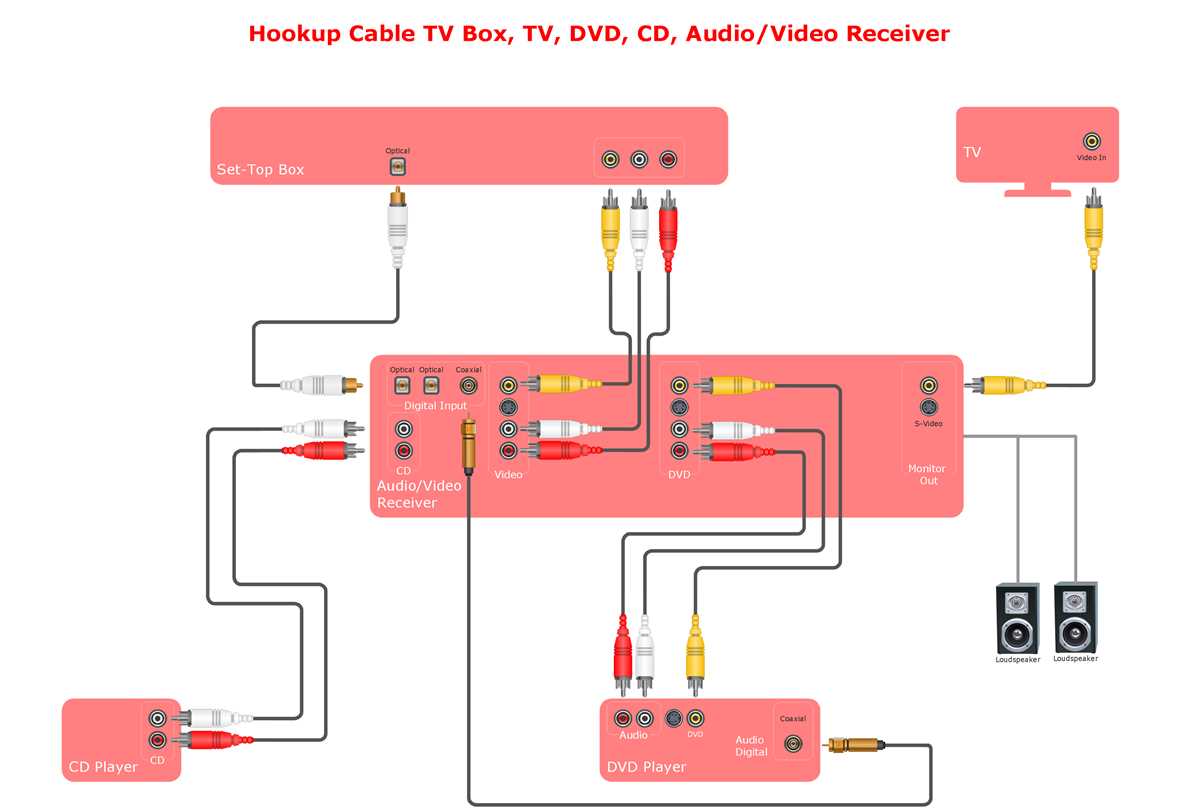
Use dedicated applications to create precise connection layouts that reflect all nodes and junctions clearly. These tools allow real-time adjustments, ensuring each conductor and component is properly represented for both residential and industrial installations.
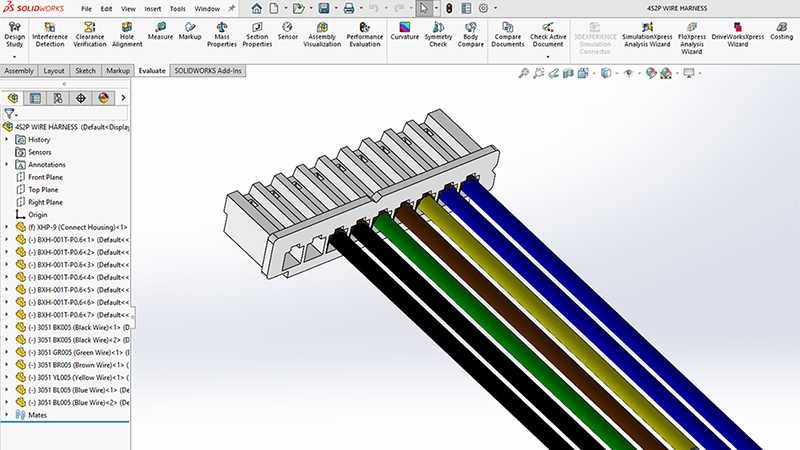
Begin by mapping each device and load point separately before linking them with conductors. This reduces errors and makes it easier to visualize current paths, voltage drops, and potential overload points. Standardizing symbols and labels within the tool prevents misinterpretation during implementation.
Leverage automated checks and validation features to detect overlapping routes, incorrect polarities, or missing connections. Many platforms can simulate current flow and alert users to potential short circuits, offering a practical preview that physical testing alone cannot provide.
Regularly update your project files to reflect changes in load specifications or layout modifications. Keeping a digital record of all revisions allows for quick troubleshooting, safer installations, and seamless communication between engineers, electricians, and project managers.
Guide to Using Software Tools for Creating Accurate Electrical Connection Layouts
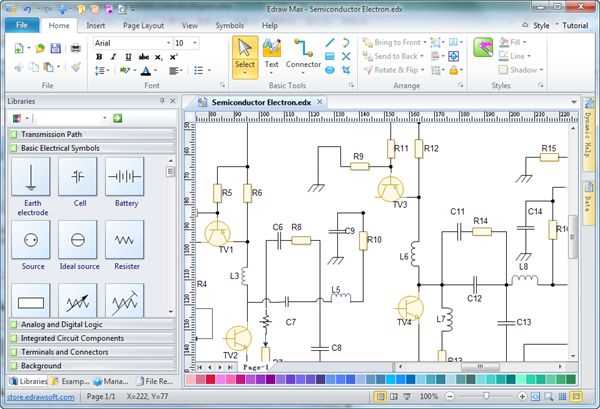
Begin by defining all load points and devices individually within the platform. Assign clear labels to each component and specify voltage and current ratings. This step prevents confusion when connecting multiple circuits and ensures compliance with safety standards.
Use color-coded conductors to differentiate between phases, neutral lines, and grounding paths. This visual distinction allows for immediate identification of circuit routes and simplifies troubleshooting when verifying connections.
Leverage built-in validation features to detect overlapping traces, reversed polarities, or disconnected terminals. Many tools provide real-time alerts that prevent costly mistakes during installation and reduce the likelihood of short circuits.
Create modular sections for complex installations by grouping related devices together. Each module can be edited independently, making large-scale projects manageable and allowing precise simulations of current flow through specific zones.
Incorporate simulation functions to estimate voltage drops and load distribution across conductors. Running these analyses before physical assembly ensures that all components will operate within safe limits and helps determine if conductors need resizing.
Maintain an updated digital record of all revisions, including changes to connections or component specifications. This documentation enables efficient communication among electricians, engineers, and project managers while providing a reliable reference for future maintenance or upgrades.
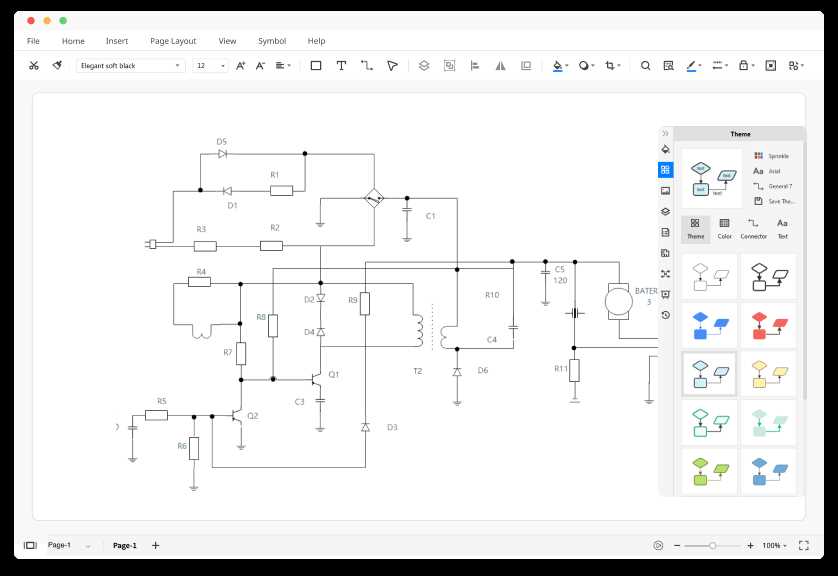
Choosing the Right Application for Your Project Requirements
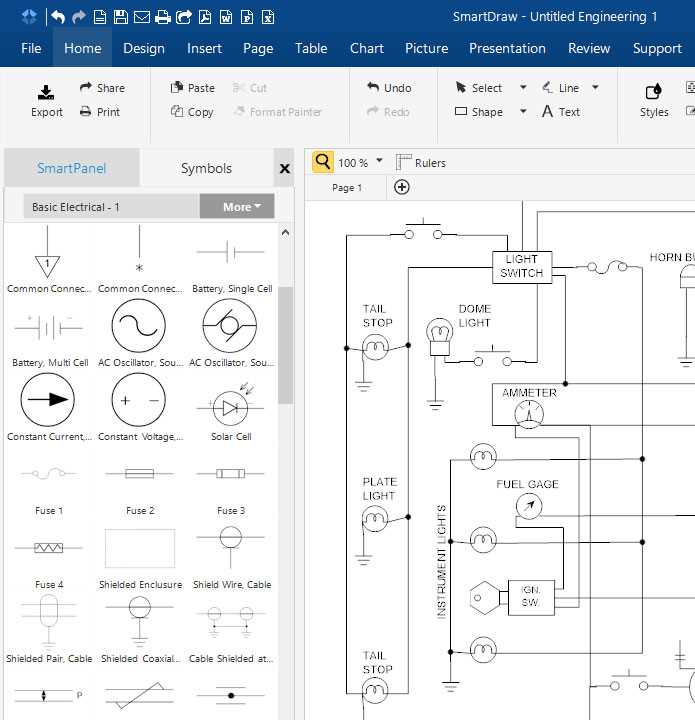
Assess the scale and complexity of your electrical layout before selecting a tool. Large installations with multiple panels, breakers, and interconnections require platforms that support multi-sheet projects and hierarchical organization of components.
Check compatibility with component libraries to ensure that devices, terminals, and connectors match the specifications you plan to use. Preloaded libraries save time and reduce errors by allowing drag-and-drop placement of verified elements.
Consider advanced simulation and validation features if your project involves sensitive or high-load circuits. Applications that calculate voltage drops, current distribution, and short-circuit risks help verify designs and prevent costly adjustments after installation.
Evaluate collaboration and documentation capabilities. Platforms that allow team access, version tracking, and export of clear schematics improve communication among electricians, engineers, and project managers and streamline approvals.
Prioritize ease of use and support resources. Applications with intuitive interfaces, tutorials, and active technical support reduce learning time and increase accuracy, ensuring your project progresses on schedule without unexpected delays.