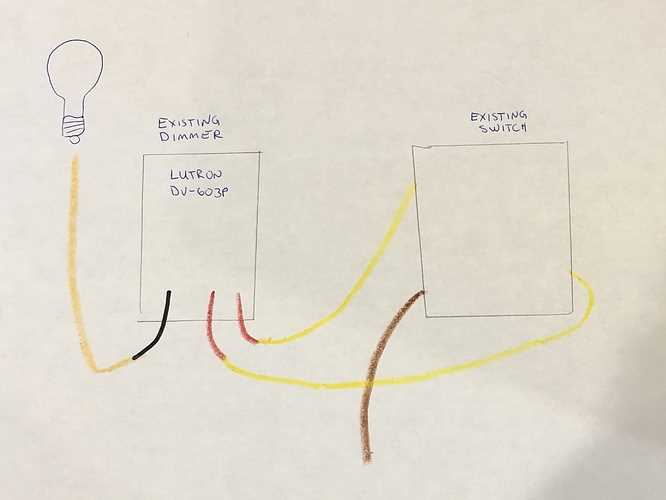
To start, connect the power source to the first switch in the circuit. The live wire from the power supply should be connected to the common terminal of the switch. Ensure the wire is tightly secured to avoid potential faults in the connection.
Next, use a traveler wire to connect the two switches. This allows you to control the light from multiple locations. The traveler wire must be connected to the traveler terminals of each switch. It’s important to double-check that both switches are wired in the same configuration to ensure proper function.
The final connection is to the light fixture. The output from the second switch connects to the fixture. Make sure the neutral wire from the fixture is properly connected back to the neutral bus bar in the electrical panel. A loose connection here can lead to the light not turning on or flickering.
After securing all the connections, test the setup by toggling the switches. If the light turns on and off from both locations, your connections are correct. If it doesn’t work, double-check the traveler connections and common terminal wiring for errors.
3-Way Lighting Switch Connection Guide
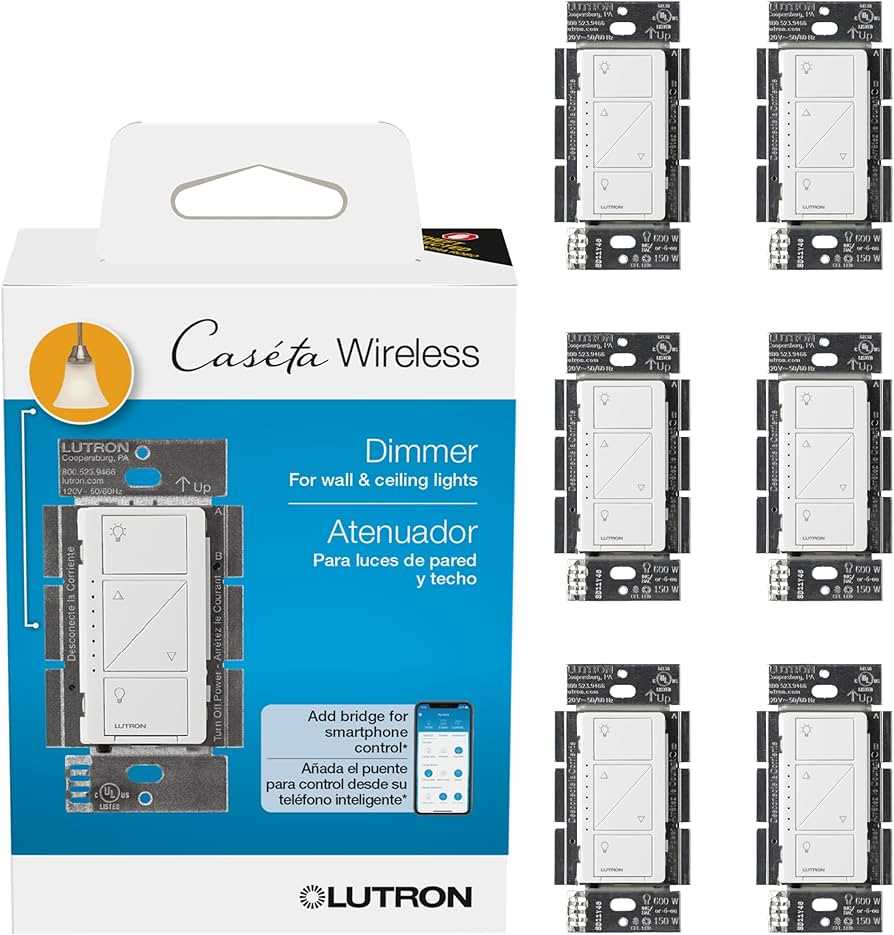
To begin, connect the live wire from the power supply to the common terminal of the switch. This wire will provide the main power to the system, allowing it to flow to the light fixture when the switch is activated. Ensure the connection is tight and free from corrosion to avoid any power loss.
Traveler Terminals Setup
Next, run a traveler wire between the two switches. This wire allows both switches to communicate and control the light independently. Attach the traveler wire to the two traveler terminals on each switch. Make sure that each switch is configured correctly to prevent issues with functionality.
- Traveler Wire: Use a high-quality wire to ensure reliable communication between switches.
- Common Terminals: Double-check that each common terminal is connected to the correct wire (live or load) to avoid shorts.
Finally, connect the light fixture’s input to the second switch’s common terminal. Once you’ve completed the connections, test the system by toggling both switches. If the light turns on and off from both locations, the installation is successful. If not, check for any loose or incorrect connections between the traveler wires and the switches.
How to Connect a 3-Way Control Switch to a Standard Circuit
Start by identifying the incoming power cable. The live wire should be connected to the common terminal of the switch. This will serve as the primary power source, sending electricity to the light fixture once the switch is activated. Make sure the wire is tightly secured to avoid power loss or short circuits.
Next, connect the traveler terminals. Use a traveler wire to link the two switches. This allows both switches to control the same light fixture independently. Attach one end of the wire to the traveler terminal on the first switch and the other end to the traveler terminal of the second switch.
- Traveler Wire: Make sure to use wire rated for the correct voltage and current to prevent overheating or damage.
- Secure the Connections: Tighten the connections at both traveler terminals to avoid accidental disconnections.
Finally, connect the load terminal of the second switch to the light fixture. Attach the neutral wire from the fixture to the neutral bus bar in the electrical panel. After completing these steps, test the system by flipping the switches to ensure the light operates as expected. If the light doesn’t turn on or off, check the connections for loose or improper connections.