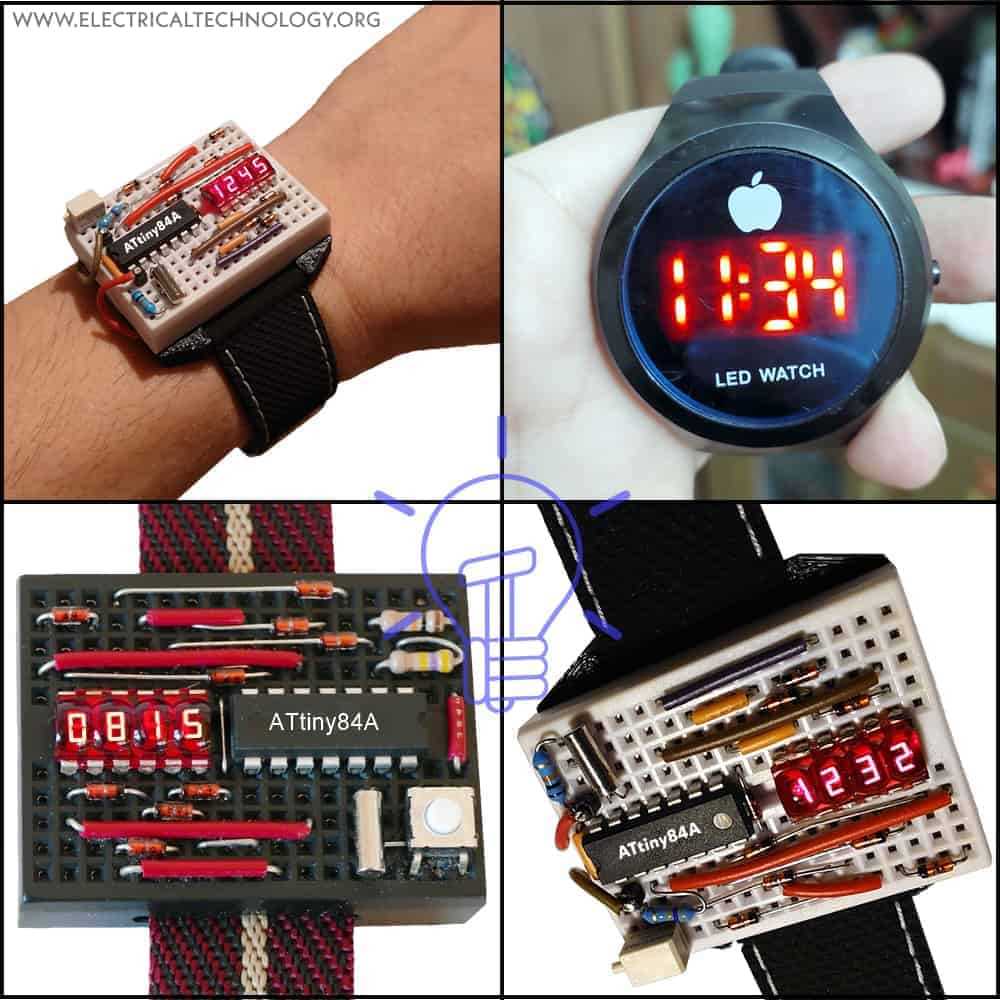
Connect the power source directly to the main module terminals to ensure stable operation and avoid voltage drops that can disrupt display functions. Use a regulated supply of 3 to 5 volts, as higher currents can damage delicate integrated components.
Identify the control pins for the timing and alarm functions by referencing the component markings. Each input line corresponds to specific outputs on the LCD or LED segments, and correct identification prevents misalignment of the hour, minute, or second indicators.
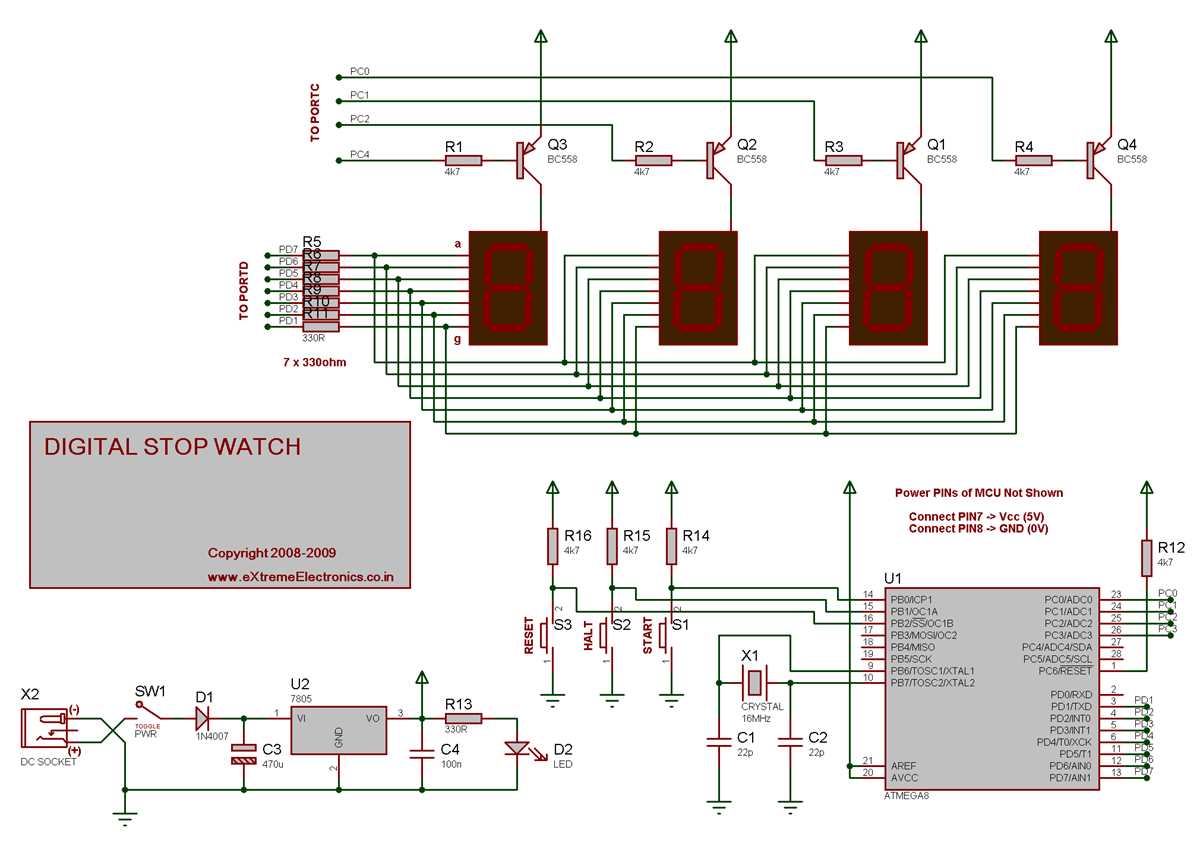
Integrate the oscillator and capacitor pair precisely to maintain accurate timekeeping. The resonance frequency directly affects pulse generation, and small deviations can result in cumulative timing errors over days or weeks.
Key Components and Their Roles in Timepiece Electronics
Start with the microcontroller unit as the central processor for all timing and display operations. It regulates pulse counting, interprets input from buttons, and drives segment outputs. Use a low-power model rated for at least 3 volts to maintain extended battery life.
Quartz crystal resonators provide the stable frequency reference needed for accurate timekeeping. Ensure the crystal is mounted with minimal capacitance variations, as shifts of just a few parts per million can cause noticeable time drift over a week.
Capacitors and resistors form filtering and stabilization networks for the oscillator and display driver. A 12–15 pF ceramic capacitor is typically paired with a 32.768 kHz crystal to maintain precise oscillation. Verify resistor values match the manufacturer’s specifications to prevent segment dimming or flicker.
Integrated display drivers and LCD panels convert microcontroller pulses into visual digits. Confirm correct polarity and connection of each segment line, and test for continuity before final assembly. Faulty connections here lead to partial or blank readings that are difficult to troubleshoot after enclosure sealing.
Common Connection Patterns for Timekeeping Modules
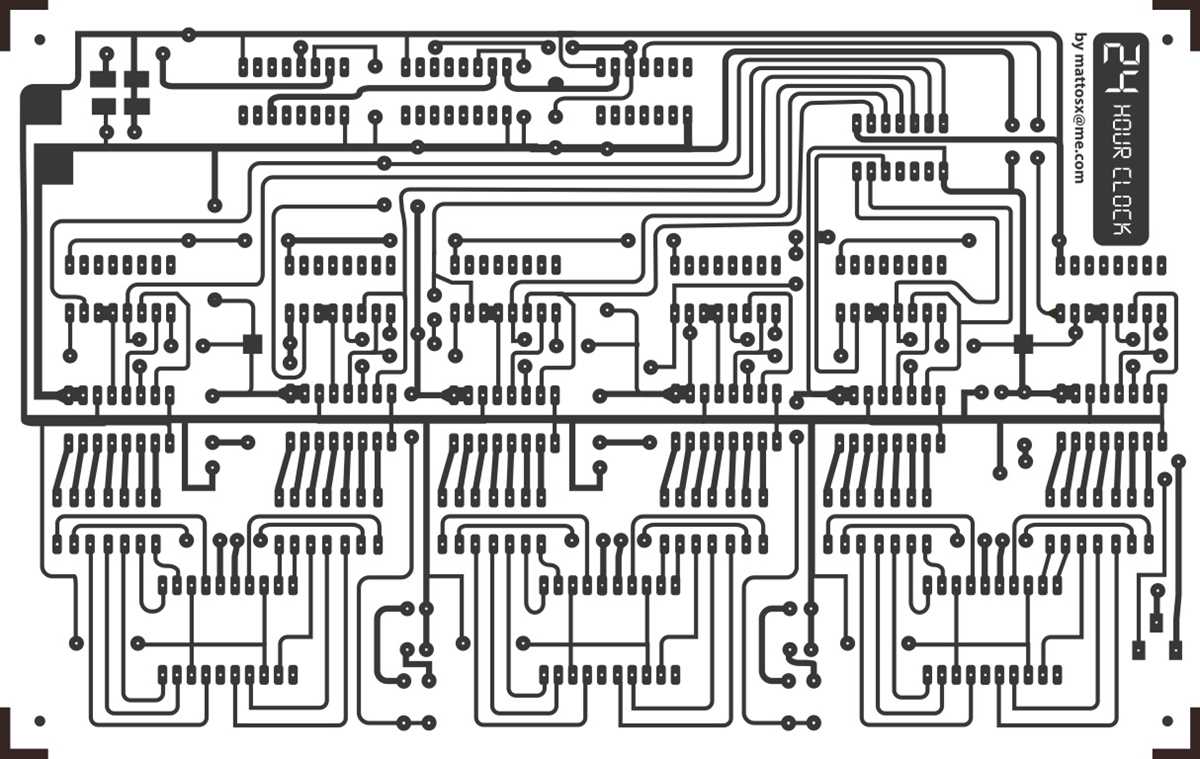
Follow standard VCC and GND routing to ensure stable power delivery to the module. Connect all logic and display pins to a regulated 3V supply, keeping decoupling capacitors within 5 mm of the power terminals. Avoid crossing signal lines with power rails to minimize interference, and verify polarity before soldering to prevent irreversible damage.
Segment and button connections typically follow a parallel arrangement where each input or output is assigned a dedicated trace. Maintain consistent trace widths for all segment lines and use pull-up or pull-down resistors as required by the module’s specification. Test continuity across connectors to ensure that each segment or input key responds correctly, as loose or reversed connections can cause partial display or non-responsive buttons.
Troubleshooting and Verifying Timekeeping Module Functionality
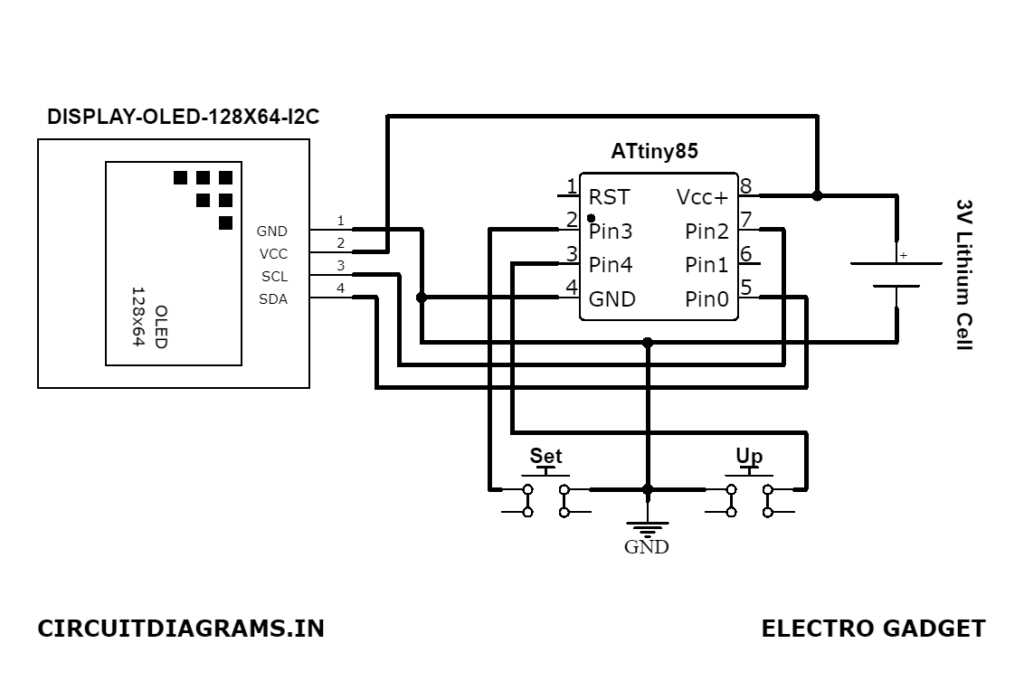
Start by confirming stable power supply to all pins. Measure voltage at the main terminals using a multimeter; it should match the module’s rated input, typically 3V. Check for loose solder joints or oxidized contacts, as even a 0.2V drop can prevent proper operation.
Signal and Input Testing
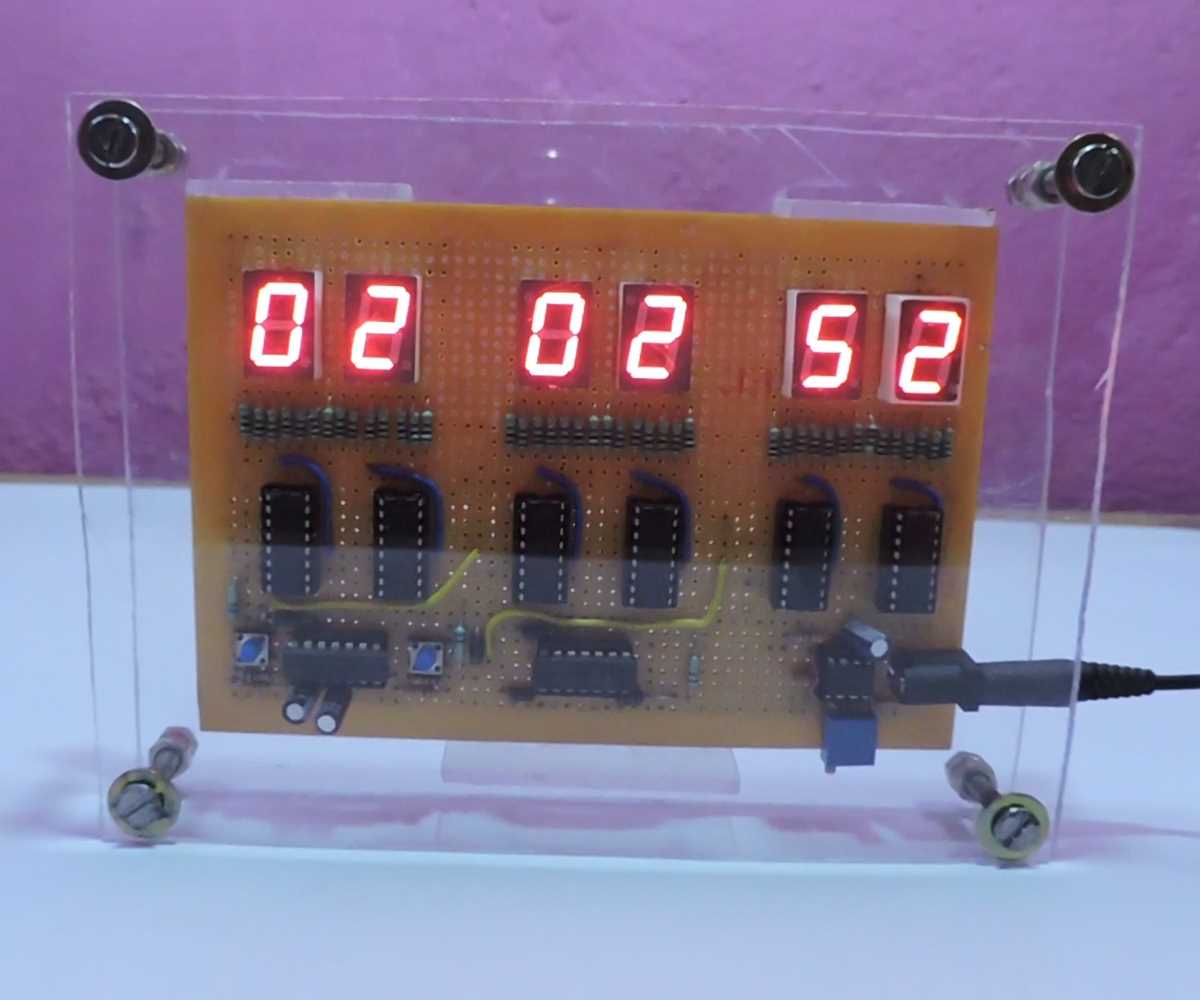
- Verify all button inputs or external triggers individually. Press each control and confirm the module responds with the expected display change or internal state adjustment.
- Use a logic probe or oscilloscope to track pulse timing on clock and data lines. Ensure signals conform to the frequency requirements of the integrated components.
- Check segment outputs for continuity to avoid partial display or erratic behavior.
Performance Verification
- Run the module under normal load for at least 24 hours to observe timekeeping accuracy and stability.
- Cross-check display updates with a reference timer to detect drift or skipped increments.
- Document any irregularities and isolate them to power instability, connection faults, or defective components for targeted repair.