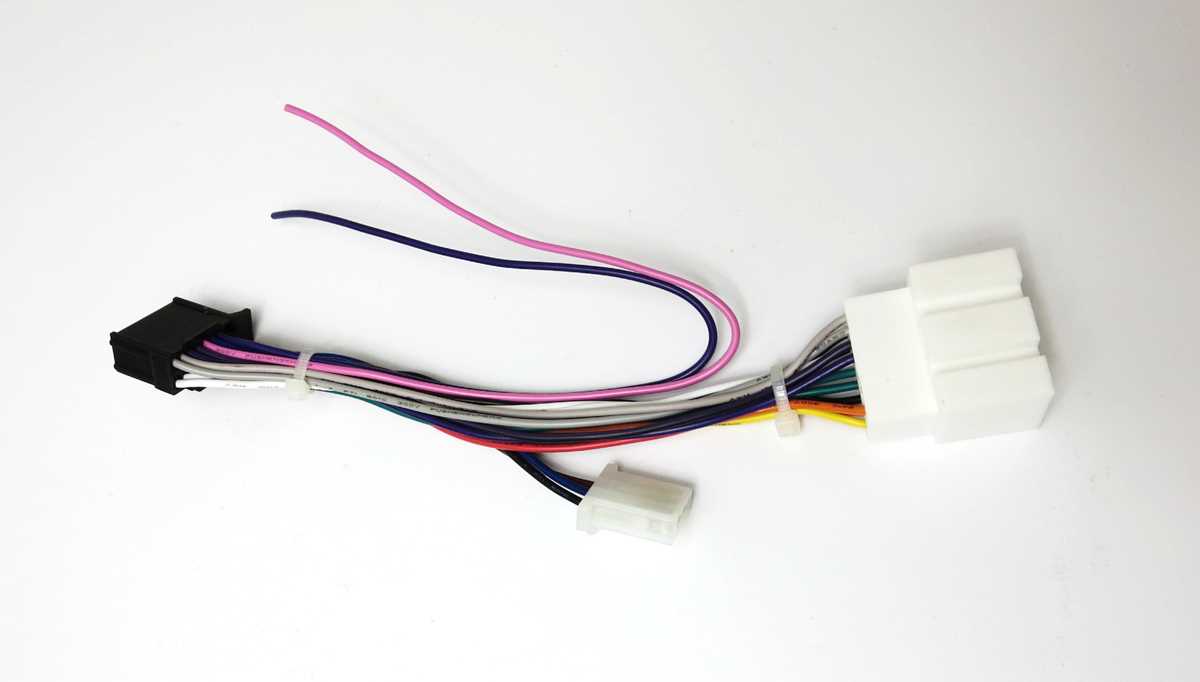
Start by identifying the main components of your system: the head unit, speakers, and power supply. Connecting these parts correctly is crucial to avoid damage and ensure smooth functionality. Make sure to have the right tools, such as wire strippers and crimp connectors, to handle the installation process with care.
Follow the wiring instructions closely to match the color codes on the wires. This will help you avoid mixing up positive and negative connections. A simple mistake in this step can result in malfunctioning speakers or even a short circuit. If your model includes an amplifier, ensure that it’s wired properly to handle the additional load.
Double-check all connections before turning on the power. This includes verifying ground connections and ensuring that each wire is securely attached. A loose wire or improper grounding can cause issues such as poor sound quality or system failure. Take your time to ensure everything is set up correctly for the best results.
Connecting Your System Components
Begin by correctly identifying the input and output connections for your unit. Pay special attention to the power, ground, and speaker terminals. Use the provided wire color codes to match each wire to its corresponding terminal, ensuring a secure connection. Properly grounding the system is essential for preventing electrical issues.
Always check for loose connections before powering on the system. A loose or incorrectly connected wire can result in poor performance, including weak audio output or even system failure. Ensure that all cables are tightly connected to prevent any disruptions during use. When connecting the speaker wires, ensure they are firmly attached to avoid rattling or distortion.
For additional security, use heat shrink tubing or electrical tape around any exposed wire to prevent short circuits or accidental disconnections. It’s also a good idea to route the wires along the edges of your vehicle to keep them neat and out of the way, ensuring no interference with other components. Checking the connections after installation can save you from dealing with troubleshooting later on.
Understanding the Basic Wiring Connections for Pioneer Audio Systems
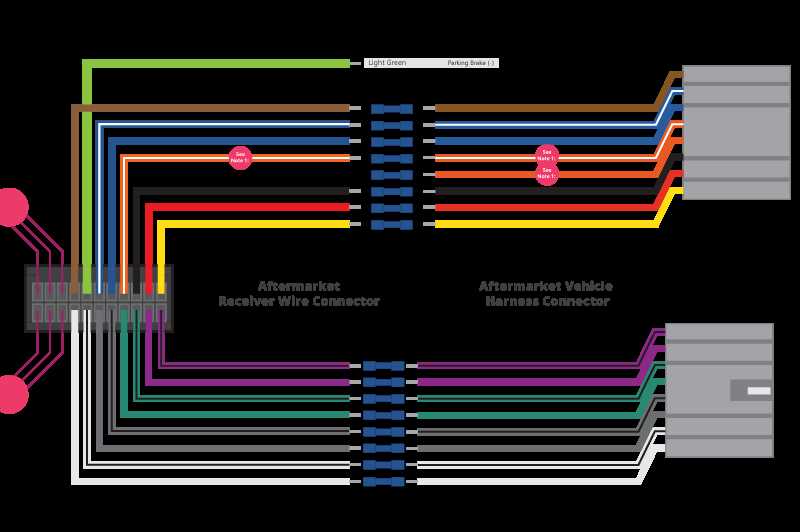
Start by identifying the power source for your system. Typically, the power wire connects directly to the vehicle’s battery. This wire should be thick enough to carry the required current without overheating. Pay attention to the fuse placement, which should be close to the power source to protect the system from overload.
Grounding the System Properly
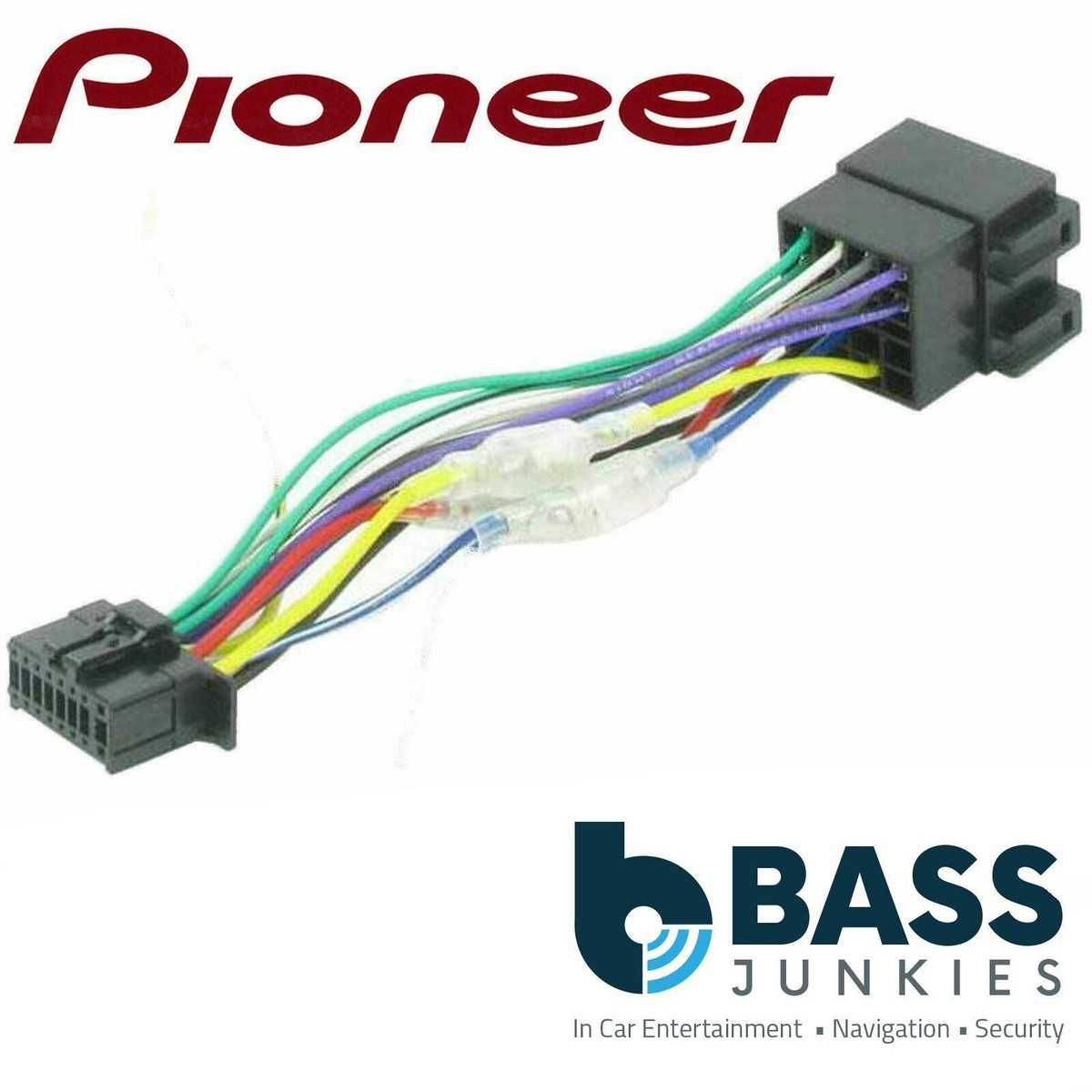
The ground connection is just as important as the power supply. To prevent electrical interference or damage, ensure the ground wire is securely connected to a clean, unpainted metal surface on your vehicle. A good ground connection will minimize noise and improve the overall performance of your equipment.
Connecting the Speakers
Speaker connections are typically color-coded, with red usually indicating the positive terminal and black indicating the negative. It’s important to maintain consistency when connecting each speaker to the system. Check the speaker’s impedance to ensure the system will operate correctly without overloading.
- Red wire: Positive terminal
- Black wire: Negative terminal
Ensure that you connect each speaker wire securely to its respective terminal. A loose connection can result in weak sound output or distortion. If you’re wiring multiple speakers, make sure to follow the correct series or parallel connection based on the system requirements to achieve the desired sound quality.
For amplifiers, the connection should follow similar guidelines. Ensure the power input wire is connected correctly, along with the remote turn-on wire. This wire allows the amplifier to turn on automatically when the system is powered up. Always connect the ground wire securely to avoid hum or buzzing noises.
Dealing with RCA and AUX Inputs
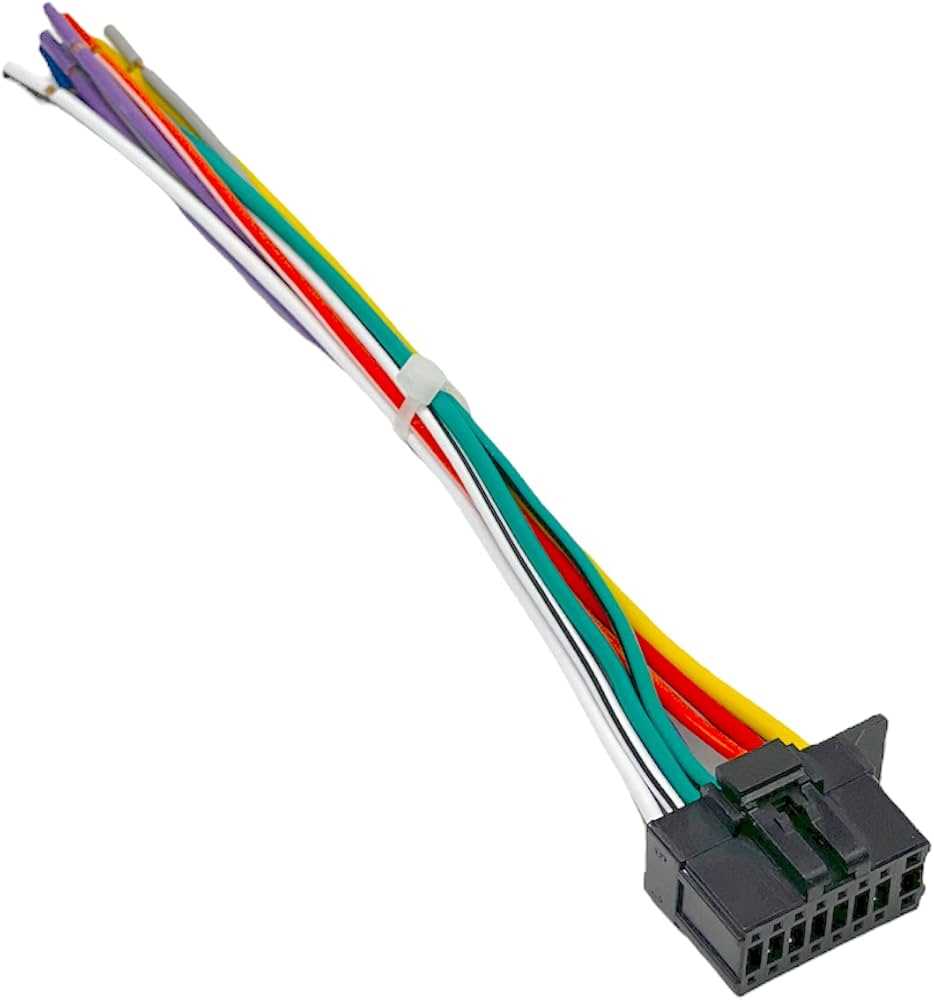
If your system includes RCA or AUX inputs for external devices, connect these wires to the corresponding terminals on your head unit. Ensure you match the red and white RCA cables correctly–red for the right channel and white for the left channel. These connections are vital for the quality of your audio playback from external sources.
Finally, double-check all connections before powering the system. Loose or incorrect wiring can lead to failure or damage to the components. Take your time to ensure everything is securely in place for the best performance.