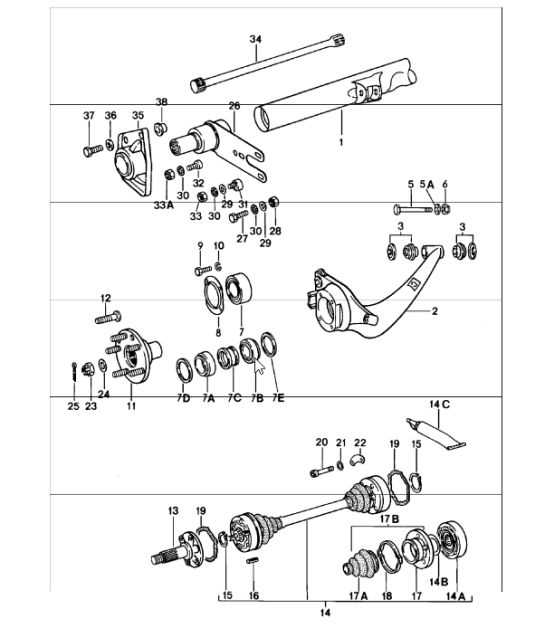
Select factory-grade schematics tied to the exact VIN before any repair or retrofit. This approach prevents mismatched fasteners, incorrect torque specs, and ordering errors that delay work. For high-performance German sports cars, a single misplaced connector or seal can trigger fault codes or fluid leaks, so visual mapping must match the production year and drivetrain configuration.
Use exploded views that separate assemblies down to subframes, suspension arms, cooling circuits, and electrical routing. Clear callouts for bolt lengths, thread pitch, and material grade reduce guesswork. Air-cooled and water-cooled generations differ sharply, as do manual versus dual-clutch layouts; relying on generic drawings leads to rework.
Prioritize sources that annotate revisions and superseded items. Mid-cycle updates often change sensor locations, bracket geometry, or hose routing without obvious external clues. Cross-checking these notes saves hours during installation and avoids compatibility issues with control modules.
For diagnostics, follow schematics that align wiring colors, connector IDs, and grounding points with the vehicle’s harness. This level of detail speeds tracing intermittent faults and ensures replacements integrate cleanly with existing systems.
Practical Use and Interpretation of Factory Component Schematics
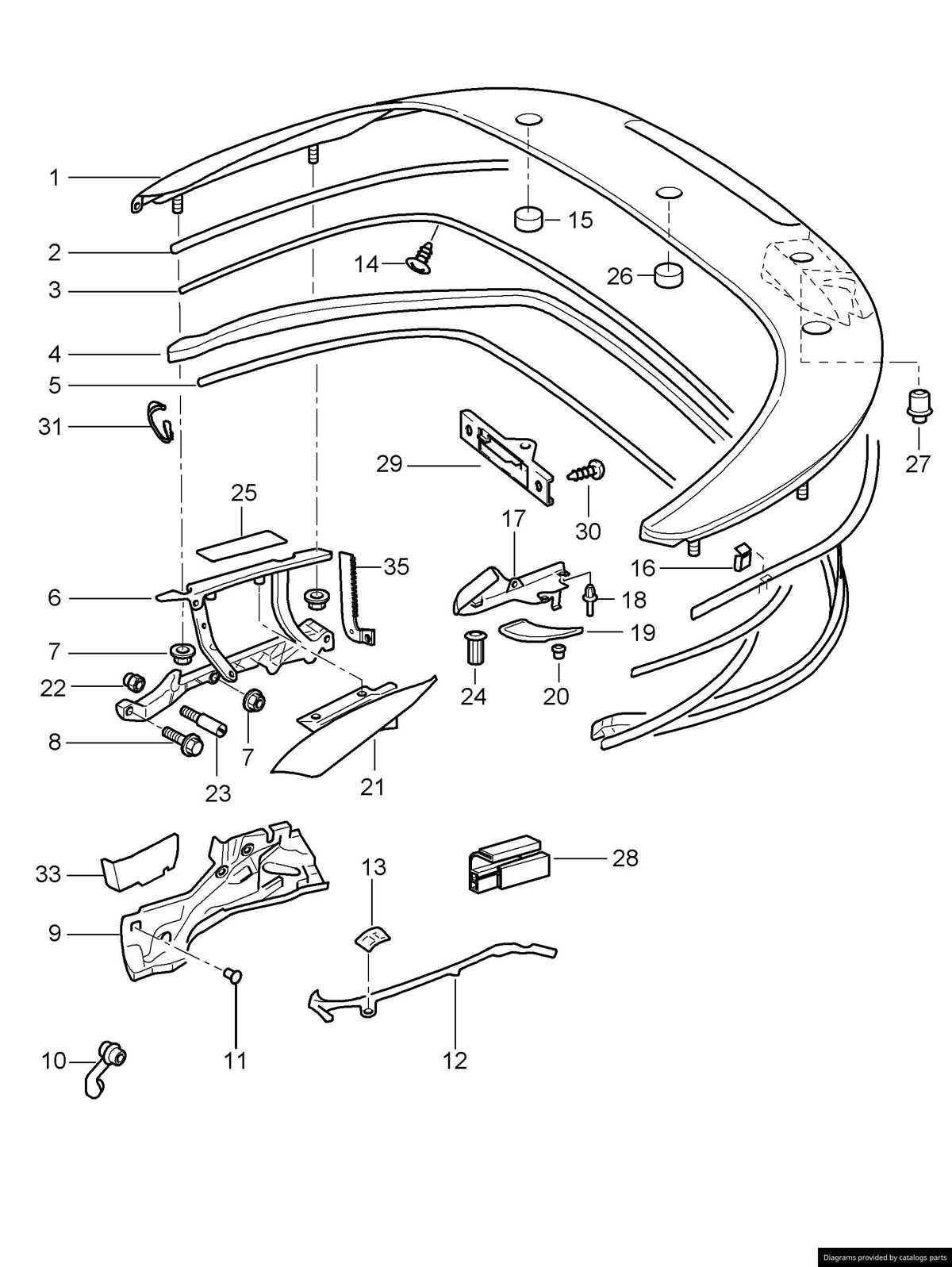
Verify the vehicle’s VIN and option codes before opening the factory schematic; this filters assemblies by model year, drivetrain, and market specification, preventing mismatched hardware orders.
Read the exploded view from the center outward: major assemblies sit centrally, while brackets, seals, and fasteners radiate with numeric callouts that map to a legend listing quantities, finishes, and supersession notes.
Cross-check revision dates shown near the header; later revisions often replace earlier bolts or gaskets with updated materials, and ignoring this leads to fitment conflicts.
Use left/right orientation markers and axle arrows to avoid mirrored selections; front and rear subassemblies may share visuals yet differ by thread pitch or length.
Pay attention to fastener metadata in the legend: shank length, head type, coating, and torque class appear as abbreviations; match these exactly rather than substituting visually similar hardware.
Confirm compatibility by comparing assembly group codes across adjacent pages; cooling, intake, and lubrication modules frequently intersect, and a seal may appear under multiple groups with different quantities.
Leverage notes attached to callouts for production breaks; mid-year changes can alter sensor connectors or hose routing without altering the main illustration.
Before checkout, validate quantities against the exploded view count; washers and clips are often listed separately and omitted if only the primary item is selected.
For workshop use, annotate the schematic with torque values from the service manual and mark one-time-use items; this reduces rework during reassembly.
How to Read Factory Component Schematics to Identify Exact Component Numbers
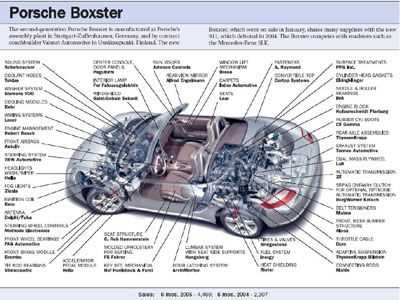
Use the vehicle identification code as the primary filter before viewing any factory schematic; this narrows the catalog to the exact body style, engine revision, drivetrain layout, and production month, which prevents mismatched listings.
Match the callout numbers in the exploded illustration with the adjacent index table; each callout corresponds to a single catalog code, while similar shapes with different callouts indicate separate variants rather than interchangeable items.
Check orientation markers such as “LHD/RHD,” axle arrows, and left–right abbreviations; mirrored items often share visuals but carry distinct catalog codes tied to steering position or side.
Read the quantity column carefully; values like “2 per car” or “as required” signal whether multiple fasteners or seals share one catalog code or vary by assembly location.
Review supersession notes and arrows in the listing; older catalog codes may be replaced by newer ones due to material changes or supplier updates, and only the latest code should be ordered.
Scan footnotes linked to small symbols near the callout; these notes define chassis ranges, engine numbers, or market-specific constraints that split one illustration into multiple valid options.
Verify color, finish, and trim codes listed after the main catalog code; identical shapes can differ by coating or interior tone, which affects fit and appearance.
Confirm revision dates shown at the bottom of the catalog page; later revisions override earlier illustrations, reducing the risk of selecting outdated components.
Using Vehicle Schematics to Match Components with Specific Models and Years
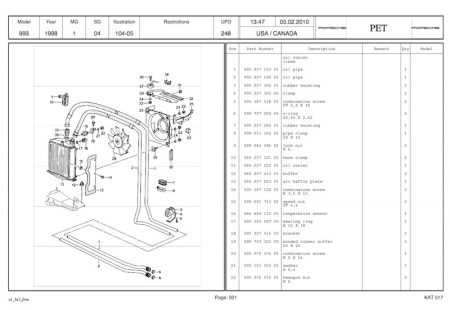
Use the factory exploded view tied to the VIN to confirm compatibility before ordering any replacement item. Enter the full 17-character VIN in the manufacturer’s catalog to filter by model line, production month, drivetrain layout, and market specification.
Cross-check the illustration index with option codes printed on the vehicle data sticker. Suspension arms, brake carriers, and cooling hardware often change with option groups such as sport chassis, ceramic brakes, or regional emissions packages.
Verify engine and transmission identifiers shown in the catalog notes. Flat-six variants with different displacement or induction share housings but differ in internal hardware; the schematic callouts list revision letters that separate early and late production runs.
Match axle and body style explicitly. Coupé, Cabriolet, and Targa layouts use distinct mounting brackets and fasteners, while front- and rear-wheel-drive configurations alter hub dimensions and half-shaft lengths.
Confirm production year breaks shown alongside the illustration. Mid-year updates can introduce new connectors, sensors, or gaskets; the catalog marks these changes with chassis number ranges rather than calendar years.
Compare the callout number from the exploded view with the supersession table. If an item number has been replaced, the table lists the current substitute and the exact model years it supports.
Finish by measuring critical dimensions listed in the notes–diameter, thread pitch, torque spec–to validate the match against the installed item, avoiding mismatches caused by visual similarity alone.