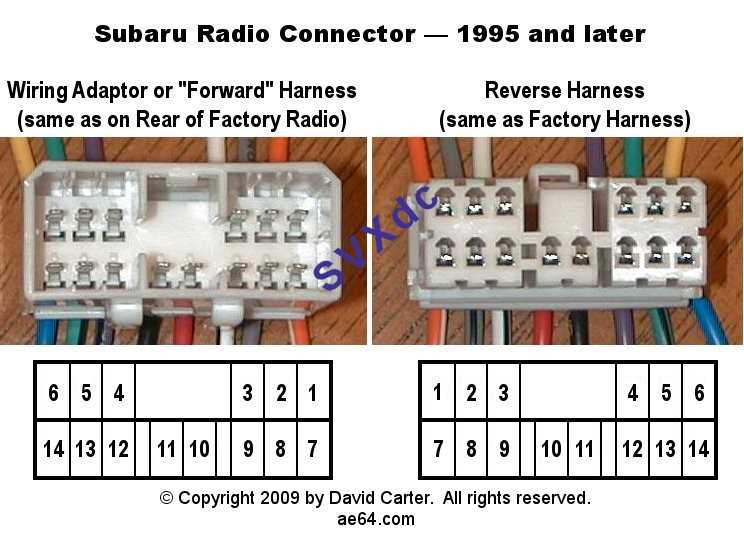
Before starting the installation, verify the color code and pinout of your car stereo to ensure proper connection to the power supply, speakers, and other components. This step is crucial to avoid any mistakes that could lead to malfunction or damage.
Next, focus on the power and ground wires. The red wire typically connects to the ignition, providing power when the car is on. The black wire should be connected to a solid ground point to avoid electrical issues. Make sure these connections are secure and free from corrosion.
Afterward, address the speaker connections. Each speaker wire will have a specific pairing, and incorrect connections can lead to poor sound quality or even equipment damage. Use wire strippers to prepare the wires, and twist them securely before connecting them to the correct terminals.
Pioneer Audio System Wiring Setup
Begin by identifying the key connections on the car stereo harness. The main wires you’ll be dealing with include power, ground, speaker outputs, and the antenna. Each connection has a specific color code, so refer to the manual to ensure you’re connecting everything correctly.
The red power wire should be connected to the ignition or an accessory wire, while the black wire connects to a reliable ground. A poor ground connection can cause significant electrical issues, so ensure the black wire is securely attached to a clean, metal surface.
For speaker connections, check the wire pairings carefully. Typically, each speaker will have a positive and negative lead, with the positive wire usually marked with a stripe or a different color. Correct pairing ensures that sound flows in the right direction through the speakers.
- Front Left: Usually white
- Front Right: Usually gray
- Rear Left: Usually green
- Rear Right: Usually purple
Once all wires are connected, test the system before final installation. Power up the stereo and verify that each speaker works, the sound is clear, and that there are no short circuits. Troubleshoot any issues by checking the wire connections and ensuring they’re firmly in place.
After confirming everything is in order, secure the stereo in place, ensuring that no wires are pinched or exposed. This prevents potential damage during regular use. Make sure to check all components again before finishing the setup to avoid any costly mistakes.
Understanding the Pinout and Wire Color Codes
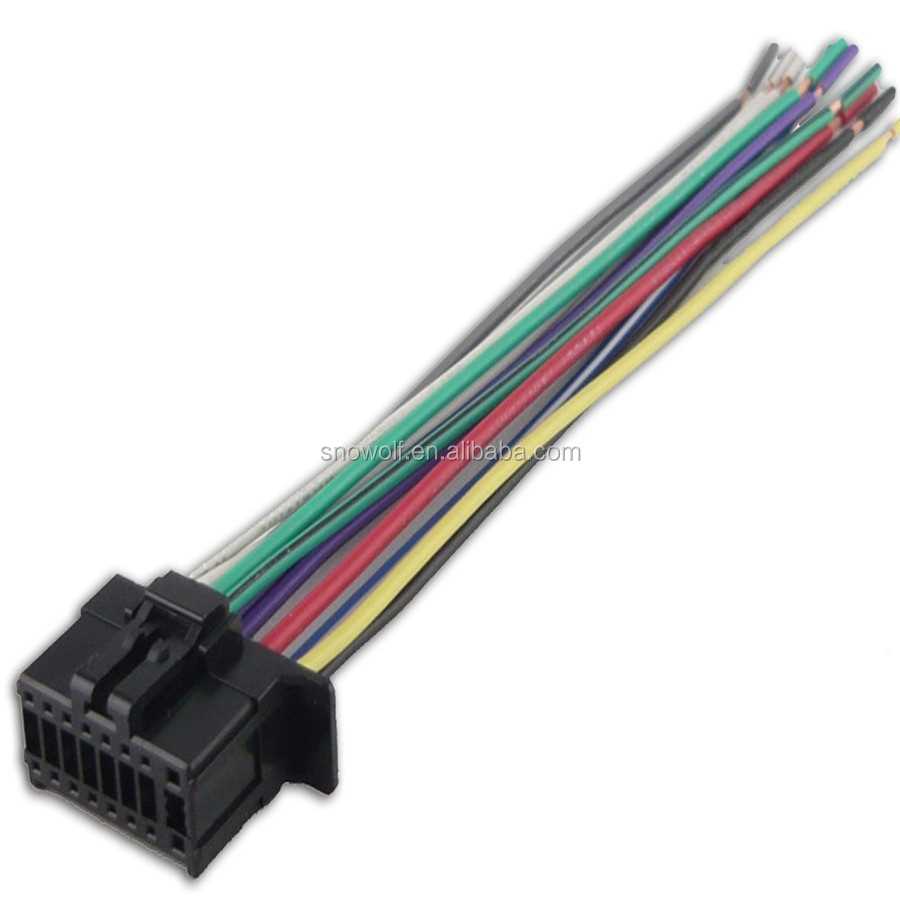
The first step in setting up your stereo system is identifying the pinout and the associated color codes for each wire. This is critical for ensuring that the connections are made correctly and without confusion. Most car stereos follow a standardized color-coding system, so make sure to verify these codes before proceeding.
The red wire is typically the constant 12V power supply, which is responsible for maintaining the memory settings of the stereo when the car is off. The yellow wire, on the other hand, is often used for the switched 12V power, connected to the ignition system. Both are necessary for the proper operation of the device.
The black wire is the ground, which should be securely connected to a clean metal surface within the vehicle. A poor ground connection can lead to electrical interference or malfunction. It’s crucial to use a bolt or screw to fasten the wire firmly, ensuring a solid connection.
- Red: Ignition (Switched 12V)
- Yellow: Constant 12V Power
- Black: Ground
- Blue: Power antenna (if applicable)
- Green, Gray, Purple, White: Speaker wires
Finally, speaker wires usually come in pairs, with the positive and negative leads often indicated by the color of the wire or a stripe. The color coding for the speakers typically follows a standard that matches the corresponding location of each speaker in the vehicle. It’s important to pair the correct wires for each speaker to avoid audio issues.