
Identify the power, ground, and speaker leads before connecting any components. Most head units use a yellow lead for constant 12V power, a red lead for ignition-switched power, and a black lead for ground. Confirm these connections with a multimeter before attaching them to the vehicle harness to avoid damage to the audio unit.
Match speaker channels using the standard color pairs. Typical sets include white and white with black stripe for front left, gray and gray with black stripe for front right, green and green with black stripe for rear left, and purple and purple with black stripe for rear right. Solid colors usually represent positive terminals, while striped versions represent negative terminals.
Keep signal cables separated from power lines whenever possible. Routing them along different sides of the dashboard reduces electrical interference and prevents background noise through the speakers. Secure all connections using crimp connectors or solder joints and insulate exposed metal with heat shrink tubing.
After connecting every lead, reconnect the vehicle battery and test the unit before reinstalling dashboard panels. Verify that memory settings remain stored after the ignition is turned off and confirm that each speaker channel produces clear sound without distortion.
Wiring Radio Diagram

Begin by locating the constant 12-volt supply and ignition-switched line in the vehicle connector. The constant feed maintains memory for presets, while the ignition lead powers the head unit only when the key is turned. Use a multimeter to confirm voltage levels before attaching any leads to avoid blowing the fuse in the audio unit.
Power and Ground Identification
The ground connection must attach to clean, unpainted metal on the chassis. A poor ground often causes humming or intermittent shutdowns. The constant power line usually appears yellow and should connect to the battery feed through the vehicle fuse panel, while the ignition line–commonly red–links to the accessory circuit controlled by the key switch.
Speaker Channel Connections
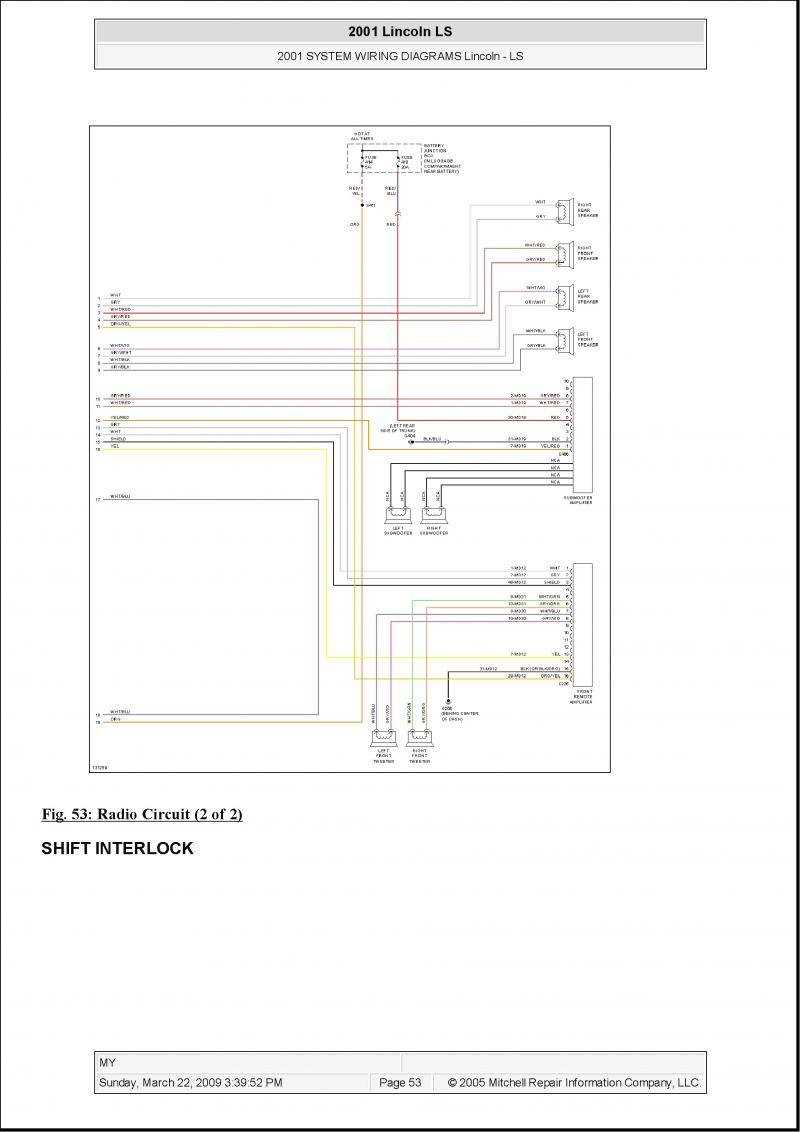
Match speaker pairs carefully. Standard color groups include white and white with black stripe for front left, gray and gray with black stripe for front right, green and green with black stripe for rear left, and purple with purple-black stripe for rear right. Solid colors indicate positive terminals, striped versions indicate negative. Secure each joint with crimp connectors or solder and cover exposed metal with heat shrink to prevent short circuits.
Route signal cables away from high-current power lines behind the dashboard. This reduces electrical noise that can enter the audio path. After connecting everything, reconnect the battery and test each speaker channel separately to confirm balanced output and correct polarity.
Understanding the Basic Connections for a Car Audio System
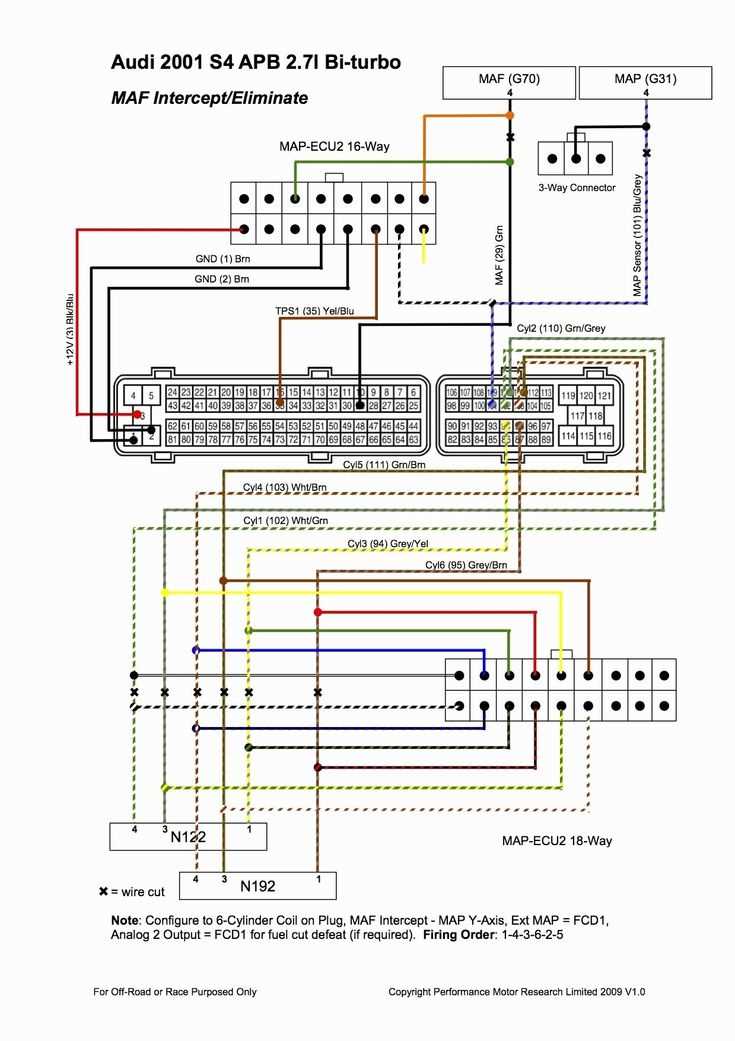
Locate the constant power lead, ignition-switched supply, and chassis ground before connecting the head unit. The constant 12-volt line keeps memory settings active, while the ignition line turns the unit on only when the key is in the accessory or run position. Ground must attach to bare metal on the vehicle body; paint or corrosion at this point often causes noise or unstable operation.
Next match speaker channels and accessory leads. Most vehicle audio connectors follow a consistent color pattern:
- White pair – front left speaker
- Gray pair – front right speaker
- Green pair – rear left speaker
- Purple pair – rear right speaker
Solid colors indicate positive terminals and striped versions indicate negative. Secure each connection with crimp connectors or solder joints, insulate exposed metal, and test every channel before reinstalling the dashboard trim.