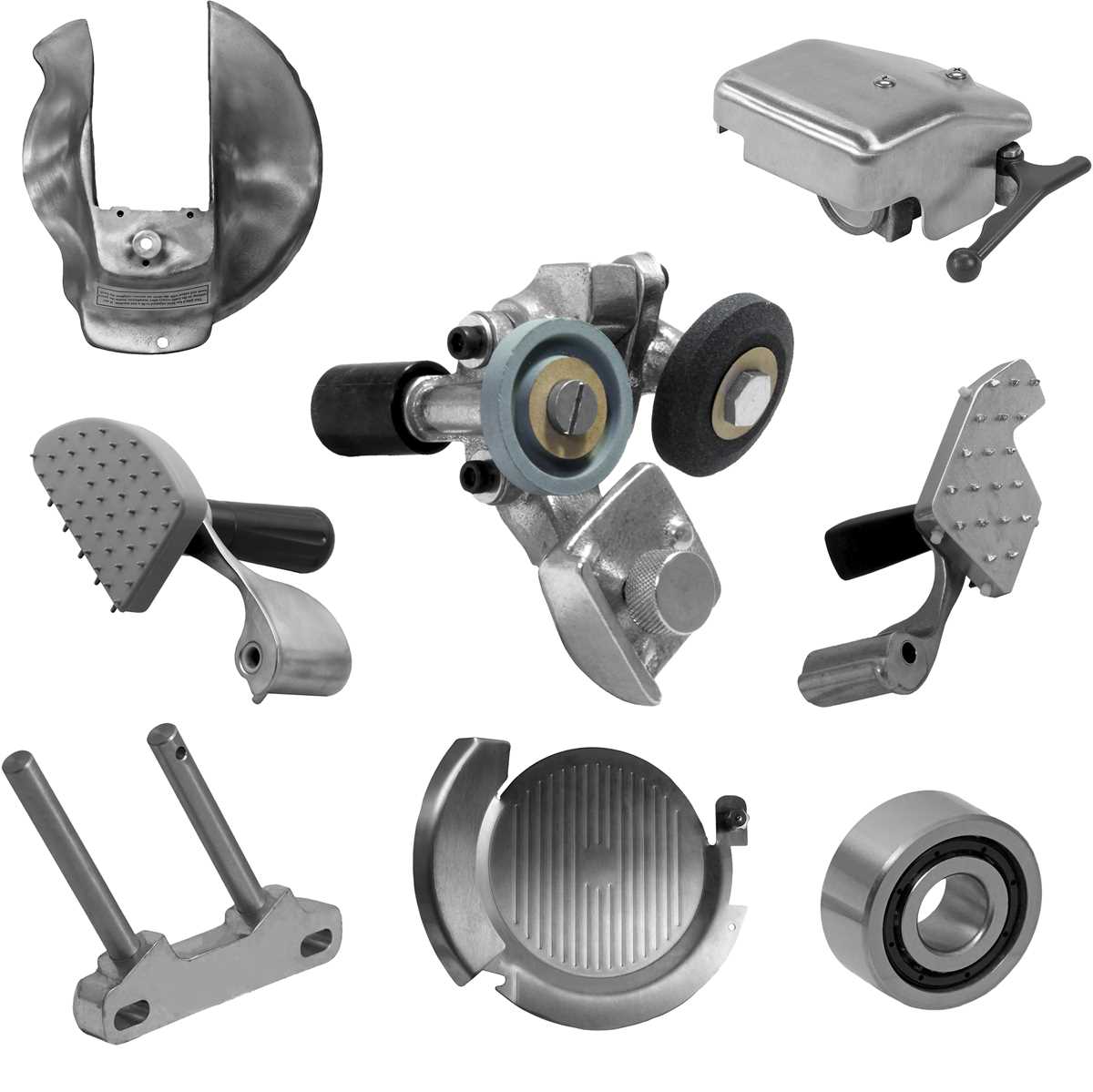
To efficiently troubleshoot and repair your machine, start by referencing the visual guide that shows all the components. This will help you quickly pinpoint any damaged or worn-out parts.
Identify the problem area by focusing on the symptoms you’re experiencing, whether it’s a lack of power, unusual noises, or poor performance. Once you’ve located the faulty component in the schematic, you can plan your next steps for replacement or repair.
Using the detailed breakdown, follow the step-by-step instructions for removing and replacing the faulty piece. It’s important to carefully check the component’s condition before ordering a replacement to ensure it’s the correct fit.
Breakdown of Key Components for Your Commercial Cutter
Start by locating the main control mechanism. This includes the motor, gear assembly, and the power switch, all of which play crucial roles in the operation of your equipment. Refer to the guide to find each piece and confirm whether any show signs of wear or malfunction.
Next, inspect the slicing mechanism. The blade, carriage, and drive belt are often the first parts to wear out. If you notice any sluggish movement or uneven cuts, these components are likely the cause. The visual breakdown highlights their precise positions for easier identification and replacement.
Finally, check the safety features. The locking mechanism, safety guards, and switches are all clearly labeled in the schematic. Make sure these are in proper working order to prevent accidents during operation. If any part is malfunctioning or missing, it’s crucial to replace it immediately.
How to Identify Damaged Components in Your Commercial Cutter
Begin by observing any irregularities in the machine’s operation, such as unusual noises, difficulty starting, or inconsistent cutting performance. These issues often point to specific damaged parts.
Inspect the motor and drive system if the unit struggles to start or if you notice a lack of power. Look for loose or worn-out belts and gears that could affect performance. Check the motor’s housing for any visible cracks or signs of overheating.
For issues with the cutting performance, examine the blade and carriage. If cuts are uneven or the blade is not rotating properly, there may be damage to the blade or the drive mechanism. Check the blade’s sharpness and alignment as well.
Also, check the safety features, such as the safety guard and locking mechanism. If these fail to engage or appear damaged, they should be replaced immediately. Ensuring these are in good working condition is vital for safe operation.
If you’re unsure about a component’s condition, consult the visual guide to match the damaged part with its corresponding piece in the diagram for accurate identification and replacement.
Step-by-Step Instructions for Replacing Faulty Components in Your Equipment
First, disconnect the unit from the power source to ensure safety during the repair process. Always double-check that the machine is fully powered off before starting.
Next, locate the damaged part using the visual breakdown. If you’re replacing the blade or motor, carefully remove any screws or fasteners that secure the component in place. Keep these parts organized for reassembly.
Once you’ve removed the faulty piece, compare it with the new replacement part to verify compatibility. If you’re replacing a motor or drive component, ensure the new part is properly aligned with the remaining components.
Install the new part by reversing the removal steps. Secure all fasteners tightly but be cautious not to overtighten, which could damage surrounding components.
After installation, check that the component operates smoothly by manually testing the movement or functionality. Finally, reconnect the power and run the machine through a test cycle to ensure the issue has been resolved.
Common Issues and Troubleshooting Tips for Your Commercial Cutter
If the unit isn’t turning on, check the power cord and plug for any visible damage. Ensure the power switch is functioning properly and that the fuse hasn’t blown. A malfunctioning motor can also prevent operation, so inspect it for signs of wear.
Inconsistent cutting can often be traced to the blade. Ensure it’s properly aligned and sharpened. A dull or misaligned blade will cause uneven slices, which can affect the overall performance. If the blade isn’t moving smoothly, check the drive components for any obstructions or wear.
If the unit is vibrating excessively during use, inspect the feet and base for any loose screws or parts. Loose components can cause instability and impact the machine’s performance. Tighten any bolts or screws that are out of place.
Leaks are often caused by worn-out seals or hoses. If liquid is leaking from the bottom, check the seals and replace them if necessary. Inspect any connections for tightness to avoid further leakage.
For machines that are making unusual noises, listen closely to determine the source. Grinding noises may indicate issues with the motor or gear assembly. If the sound persists, inspect these components and replace any damaged parts.