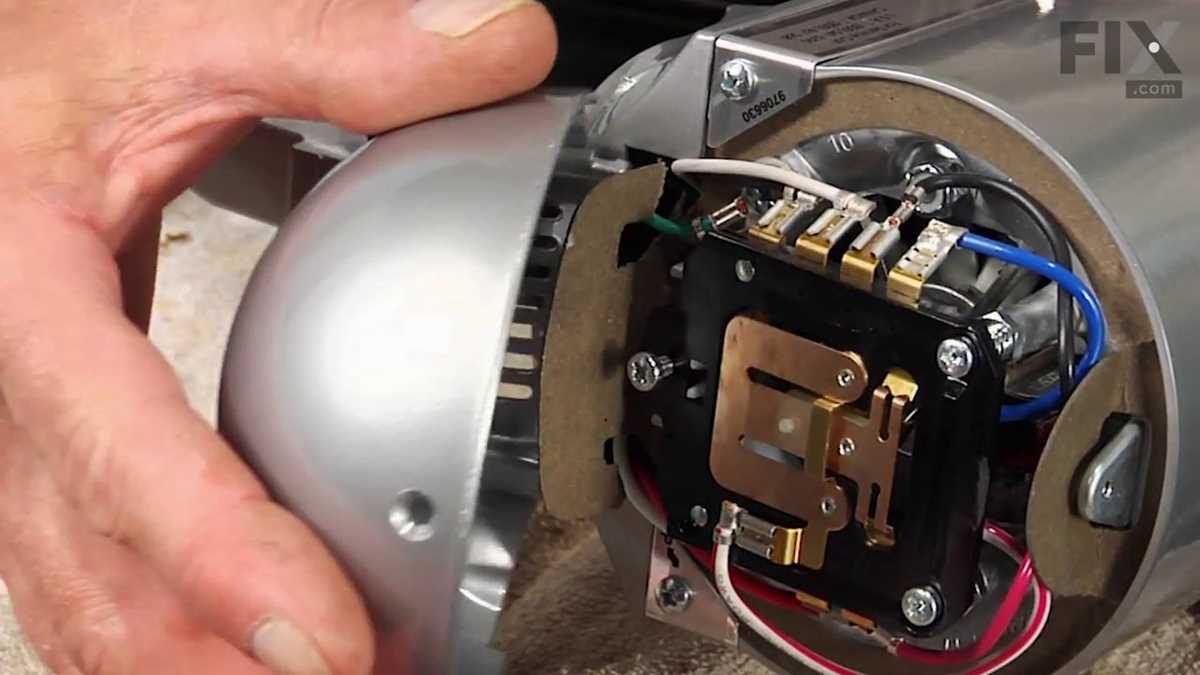
Understanding the layout and function of key components in your kitchen appliance can significantly enhance its performance and lifespan. The first step to maintaining your mixer is familiarizing yourself with its internal and external elements. Knowing how each part fits together and functions will help you troubleshoot any issues, from motor failure to speed control malfunctions.
If you’re facing issues with your mixer, whether it’s uneven mixing or mechanical noise, checking the most commonly worn parts is a good place to start. Regular inspection of the agitator, drive assembly, and the motor’s condition ensures optimal functioning and prevents more costly repairs in the future. Replacing these parts doesn’t always require professional help, and most tasks can be done with minimal tools and time.
For those who prefer DIY fixes, understanding how to access and remove key components will be crucial. Always ensure you have the correct replacement parts and refer to the official manuals to guide you through the process. This article will walk you through the most common parts that need replacement and how to safely replace them yourself.
Detailed Guide for Key Components in Your Mixer
The key to successful operation and longevity of your kitchen appliance lies in understanding its core components. Start by inspecting the motor and its drive system, as these are the heart of the appliance’s performance. If you notice the appliance not starting or the motor running intermittently, the motor coupling or the brushes may be worn out and need replacement. The motor coupling connects the motor to the transmission and is prone to wear over time.
Next, examine the mixing attachment system. The beater shaft and the agitator arms are subjected to a lot of pressure during use and can become loose or bent. These parts should fit tightly in their respective slots and rotate smoothly. If you notice any wobbling or a decrease in mixing efficiency, it’s often due to these components becoming misaligned or worn out.
Another crucial component is the planetary gear system, responsible for the rotational movement of the mixing attachments. Over time, the gears can wear down, resulting in less efficient mixing. Inspecting the gears for any visible damage or wear can help you identify issues early and avoid more serious breakdowns. If the gears show significant wear, replacing them promptly will restore the appliance to full functionality.
Lastly, always check the electrical connections and the control system. If your appliance isn’t responding to speed changes or shuts off unexpectedly, the control board or the speed control knob may be malfunctioning. Replacing these components can often resolve such issues, and most parts are relatively easy to find through authorized suppliers.
How to Identify Key Components in Your Stand Mixer
Start by inspecting the motor, which powers the entire unit. The motor is located at the bottom of the base and drives the entire mixing mechanism. If the unit isn’t starting, or the motor sounds unusual, it could be due to a damaged motor or a faulty electrical connection.
Next, check the mixing attachment system. The beater shaft is an important part that connects the mixing tools to the motor. It should rotate smoothly without any wobbling. If the shaft is not rotating properly, or if there is resistance, it could be a sign that the shaft is misaligned or damaged.
Inspect the planetary gear system. The gears are responsible for the movement of the mixing tools. If your mixer is struggling to turn the attachments or making grinding noises, this could indicate that the gears are worn out or need lubrication. Ensure that the gears are well-maintained and free from debris.
Also, examine the speed control mechanism. This typically includes a control knob or lever. If the speed doesn’t adjust properly or the mixer is stuck on a particular speed, the control switch or the wiring connected to it may be faulty. Replacing this component is often straightforward and can resolve the issue.
Finally, check the housing and outer casing for any cracks or signs of wear. The housing protects the internal components, and any structural damage can lead to overheating or loss of functionality. Ensure the outer casing is intact to keep the internal components safe.
Step-by-Step Instructions for Replacing Common Components
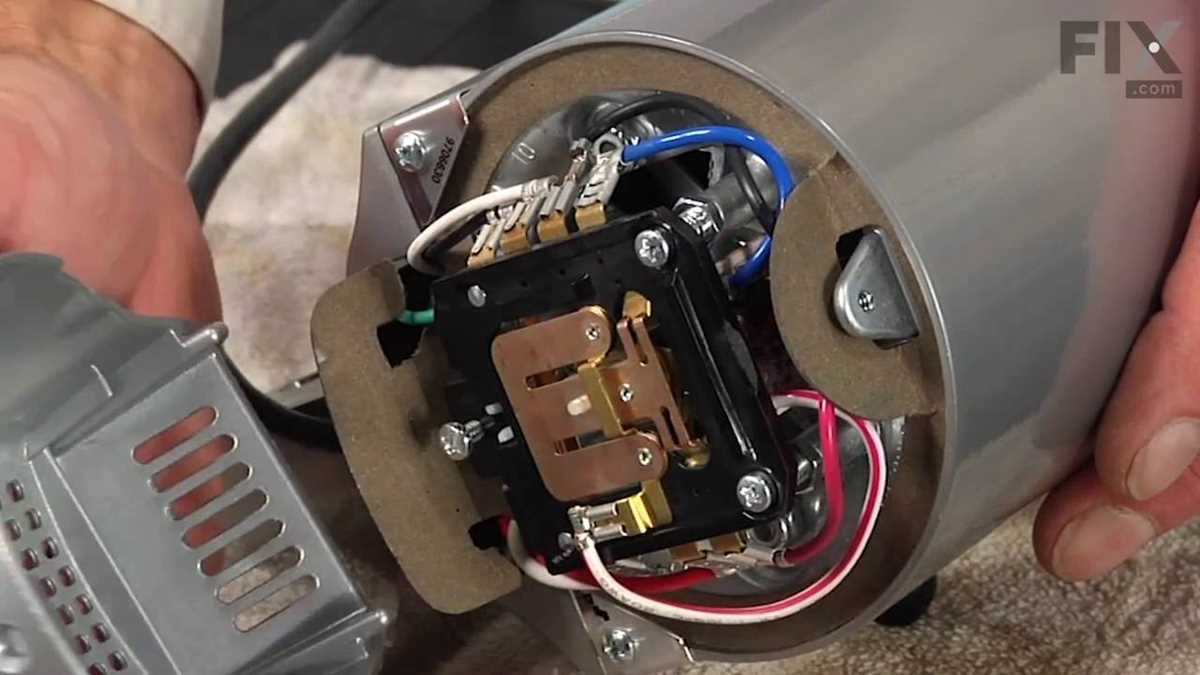
To replace the motor, first disconnect the unit from the power source. Remove the screws from the base and gently lift the top to access the motor. Disconnect the wires and unscrew the motor from its housing. Replace the old motor with a new one, reconnect the wires, and securely fasten the motor into place. Reassemble the unit and test the motor for proper function.
If the mixing attachment shaft is damaged, remove the attachments and unscrew the cover around the shaft. Use a wrench to remove the damaged shaft and replace it with a new one. Make sure the new shaft fits snugly and rotates smoothly before reassembling the cover and attachments.
For a malfunctioning speed control switch, first unplug the unit. Open the housing to access the control mechanism. Remove the screws holding the control switch in place. Disconnect the wires and replace the faulty switch with a new one. Reconnect the wires, secure the switch, and test the speeds to ensure the control works properly.
To address issues with the planetary gear system, begin by removing the attachments and unscrewing the base to expose the gear mechanism. Carefully inspect the gears for wear and tear. If needed, remove the old gears and replace them with new ones. Lubricate the gears as necessary and reassemble the unit. Test the mixing action to ensure smooth operation.
If the housing is cracked or damaged, first remove all internal components, including the motor and gears. Unscrew the outer casing and replace it with a new, undamaged housing. Once the new housing is in place, reassemble the internal parts and check the unit for any further issues.
Troubleshooting Common Issues in Kitchenaid K45SS Models
If the unit is not starting, first check if it is properly plugged into the power outlet. Inspect the power cord for any visible damage. If the cord appears intact, test the circuit breaker to ensure the power supply is functional. If the problem persists, the issue might be with the motor or the speed control switch, requiring further inspection and potential replacement.
If the mixing speed is inconsistent or too low, the issue could be with the speed control switch. Open the housing to access the control switch. If the switch is faulty, it may need to be replaced. Additionally, check the drive motor for any signs of wear or damage. If the motor is malfunctioning, replace it with a new one to restore proper functionality.
If the attachments are not rotating properly, inspect the planetary gear system for any obstructions or damaged components. Sometimes, debris can get stuck in the gears, hindering movement. If the gears are worn or damaged, they must be replaced to ensure smooth rotation. Lubricate the gears as needed to reduce friction.
If the unit is making unusual noises, this could indicate a problem with the motor bearings or internal gears. Open the unit and carefully examine the motor bearings for signs of wear. If the bearings are damaged, they need to be replaced. Check the gears for cracks or misalignment and replace them if necessary.
If the unit is overheating, it may be due to the motor running too long or being clogged with debris. Ensure the unit is not overloaded and that the ventilation openings are clear of dust or lint. Let the unit cool down before attempting to use it again. If the overheating continues, the motor may need to be replaced.