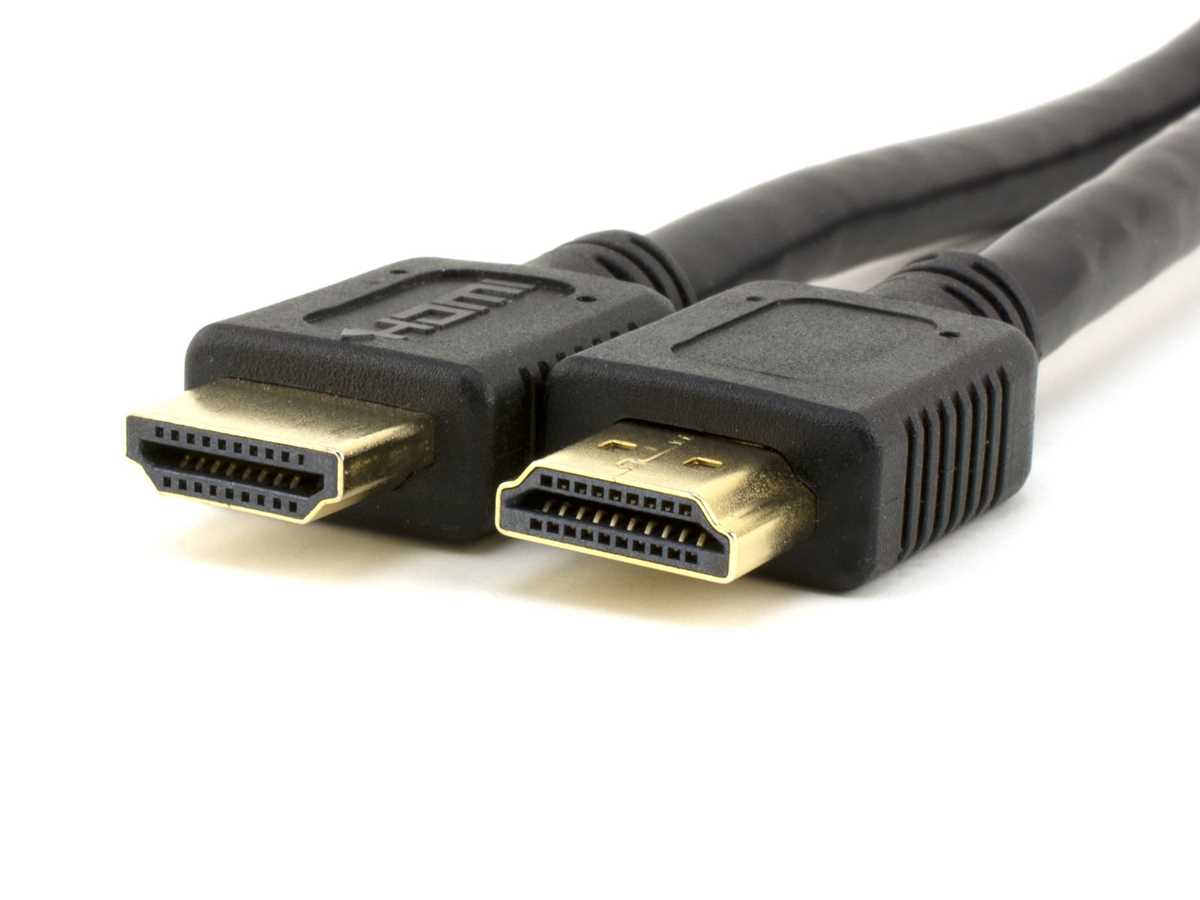
Match each pin to its corresponding signal line according to the standard color or numbering scheme. This ensures proper transmission of video, audio, and control signals without interference or loss.
Route conductors carefully through protective insulation to prevent bending near connectors and reduce electromagnetic interference. Keep power and data paths separate to maintain signal clarity.
Secure connector ends with strain relief to avoid loose contacts and maintain consistent performance over repeated insertions. Test continuity for each conductor using a multimeter before final assembly.
Document all connections and labeling to simplify future troubleshooting or replacements. Note pin assignments for video, audio, clock, and control signals to maintain accuracy across devices.
HDMI Cable Connection Guide
Identify each pin and match it to the corresponding signal for video, audio, clock, and control lines. Use color-coded or numbered references to avoid misconnection and signal loss.
Prepare conductors and connectors carefully by stripping insulation precisely and applying shielding to reduce interference. Maintain consistent spacing between twisted pairs to preserve high-speed data integrity.
Follow these steps for secure connection:
- Insert each conductor fully into its terminal and verify alignment.
- Use heat-shrink tubing or mechanical strain relief to prevent movement at the connector.
- Test continuity for each pin with a multimeter before powering devices.
- Label both ends to simplify troubleshooting or future replacements.
Identifying Pins and Signal Lines for Audio and Video
Start by labeling each connector pin according to its designated function, including video channels, audio pairs, clock signals, and control lines. Accurate identification prevents misconnection and preserves signal quality.
Use a reference chart to confirm pin assignments for different connector types. Note the orientation of the male and female ends to avoid reversing high-speed data paths that could damage equipment.
Separate high-speed video lines from low-frequency control and audio pairs to minimize crosstalk. Twisted pairs should remain uniform in length and spacing to maintain impedance matching.
Check continuity of each line with a multimeter before assembly. This verifies that conductors are not broken or shorted and that each pin corresponds to its intended destination on both ends.
Mark the ground lines clearly to avoid confusion during installation. Proper grounding reduces interference and ensures stable operation of sensitive video and audio signals.
Document all pin mapping and conductor routing in a sketch or spreadsheet. Include details for differential pairs, clock lines, and auxiliary signals to simplify troubleshooting or future upgrades.
Test signal integrity using a source and display device before final installation. Verify that video resolution and audio channels are transmitted without distortion, flickering, or dropouts to confirm correct pin connections.