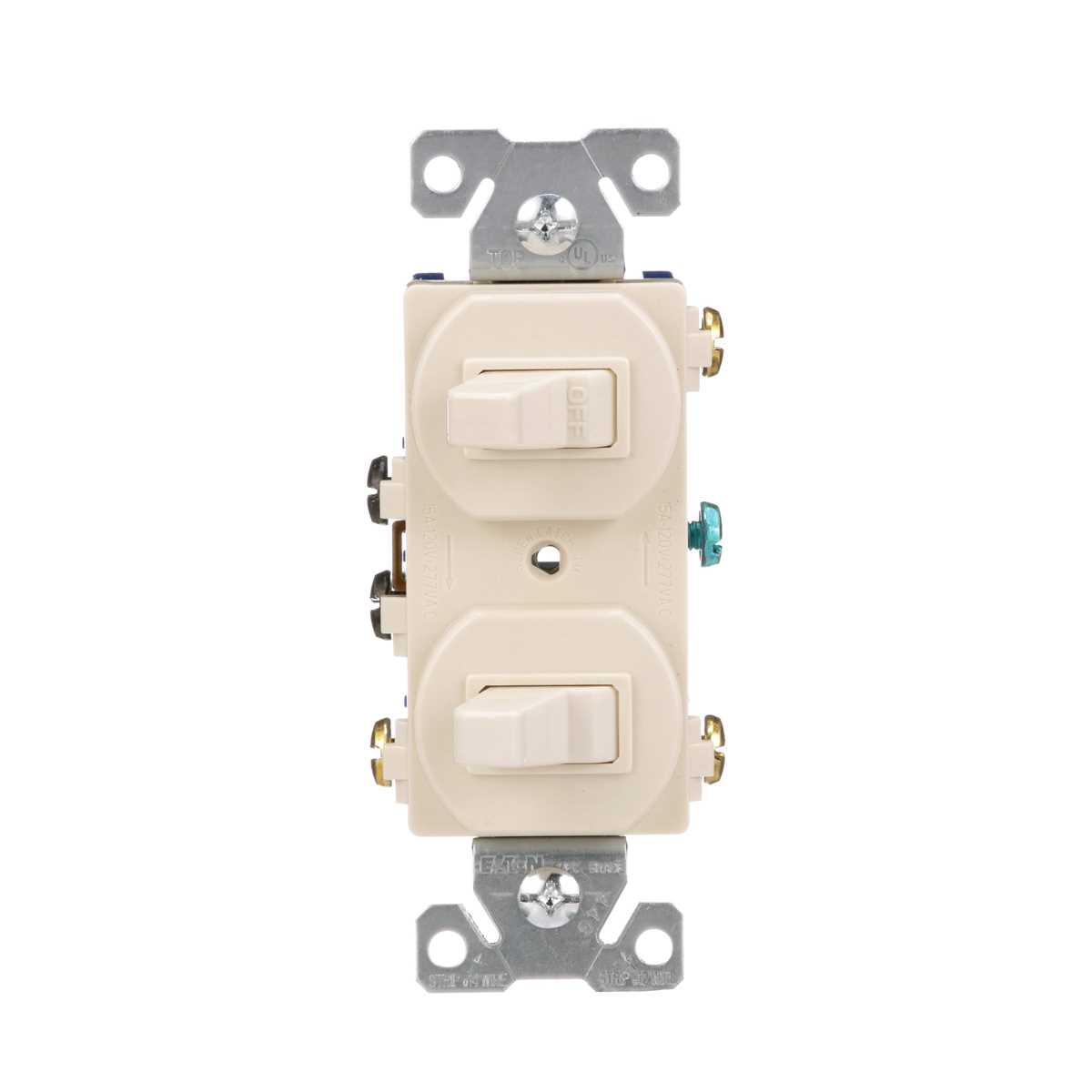
Connect the incoming power conductor to the line terminal on the wall control device and attach the outgoing conductor toward the lamp fixture to the load terminal. The grounding conductor must connect to the green screw linked to the metal mounting strap.
A standard residential control device contains two main terminals for power flow and one grounding point. The incoming phase conductor carries 120 volts from the breaker panel, while the outgoing conductor sends power toward the ceiling fixture or wall luminaire when the toggle mechanism closes the internal contacts.
Typical residential cable uses black for the phase conductor, white for neutral, and bare copper or green insulation for grounding. Only the phase conductor connects to the control device terminals. The neutral conductor usually bypasses the device and connects directly to the lamp holder inside the junction box.
Before connecting conductors, strip about 12–15 millimeters of insulation and form a small hook on the copper end. Place the hook clockwise around the terminal screw so tightening the screw pulls the conductor inward. Tight terminals reduce heat buildup and maintain stable electrical contact during repeated operation.
Eaton Light Switch Wiring Diagram With Terminal Layout and Connection Steps
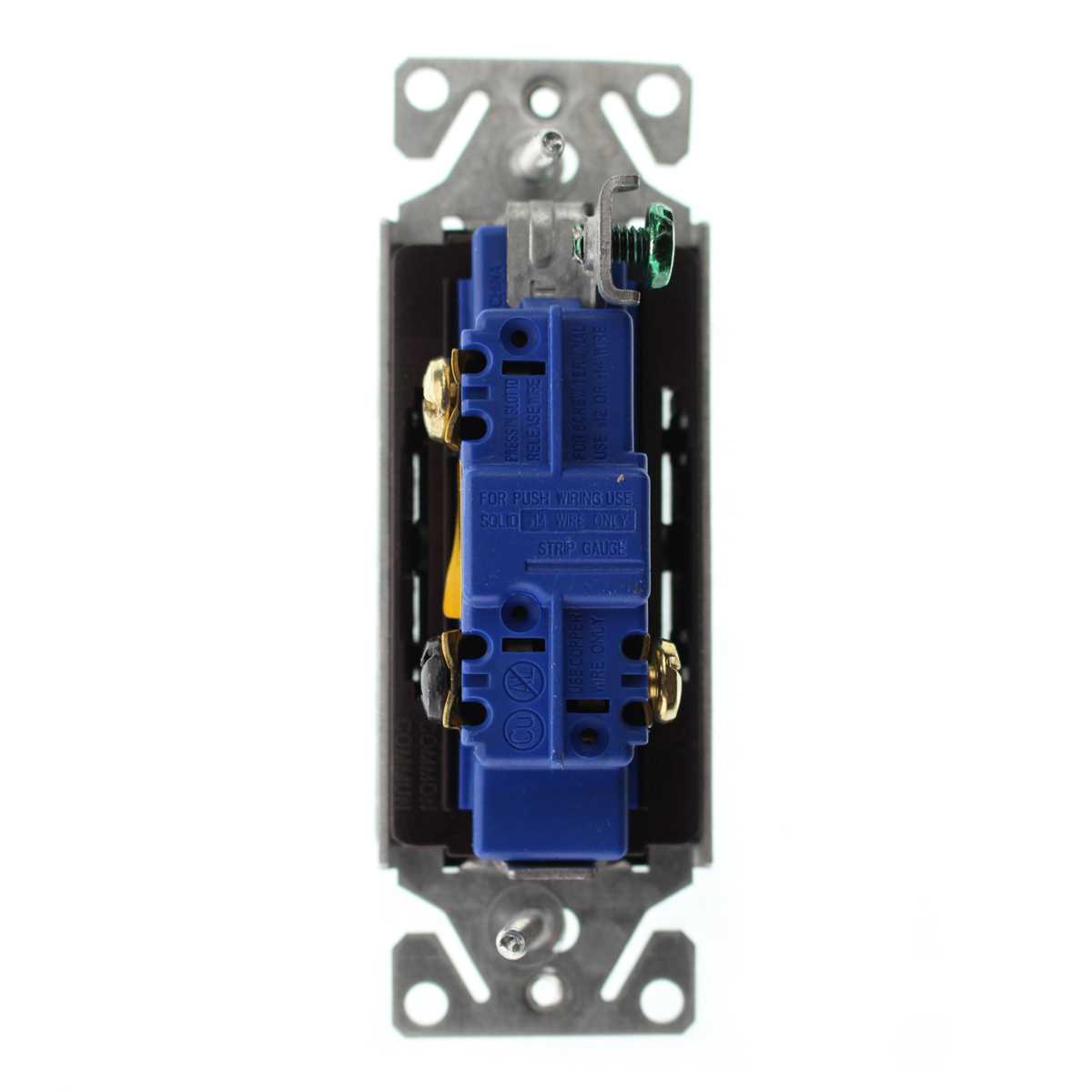
Turn off the circuit breaker and connect the incoming phase conductor to the terminal marked LINE. Attach the conductor leading to the ceiling fixture to the terminal marked LOAD. The grounding conductor must connect to the green screw fixed to the metal strap.
Inside a standard wall control device the terminals usually appear in three groups.
- Brass terminal for incoming phase conductor
- Brass terminal for outgoing conductor toward the fixture
- Green terminal connected to the grounding path
The neutral conductor normally does not connect to the wall control device. Instead, it passes through the junction box and connects directly to the lamp holder. Only the phase conductor is interrupted by the toggle mechanism.
Follow a clear installation sequence.
- Deactivate power at the breaker panel
- Strip about 12–15 mm of insulation from each conductor
- Form a clockwise hook on the copper end
- Tighten the terminal screw so the conductor sits firmly under the head
- Attach the grounding conductor to the green screw
Residential cable commonly uses these conductor colors.
- Black for incoming phase
- White for neutral path
- Bare copper or green insulation for grounding
After tightening the terminals, fold the conductors carefully into the wall box so no insulation is pinched by the mounting screws. The device strap must sit flat against the box before attaching the cover plate.
Restore power at the breaker panel and operate the toggle several times. The fixture should turn on and off instantly without flicker. Any delay or intermittent operation usually indicates a loose terminal or incorrect conductor placement.
Eaton Light Switch Terminal Identification Line Load and Ground Connections
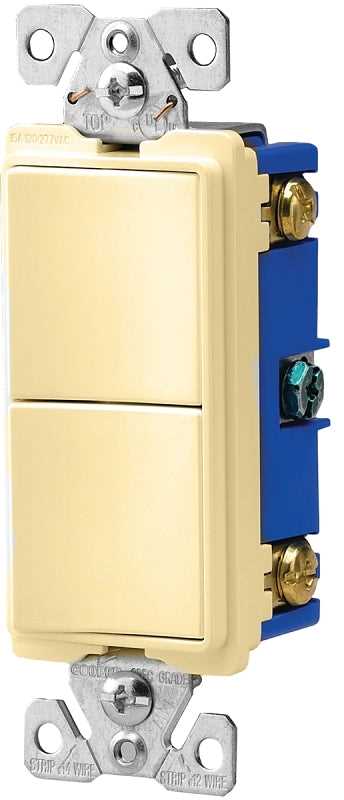
Connect the incoming phase conductor from the breaker panel to the terminal marked LINE, attach the conductor leading to the ceiling fixture to the LOAD terminal, and secure the grounding conductor under the green screw bonded to the metal mounting strap. This arrangement allows the internal contact mechanism to interrupt the phase conductor while the grounding path remains permanently connected to the device frame.
Terminal identification normally follows a clear layout: the two brass screws handle the phase path, while the green screw connects to the grounding conductor. The LINE terminal receives power from the supply cable, and the LOAD terminal sends power toward the lamp holder once the toggle mechanism closes the internal contacts. Neutral conductors usually bypass the control device completely and connect directly inside the junction box to the fixture neutral lead, forming a continuous return path for the circuit.