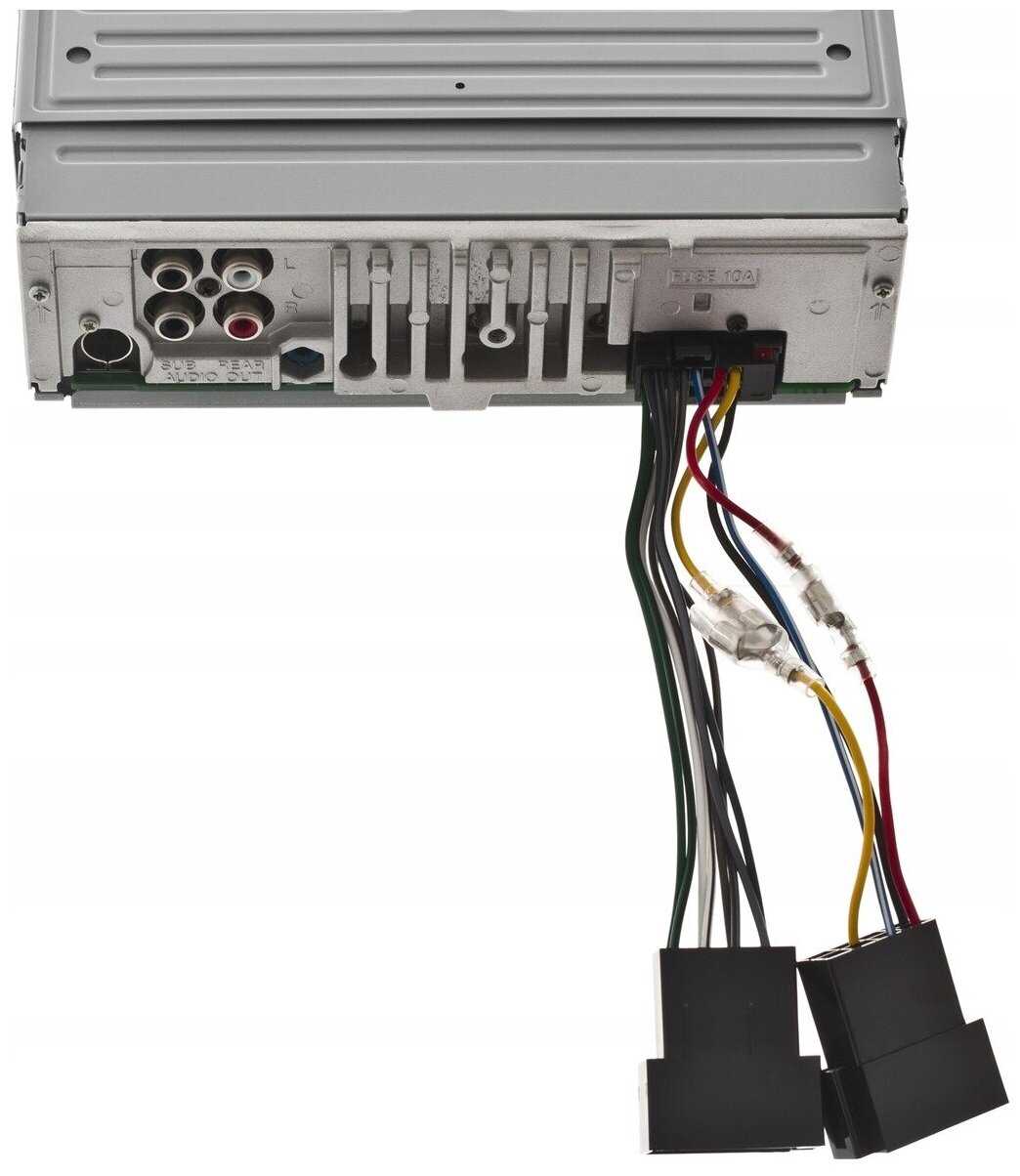
Connect the main 12-volt feed directly to a switched source in the fuse panel to prevent voltage drops at startup. Use a 20-amp inline fuse to protect the module and avoid splicing into accessory circuits.

Attach the negative coil terminal to the control module output and verify continuity with a multimeter. Color-coded wires–dark green for tach signal, black for ground–must match the unit’s connector for stable operation at all engine speeds.
Route speaker leads away from high-heat areas such as exhaust headers. Maintain twisted pairs for left and right channels to reduce interference. Crimp terminals securely and apply dielectric grease to prevent oxidation over time.
Bypass any inline resistors when supplying full voltage to the unit to stabilize idle and improve response. Check that the chassis ground is solid and shared between the main module and speaker outputs for consistent signal delivery.
Label each connection immediately after installation to simplify troubleshooting and prevent accidental cross-connections. Use color-coded tape or printed markers for clear identification of power, ground, and signal paths.
Verify all feeds under load before operating the system at high volume to detect voltage drops or loose terminals. Ensuring proper connections from the start avoids intermittent faults and maintains reliable performance over time.
Connection and Installation Guide
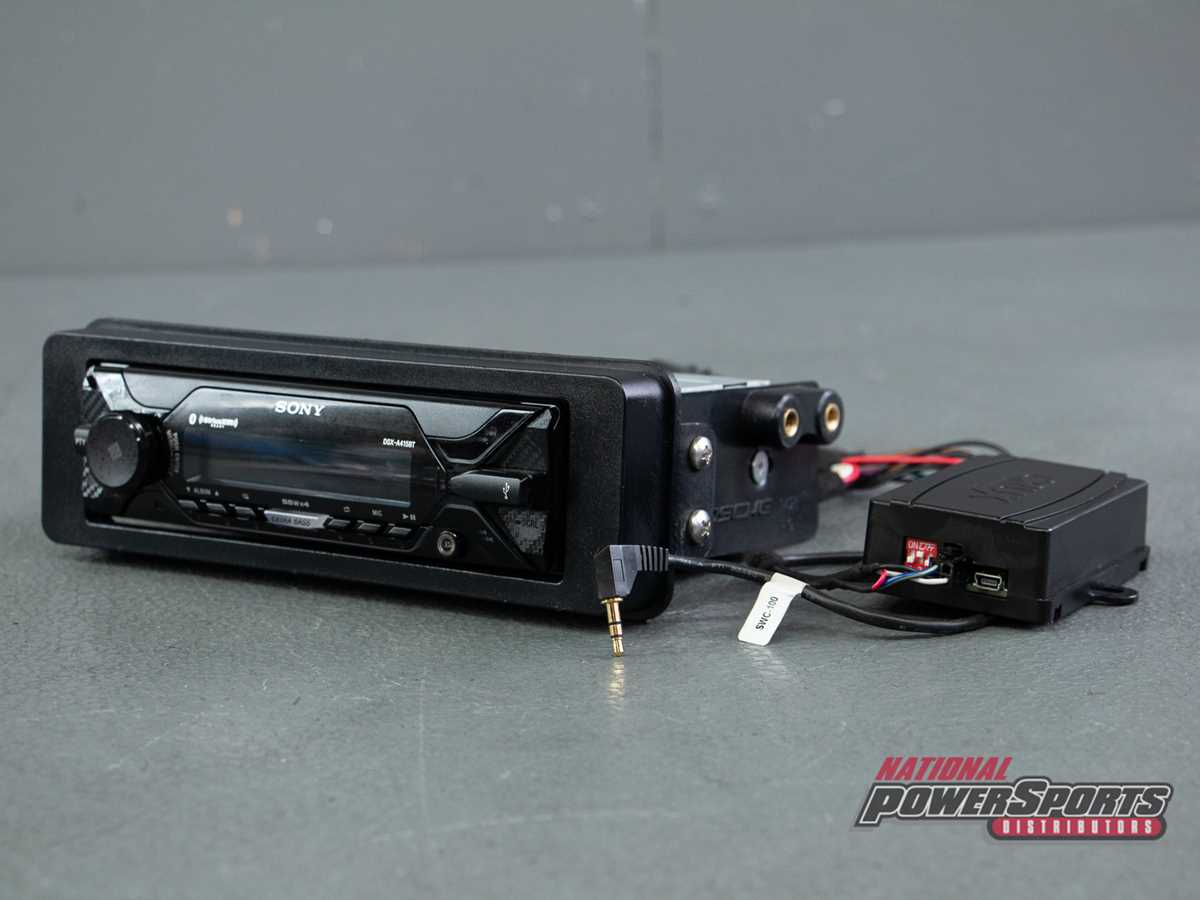
Attach the main 12-volt lead to a fused switched source in the fuse panel. Avoid routing through accessory circuits to prevent voltage drops. Use a 20-amp inline fuse for protection, and keep the feed wire away from heat sources and moving parts.
Secure speaker outputs using color-coded terminals and route them in parallel pairs for left and right channels. Crimp connectors tightly and apply dielectric grease to prevent corrosion. Ensure twisted pair routing to reduce interference and maintain audio clarity.
Verify ground continuity between the chassis and the unit’s metal frame. Attach control and tach signals directly to their respective terminals without splicing to maintain stable operation. Test all connections under load before full system use to detect loose contacts or voltage inconsistencies.
Identifying Power and Ground Terminals for Reliable Operation

Connect the main positive lead directly to a switched 12-volt source using a 20-amp inline fuse. Avoid accessory circuits to prevent voltage drops during engine startup. Verify the lead is routed clear of heat and moving components, and ensure tight crimped connections to maintain stable current flow.
Confirm ground connections on a bare metal chassis point shared with the module frame. Use star washers to reduce resistance and prevent intermittent contact. Label all power and signal terminals immediately after installation to simplify troubleshooting and ensure consistent performance under load.