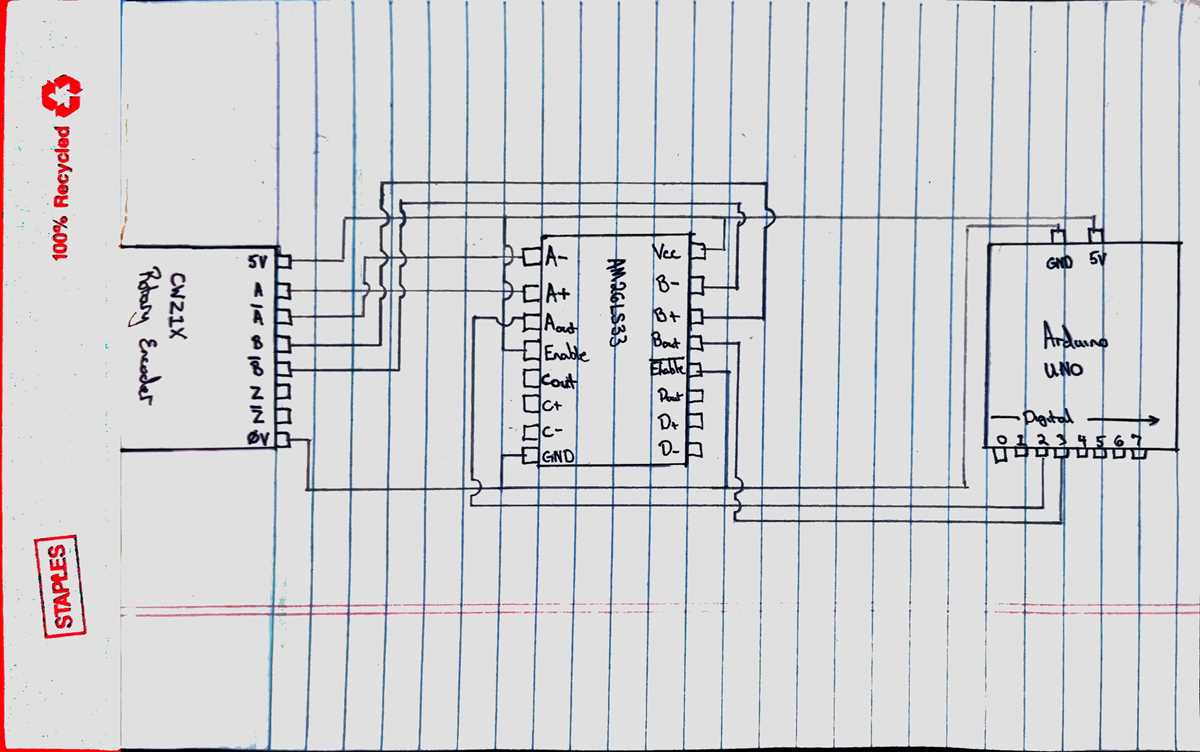
Connect the sensor’s output terminals directly to your microcontroller input pins following the polarity and labeling specified on the module. Ensure that the supply voltage matches the rated input of the component to prevent signal distortion or hardware damage.
Verify the timing pulses and logic levels using a digital oscilloscope before integrating with your control system. The A and B channels must produce non-overlapping quadrature signals to allow precise detection of rotational direction and step count.
Use proper grounding and decoupling capacitors near the power pins to reduce noise and voltage fluctuations. Maintaining a clean signal line improves the reliability of position detection, especially at high rotational speeds.
When extending connection lines, keep them short and shielded to avoid crosstalk between multiple sensors. If long distances are unavoidable, consider twisted-pair connections to maintain the integrity of differential signals and reduce electromagnetic interference.
Understanding and Implementing an Encoder Circuit
Connect the rotational sensor outputs directly to your logic controller while ensuring each channel aligns with the assigned input pins. Maintain correct voltage levels to avoid signal corruption and ensure accurate pulse recognition during movement tracking.
Use pull-up or pull-down resistors on each line to stabilize the signal and prevent false triggering caused by floating inputs. This setup is critical when dealing with open-collector or open-drain outputs common in optical and mechanical sensors.
Check the quadrature outputs using a scope or logic analyzer to confirm that the A and B channels maintain 90-degree phase separation. Proper phase alignment guarantees correct interpretation of rotational direction and step increments.
Place decoupling capacitors near the power terminals of the sensor module to filter out voltage spikes and reduce electrical noise. A stable supply voltage improves the precision of each pulse and minimizes jitter in high-speed applications.
Keep connection lines short and twisted if possible, especially in environments with heavy electromagnetic interference. Twisted pairs help maintain signal integrity, preventing misreads when multiple devices operate nearby.
Integrate software counters or position registers in your controller to record pulses from the sensor. This approach allows you to track rotational position, calculate speed, and implement motion control without additional external hardware.
Pin Assignments and Signal Functions in Encoder Modules
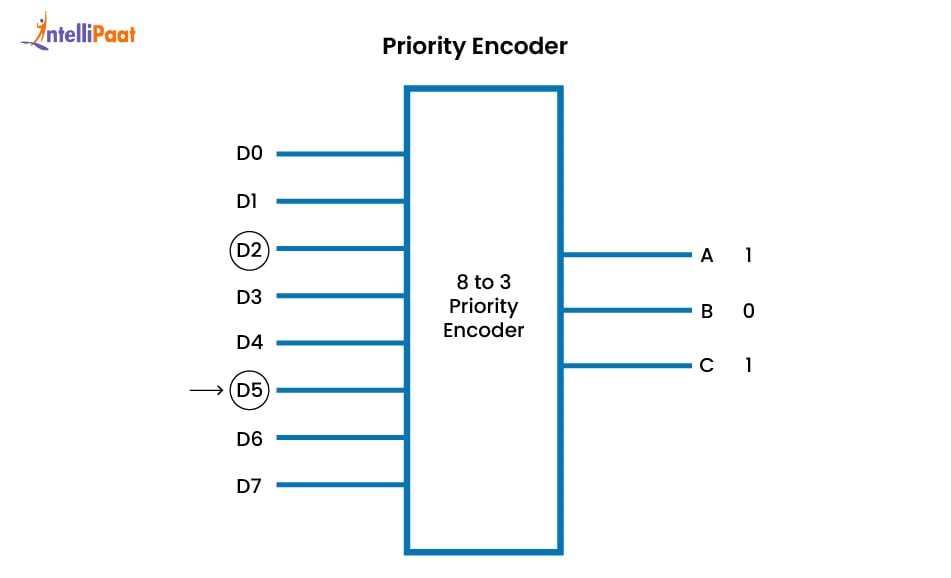
Identify the power and ground terminals first to prevent damage during connection. Most optical and mechanical modules use a 5V or 3.3V supply, and reversing these pins can permanently harm the sensor.
Recognize the main output channels labeled A and B, which generate phase-shifted pulses. Use these signals to determine rotation direction and step count. The Z or index channel, if available, provides a single pulse per revolution for precise position reference.
- Channel A: primary pulse output
- Channel B: secondary pulse for phase detection
- Index/Z: reference mark for absolute position
- Vcc: positive supply
- GND: negative supply
Include optional enable or control pins when present, which can deactivate the outputs or select resolution modes. Check module documentation for specific logic levels and timing requirements to avoid misinterpretation of pulse signals during operation.