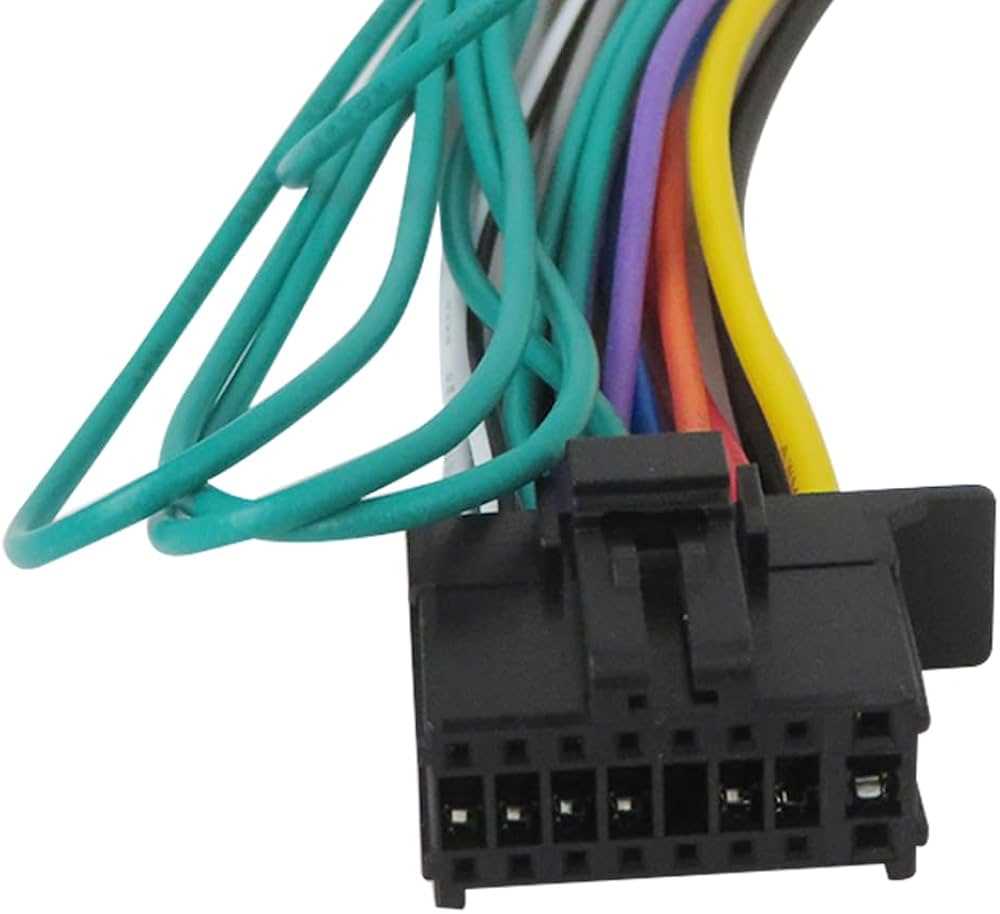
Ensure proper identification of each terminal before attempting any connection. Match the colored leads to their corresponding outputs, such as power, ground, and speaker channels, to prevent short circuits or damage to the unit.
Use a multimeter to verify continuity and voltage levels at each port. Confirm that the ignition signal and accessory lines are delivering correct voltage to maintain consistent operation during engine start and shutdown.
Secure all harness connections with firm grips or clips to prevent vibration-induced disconnection while driving. Loose contacts can result in intermittent audio performance or complete loss of sound output.
Label each cable with a tag or colored tape to simplify future troubleshooting and ensure accurate reconnections. This is particularly useful when integrating aftermarket amplifiers or external audio processors.
Vehicle Audio Unit Connection Guide for DMH-241EX
Verify all terminal functions before linking the head unit to the vehicle harness. Connect the constant 12V line to maintain memory functions, and the switched ignition line to control power-on sequences.
Check ground connections at the chassis to avoid voltage fluctuations or audio distortion. A clean, stable ground ensures consistent signal performance across all channels.
Connect speaker outputs correctly by matching positive and negative leads to each speaker. Incorrect polarity can cause phase issues, reducing overall sound quality and stereo imaging.
Use proper connectors for auxiliary inputs and outputs to prevent intermittent audio interruptions. Ensure RCA jacks are fully seated to maintain a noise-free signal transfer.
Verify illumination and display lines are linked to the vehicle’s lighting system. This allows automatic dimming at night and avoids distraction while driving.
Integrate remote turn-on signals for amplifiers and external processors. This ensures additional components power on and off in sync with the main audio unit.
Testing and Troubleshooting
Before final assembly, turn on the system and check all channels for audio output, volume response, and clarity. Measure voltage at accessory and speaker outputs to confirm proper operation.
Secure all connections with zip ties or harness clips. Avoid tension on leads to prevent accidental disconnections during vehicle motion, maintaining consistent audio performance.
Identifying Each Connector and Its Function for Proper Installation
Start with the main power connector by locating the constant 12V line and the ignition-switched line. The constant line maintains memory settings, while the switched line controls when the unit powers on and off.
Check the ground connector to ensure it is securely fastened to the vehicle chassis. A reliable ground prevents audio noise, voltage drops, and potential interference with sensitive components.
Identify speaker connectors for front and rear channels. Match positive and negative leads carefully, as incorrect alignment can lead to phase cancellation and weak sound reproduction.
Locate auxiliary input and output connectors such as RCA ports or USB terminals. These should be fully inserted to guarantee clean signal transmission without static or intermittent dropouts.
Verify illumination and remote turn-on leads. Connect illumination to the vehicle lighting system for automatic display dimming, and link remote outputs to amplifiers or processors to synchronize power activation.
Double-check each plug for secure engagement and proper routing. Avoid bending or stretching leads, and use clips or cable ties to prevent accidental disconnections while driving, ensuring consistent system performance.