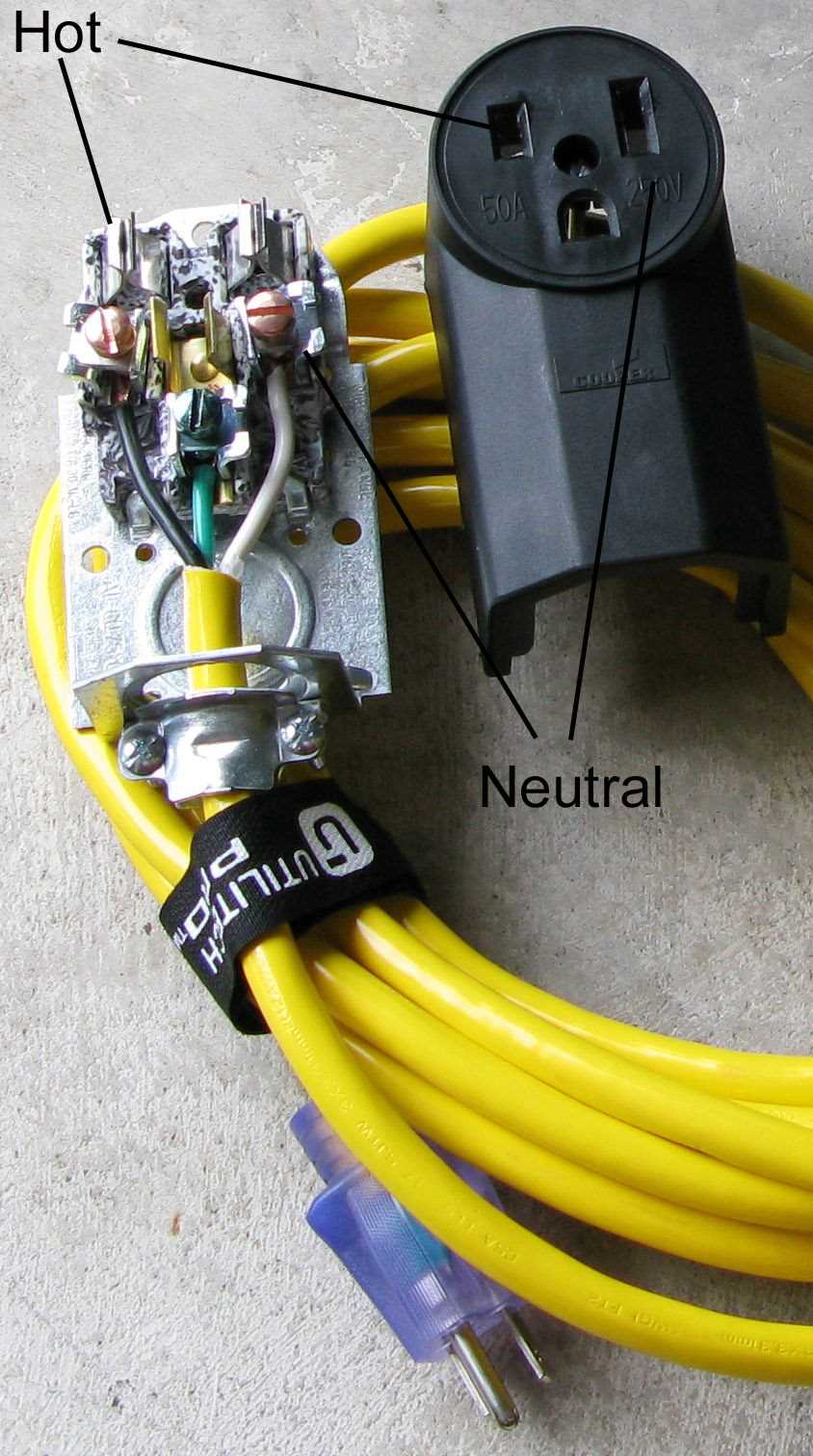
To ensure a safe and reliable electrical connection, always begin by identifying the correct terminals on the connector. The two main terminals are typically the live and neutral, with the ground terminal being connected to the ground wire. The live wire usually carries the current to the device, while the neutral wire serves as the return path. Make sure that both wires are connected securely to their respective terminals before proceeding with the installation.
Next, pay close attention to the insulation of the wires. Each wire should be stripped carefully, leaving enough length to make secure connections without exposing any copper. For the live wire, ensure that the exposed copper is tightly wound around the terminal screw, and the neutral wire follows the same process. The ground wire, typically green or bare, should be connected to the terminal dedicated to grounding. This helps prevent electrical shocks in case of a fault.
After all the connections are made, double-check that there are no loose or exposed wires that could cause a short circuit. It’s also important to verify that the connection is firm and that the terminals are not over-tightened, as this could damage the wires. Finally, test the assembly by plugging it into an outlet and checking the voltage to confirm everything is properly connected and functioning correctly.
110V AC Plug Wiring Diagram
Start by preparing the components you need: the cable, the connector, and the appropriate tools. Ensure that the wires are of the correct gauge to handle the power requirements of the device you’re connecting. Typically, a 14 AWG or 12 AWG wire is recommended for standard household circuits. Cut the wire to the necessary length, leaving some extra length for flexibility during the connection process.
Next, strip the insulation off the ends of each wire, exposing enough of the copper to make a solid connection without leaving any exposed strands that could cause a short circuit. For a secure connection, aim to strip about half an inch of insulation from each wire, making sure the copper is clean and free of oxidation.
Understanding the Terminals
The connector will have three main terminals: live, neutral, and ground. The live wire typically connects to the brass terminal, the neutral wire connects to the silver terminal, and the ground wire connects to the green terminal. Make sure the ground wire is attached first to ensure safety before working with the live and neutral wires.
Carefully insert the stripped end of each wire into the corresponding terminal. The live wire should be tightly secured to the brass terminal using a screw or clamp. Do the same for the neutral wire at the silver terminal. If there’s a grounding screw, attach the ground wire securely to it to prevent any electrical faults.
Ensuring a Tight Connection
Once all the wires are connected, ensure that each terminal is tightly screwed to avoid any loose connections, which could result in overheating or malfunctioning. Over-tighten the screws slightly, but avoid causing damage to the wires. The wires should not be able to move once they are connected securely to the terminals.
After securing the wires, gently push them into the connector housing, ensuring they do not become pinched or crushed. Close the housing carefully and lock it into place, making sure that no exposed wires are visible and that the connector is fully assembled.
Finally, test the installation by connecting the connector to an appropriate outlet. Use a voltage tester to ensure that the wiring is correct and that the connection is safe. If you encounter any issues, such as a loose connection or sparking, disconnect everything immediately and check the wiring again.
Once everything is confirmed to be working, your device will be ready for use. Always remember to follow safety procedures and consult an electrician if you’re unsure about any aspect of the installation. Taking your time and ensuring the connections are solid will help prevent accidents and ensure reliable operation of your equipment.
How to Identify and Connect Wires in a 110V AC Plug
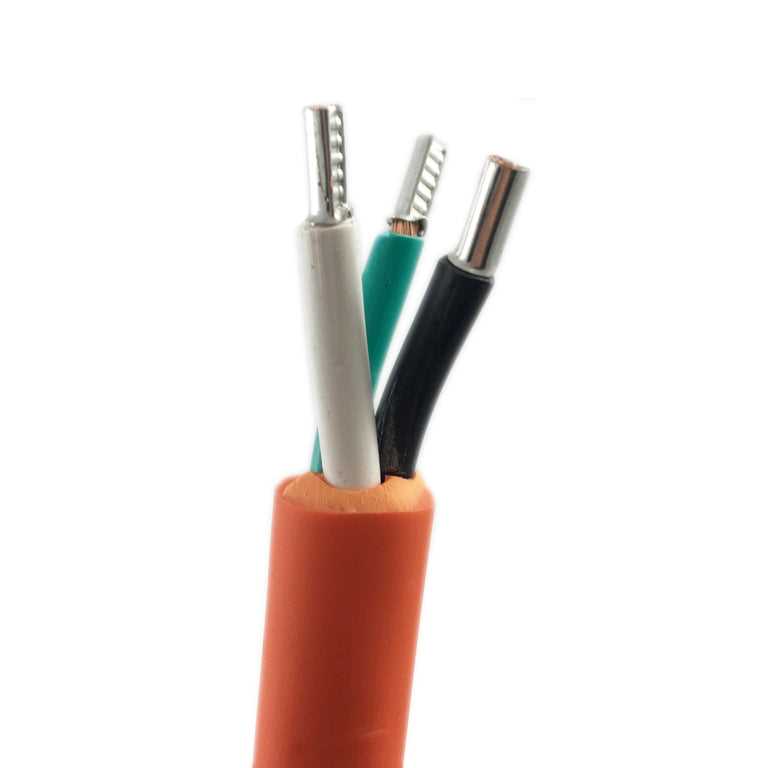
Begin by carefully examining the wiring components. The first step is identifying the live (hot), neutral, and ground wires. The live wire is typically black or red, the neutral is usually white, and the ground is either green or bare. Ensure that you are working with the correct wire colors according to standard color-coding conventions.
Next, strip the insulation off the ends of the wires, exposing just enough copper to make a secure connection. Be cautious not to strip too much of the insulation as this could cause a short circuit. Usually, stripping about half an inch of the wire is sufficient.
Connecting the Live Wire
The live wire should be connected to the brass terminal, which is often marked with the letter “L” or the color code for live (usually brass-colored). Carefully insert the stripped end of the live wire into the terminal and tighten the screw to hold it securely in place. Ensure that no exposed wire is left outside the terminal as this can pose a safety risk.
Attaching the Neutral Wire
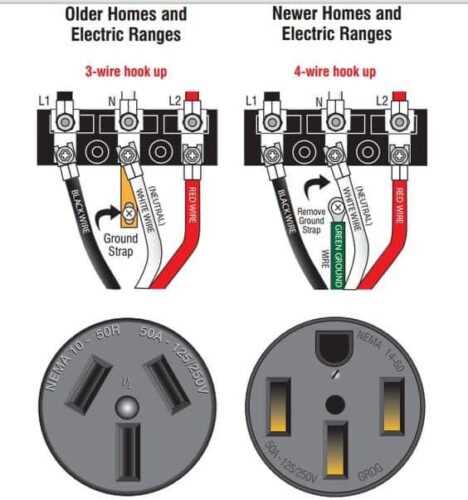
The neutral wire should be connected to the silver terminal, usually marked with the letter “N.” As with the live wire, insert the stripped end into the terminal, ensuring it’s tight and secure. Double-check that no bare copper is exposed after connection. This will complete the return path for the current.
Now, take the ground wire and connect it to the green or grounding terminal. This wire serves as a safety feature to direct any stray current safely to the earth in the event of a fault. Ensure the ground connection is secure, as this is a critical part of the system’s safety. It should be the first wire connected to avoid any electrical hazards while handling the other wires.
After all wires are securely connected, double-check the connections to ensure there are no loose wires or exposed copper. If you find any issues, loosen the screws, adjust the wires, and retighten them. A loose connection could cause overheating or electrical failure.
Once all connections are correct and tight, close the housing of the device or connector, making sure that no wires are pinched and everything is properly housed. The housing should cover all wire ends to avoid accidental contact with the terminals or live parts.
Finally, test the installation with a voltage tester to ensure that everything is connected correctly and that the system is safe to use. If any issues arise, review the steps to confirm proper wire identification and connections, or consult a professional for assistance.