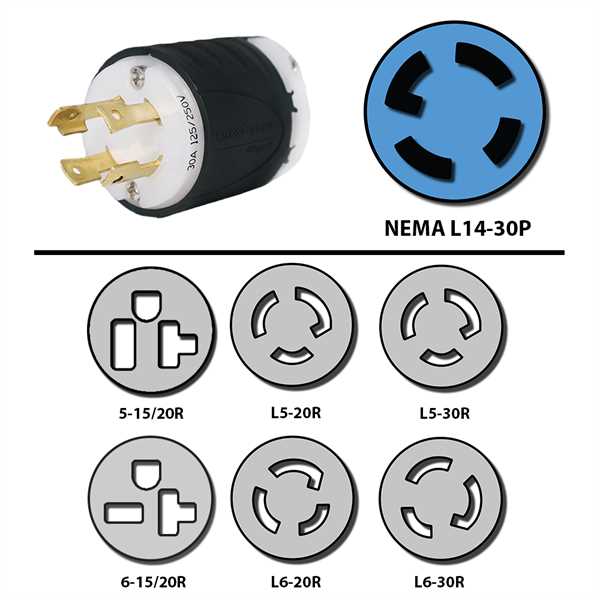
Ensure proper line and ground connections to prevent overloads and maintain stable power distribution. Use a color-coded approach to distinguish between phases, neutral, and grounding lines for accurate placement.
Verify voltage levels before making connections to avoid potential damage to equipment. A multimeter can confirm that each terminal receives the correct phase and that neutral is properly aligned with the grounding bus.
Secure all terminals tightly using appropriate torque settings on screws and bolts. Loose contacts can cause heat buildup, arcing, or intermittent power interruptions.
Use protective covers and strain reliefs on cables to minimize mechanical stress and exposure to environmental factors. This prevents premature wear and maintains consistent electrical performance over time.
Connection Guide and Installation Tips for L14-30p Outlets
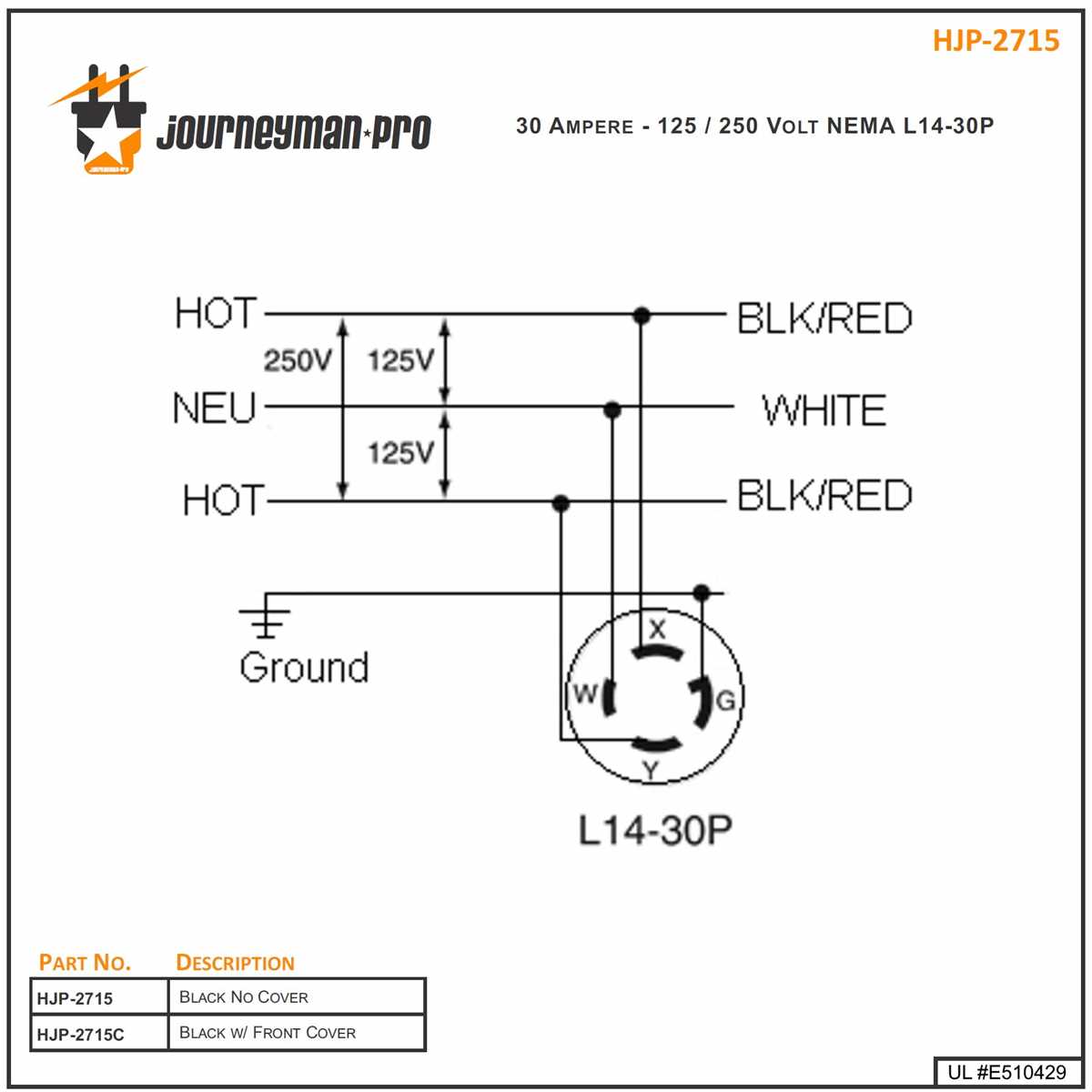
Connect the hot leads to their designated terminals based on color coding and voltage ratings. Typically, black and red conductors carry the line voltage, while white is neutral and green is ground. Confirm the terminal markings before securing wires.
Use a torque screwdriver to tighten all screws to manufacturer specifications. Over-tightening can damage terminals, while under-tightening may result in loose connections that generate heat and intermittent faults.
Install the receptacle in a rigid, non-flexible box to prevent movement. Movement can loosen connections over time and compromise contact integrity under heavy load conditions.
Check cable lengths to ensure they do not bend sharply at the connection points. Sharp bends can strain insulation and increase the risk of shorts or conductor breakage, particularly in high-current applications.
Label each line according to its function to reduce confusion during future maintenance. Use heat-resistant markers or tags rated for the amperage of the system.
Perform a continuity test before energizing the outlet. Verify that ground paths are intact and that each conductor corresponds to its correct terminal.
Apply protective covers on exposed terminals to prevent accidental contact. This is particularly critical in industrial or workshop environments where metallic objects may inadvertently touch live parts.
After installation, energize the outlet and measure voltage across terminals. Ensure the readings match expected values and confirm that devices connected draw current safely without flickering or tripping breakers.
Understanding Pin Configuration and Voltage Allocation
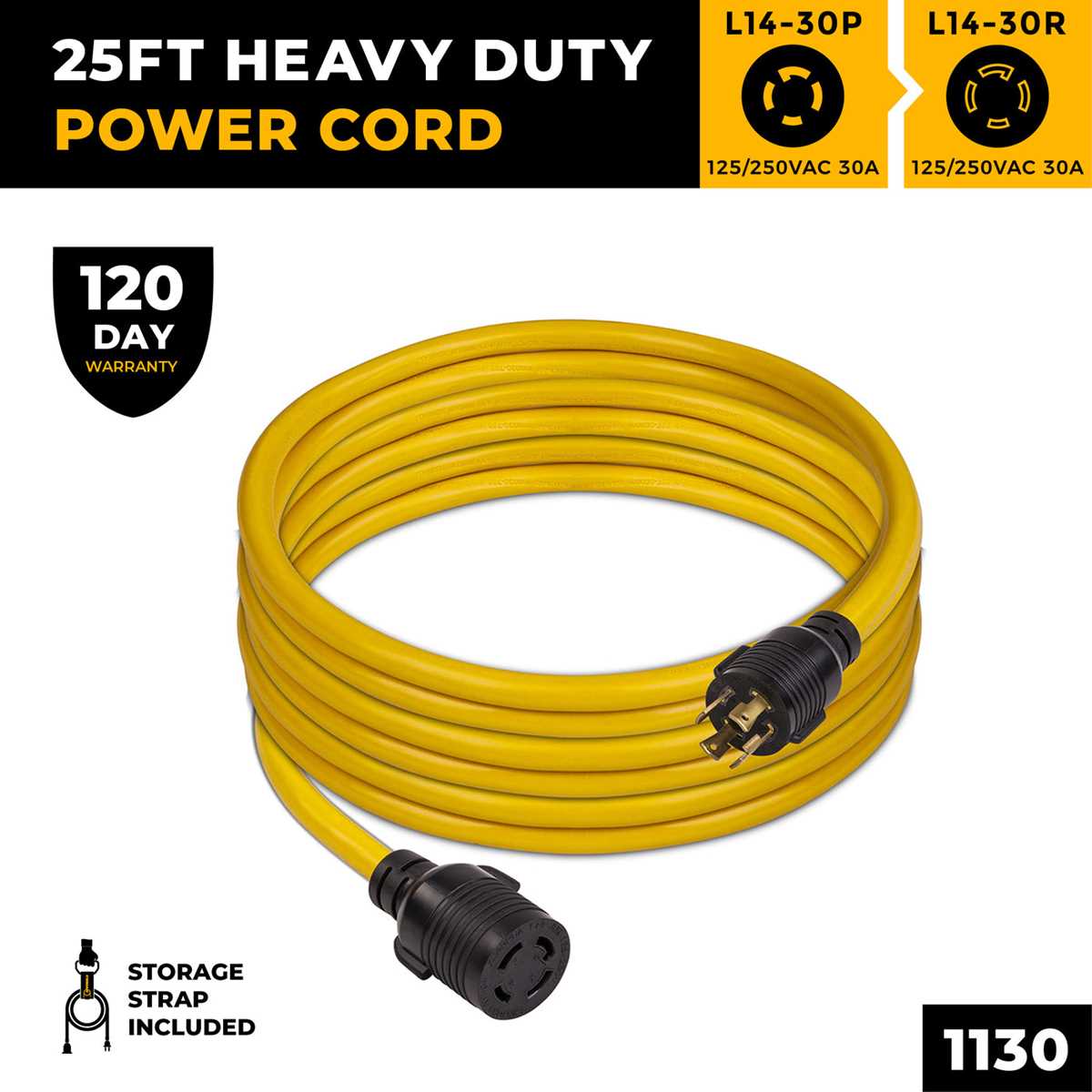
Identify each terminal by its shape and color coding before connecting power lines. The two angled pins carry the main 240V split-phase supply, while the straight pin serves as neutral and the round pin is for grounding.
Ensure that line conductors are connected to the correct angled terminals. Swapping these can cause devices to malfunction or create unsafe voltage conditions that may trip breakers.
Use a digital multimeter to verify voltage between each terminal pair. Expect approximately 120V between each hot and neutral pin, and 240V across the two hot terminals. Ground continuity should be near zero ohms to confirm safety.
For multiple applications, label each cable according to its voltage path. This prevents mistakes when extending circuits or connecting high-current equipment and helps maintain proper load balance.
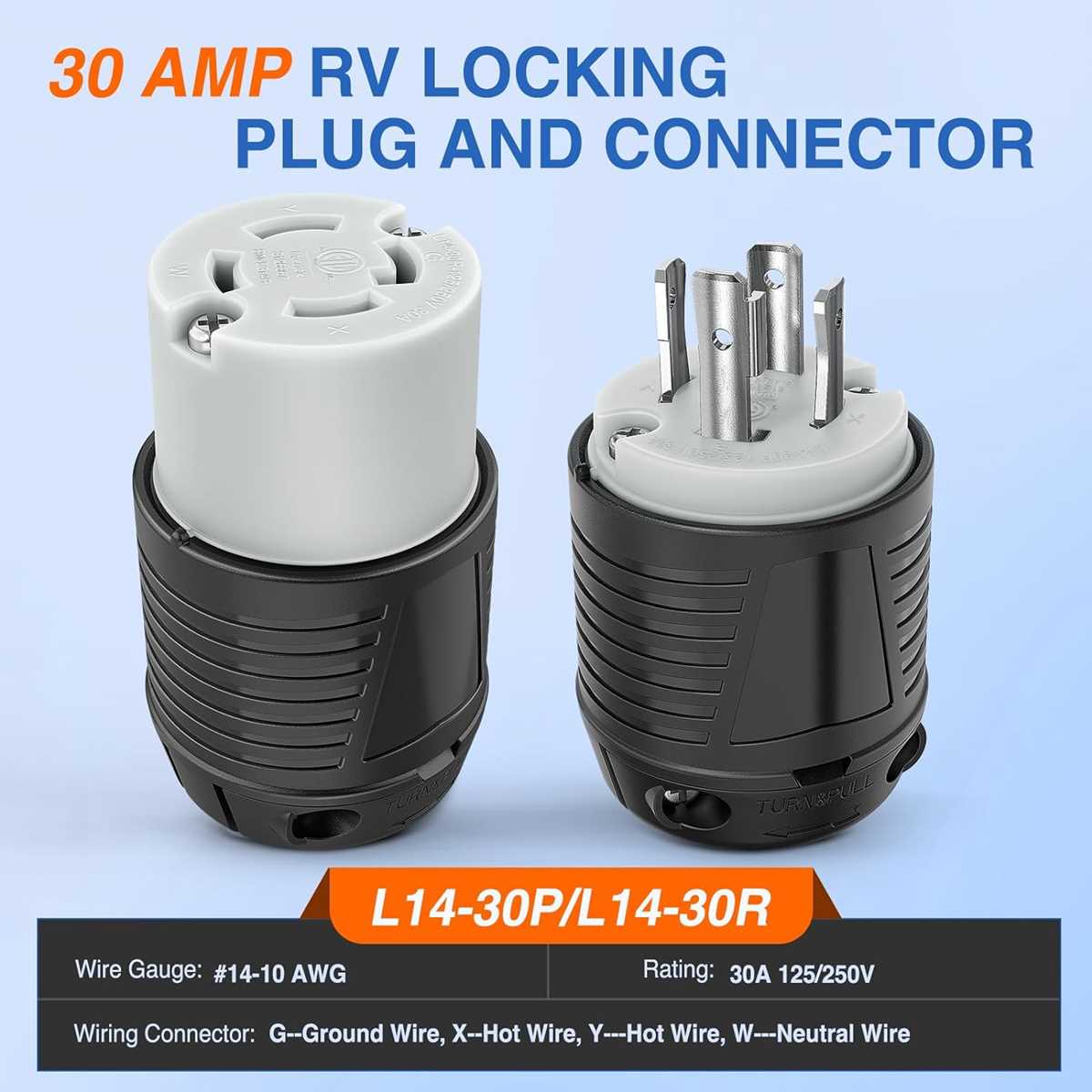
Install strain relief clamps at the point where cables enter the enclosure. Preventing stress on the terminals reduces the risk of loosened connections, which can lead to overheating under full load.
Before energizing, double-check the orientation of the plug into its receptacle. The angled and round pins ensure the connection is polarized and grounded correctly to maintain safe operation for attached devices.
After installation, monitor the system under initial load. Verify that the voltage remains stable across each pin and that there are no flickers, heat buildup, or unexpected tripping, confirming correct pin configuration and allocation.