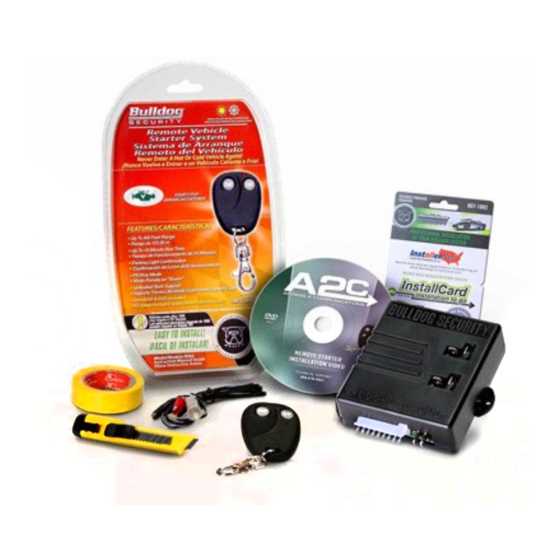
Connect power lines first to ensure the control panel operates reliably. Use labeled terminals for each sensor to avoid confusion during setup. Check voltage ratings to prevent overloads and equipment damage.
Follow manufacturer color codes for signal and ground cables to maintain consistent installation standards. Mark each line with tags for future maintenance or troubleshooting.
Plan the route for communication links between sensors and the central unit carefully. Avoid running cables near high-voltage appliances to reduce interference. Keep wire lengths within recommended limits to maintain signal strength.
Inspect connections after installation to verify continuity and correct polarity. Use a multimeter to confirm readings and detect any loose or faulty lines before activating the system.
Connection Layouts for Alarm Systems
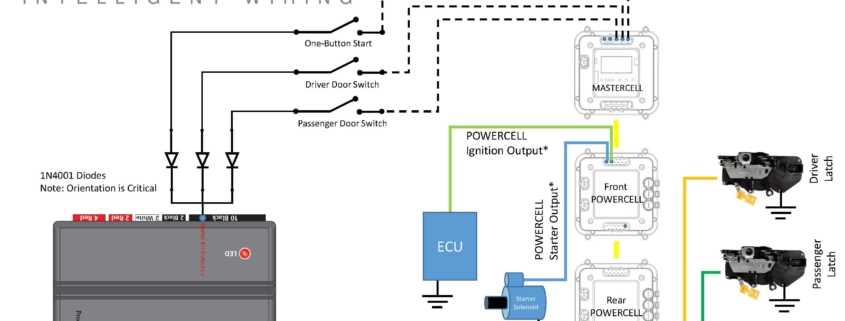
Start by labeling all terminals on the control unit before attaching sensors or detectors. This prevents mistakes and makes troubleshooting faster. Ensure power inputs match device specifications to avoid short circuits.
Route signal lines along walls or ceilings, keeping them separate from high-current cables. Use cable ties or conduits to secure runs and prevent accidental disconnections.
Check each sensor individually before finalizing the installation.
- Verify open and closed circuit responses
- Confirm trigger sensitivity
- Test battery backup if applicable
This ensures all components communicate correctly with the main panel.
Maintain a simple map of all connections.
- Document color codes and terminal numbers
- Note cable lengths and routing paths
- Include device model and serial numbers
Keeping this record helps with upgrades and repairs without dismantling the setup.
Understanding Power and Sensor Connections in Bulldog Systems
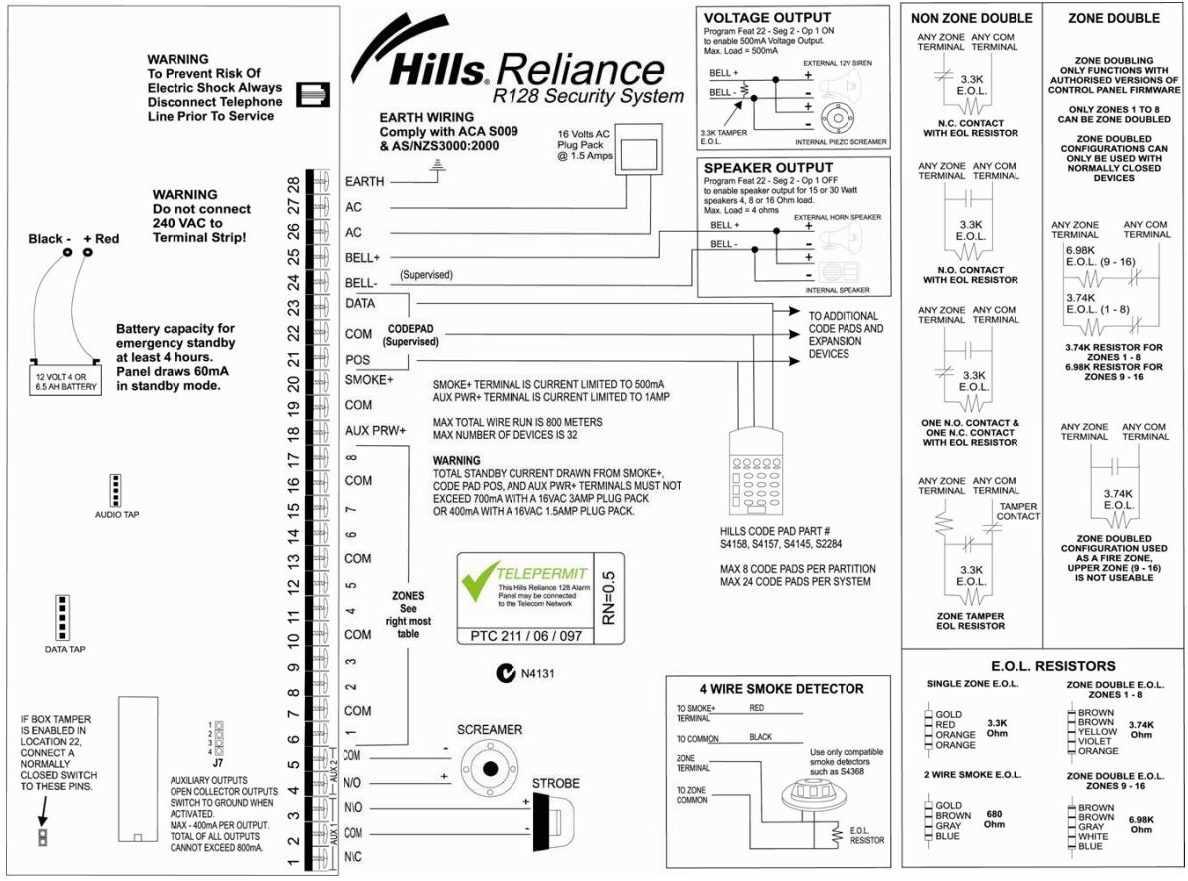
Verify voltage levels before connecting the main panel to the power source. Use a multimeter to ensure the input matches device ratings. Overvoltage can damage boards and trigger false alerts.
Connect backup batteries to maintain system operation during outages. Check polarity carefully and secure terminals to avoid intermittent connections. Test battery output under load to confirm proper function.
Sensor Terminals and Signal Routing
Label each detector line and match it to the corresponding input on the control unit.
- Use consistent color codes
- Keep signal lines separated from high-current circuits
- Run wires along structured paths to minimize interference
This approach reduces misfires and simplifies maintenance.
Test each motion and contact sensor individually before finalizing connections. Activate triggers and observe the panel response to verify correct detection. Adjust placement or sensitivity if alerts are inconsistent.
Communication and Interference Management
Use shielded cables for long runs or areas with high electromagnetic interference. Ground the shielding at one end only to prevent loops that could introduce noise. Avoid bundling data lines with AC power lines.
Maintain a visual map of all connection points. Document terminal assignments, cable routes, and device models. This record allows rapid troubleshooting and supports future expansions without trial-and-error adjustments.
After completing connections, perform a full system check. Simulate sensor triggers and monitor panel indicators. Inspect all terminals for loose contacts and verify continuity to ensure reliable operation under real conditions.