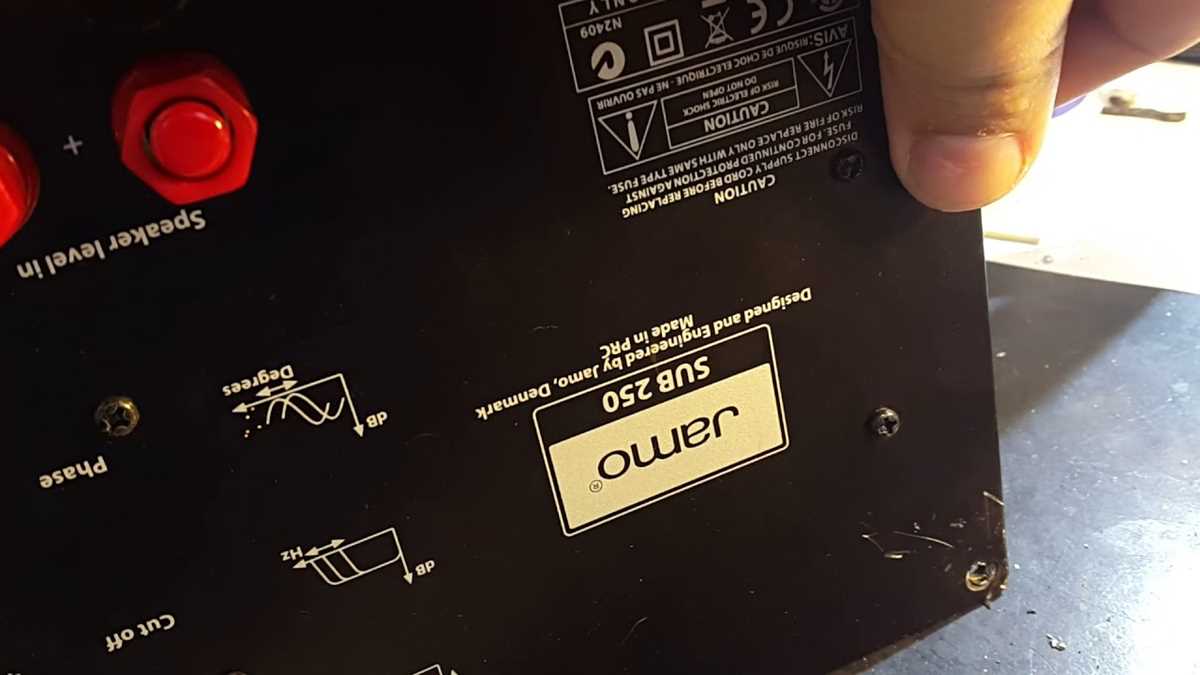
Connect the main power terminals using a 12-gauge cable and secure the ground to a clean metal surface. This prevents voltage drops and reduces the risk of hum or distortion. Use ring terminals and tighten with a torque wrench to maintain stable contact under vibration.
Route speaker leads through protective sleeves to avoid abrasion and interference. Ensure the positive and negative terminals are correctly matched to prevent phase issues. Apply dielectric grease to the connectors for better conductivity and long-term reliability.
Install the input line from the amplifier using shielded cable. Position the input jack away from power lines to minimize noise. Confirm that all signal connectors are firmly seated and test continuity before powering the module.
Label each connection for crossover links and control circuits. This simplifies future troubleshooting and adjustments. Secure all lines with insulated clips and avoid sharp bends or contact with hot components to maintain signal integrity.
Audio Module Layout Guide for Power and Signal Connections
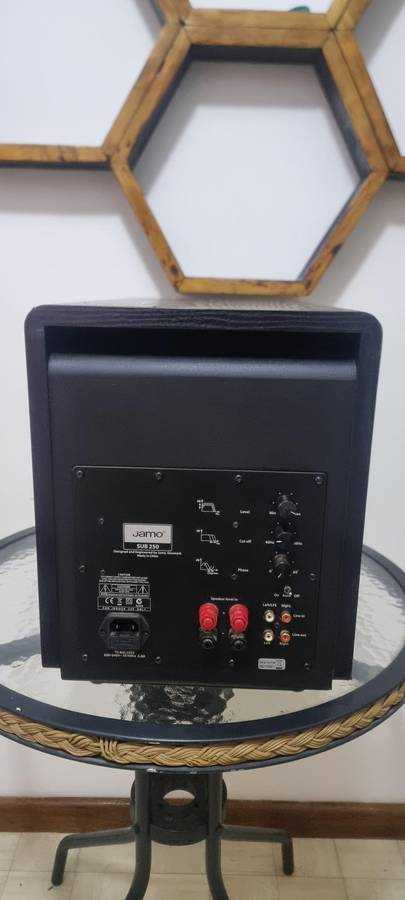
Secure the main power lines with properly rated connectors. Use ring terminals and tighten nuts with a torque wrench to maintain stable contact. Ensure the negative lead is connected to a clean chassis point to prevent ground loops.
Route speaker leads along insulated paths away from heat sources. Protect the cables with split loom tubing or braided sleeves. Correctly match positive and negative terminals to maintain proper phase alignment and avoid cancellation.
Follow these steps for organizing signal input and control lines:
- Use shielded cables for line-level connections from the amplifier.
- Separate power and signal lines to reduce electromagnetic interference.
- Label each input and output to simplify future troubleshooting.
- Secure connections with insulated clips to prevent movement and abrasion.
Check crossover links before finalizing assembly. Ensure the capacitor and inductor connections match the intended frequency split. Test each path individually using a multimeter or continuity tester to confirm proper installation.
Install protection fuses inline with the main supply. Choose ratings slightly above nominal load to avoid nuisance trips but still protect components from overcurrent conditions. Position fuses in accessible locations for easy replacement.
After completing the layout, perform a step-by-step verification:
- Measure voltage at input terminals to ensure proper supply.
- Confirm signal presence at each module input using a test tone.
- Test speaker outputs with a low-level signal to check correct polarity.
- Inspect all mechanical fasteners to ensure no loose connections remain.
Perform a short operational test. Run the system at low volume to observe any noise, hum, or irregular behavior. Adjust connections or reroute cables if interference is detected, and verify all controls respond accurately before full operation.
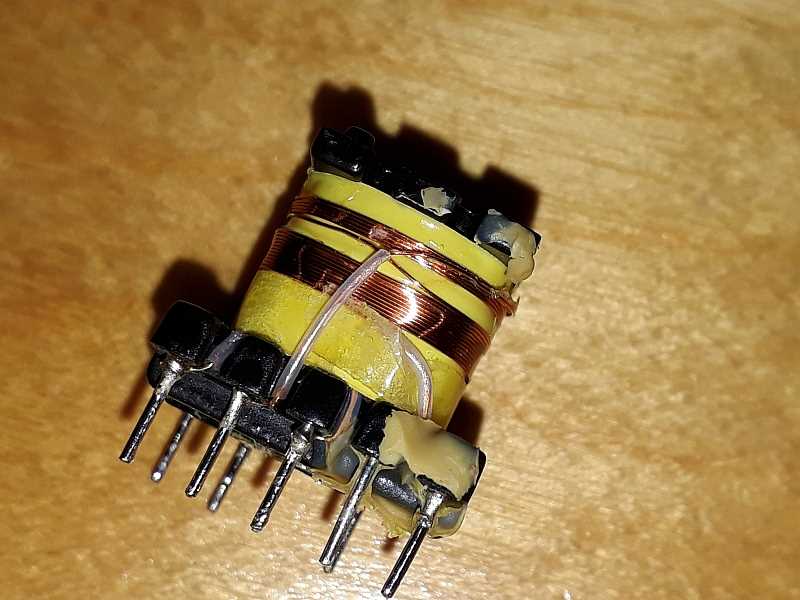
Connecting the Power Supply and Ground Terminals
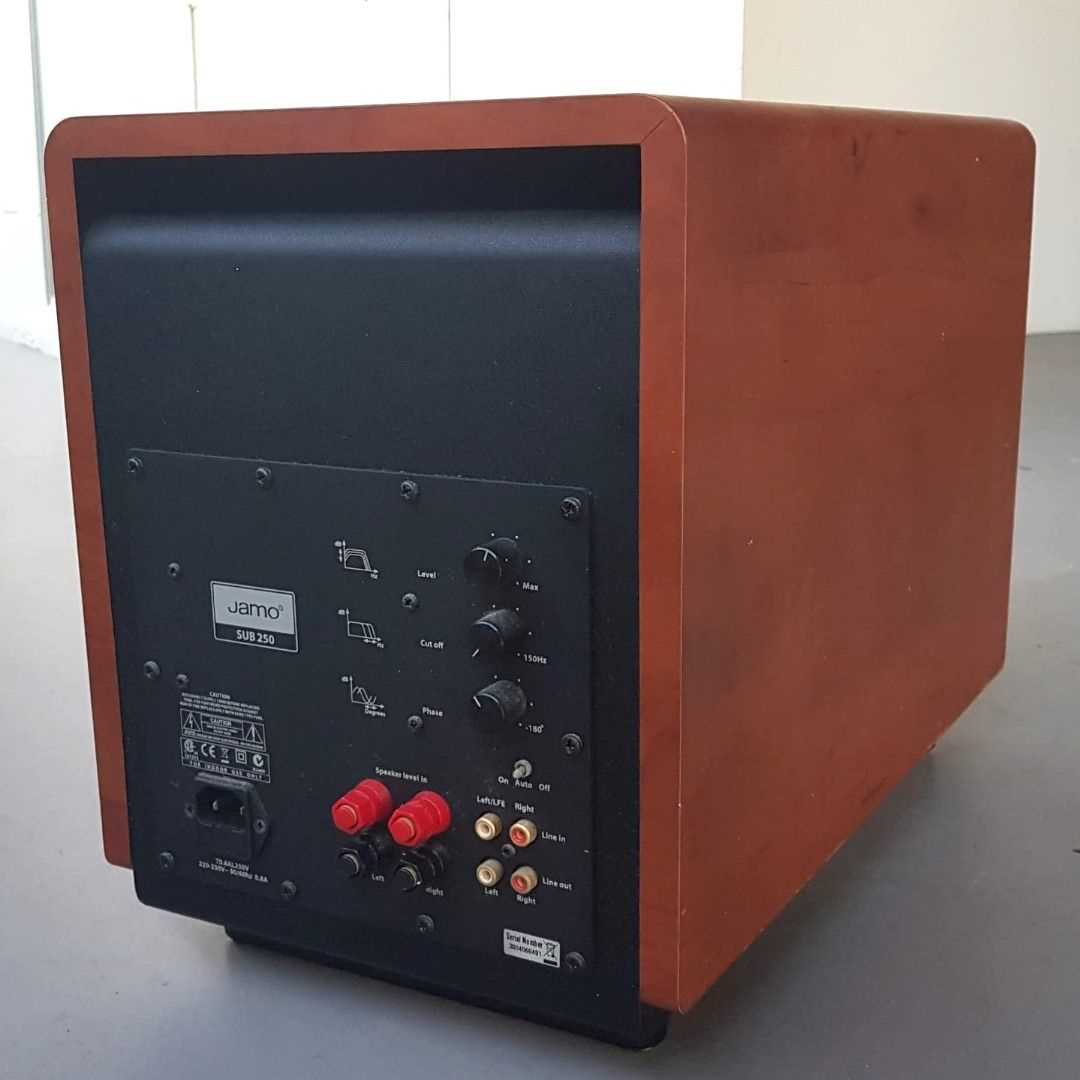
Attach the positive lead to the main input terminal using a properly rated connector. Ensure the connection is tight and free of corrosion. Use a torque wrench to maintain consistent pressure and prevent loosening from vibration.
Secure the negative lead to a clean, unpainted metal surface on the chassis. This minimizes resistance and avoids ground loops that can introduce hum or signal interference. Apply a small amount of anti-oxidation compound to improve long-term conductivity.
Route both power and ground lines away from moving components and heat sources. Use split loom tubing or braided sleeves for protection, and avoid sharp bends that could damage insulation. Keep the lines separated from signal paths to reduce electromagnetic interference.
Install an inline fuse on the positive lead near the input terminal. Select a fuse rated slightly above the normal operating current to protect the module from overcurrent events. Position the fuse for easy access to allow quick replacement if necessary.