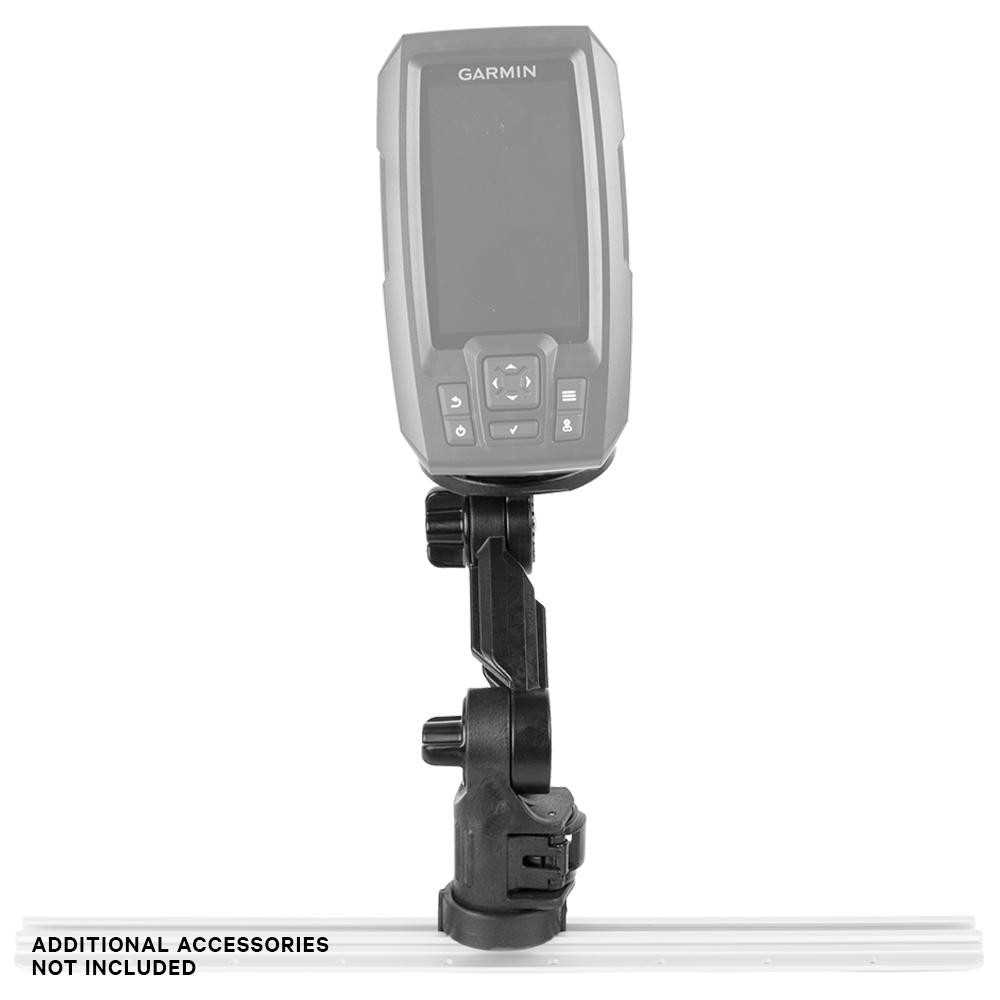
To properly set up your fishfinder, ensure the power connections are secure before starting the installation. Begin by identifying the power input, ground, and accessory wires. This will ensure your device powers on correctly and avoids any issues during use.
For the main power supply, connect the positive lead to a 12V source, and the negative lead to the ground. Ensure both connections are firm, and use marine-grade terminals for durability and corrosion resistance. A proper fuse is critical for protecting your device from electrical surges.
Next, if you plan to connect additional sensors or accessories, such as a transducer, ensure those connections are also routed appropriately. Avoid crossing wires that could lead to signal interference or malfunctions. Always refer to the manufacturer’s guide for specific wire colors and pinouts for each accessory to guarantee proper integration.
Garmin Striker 4 Wiring Diagram
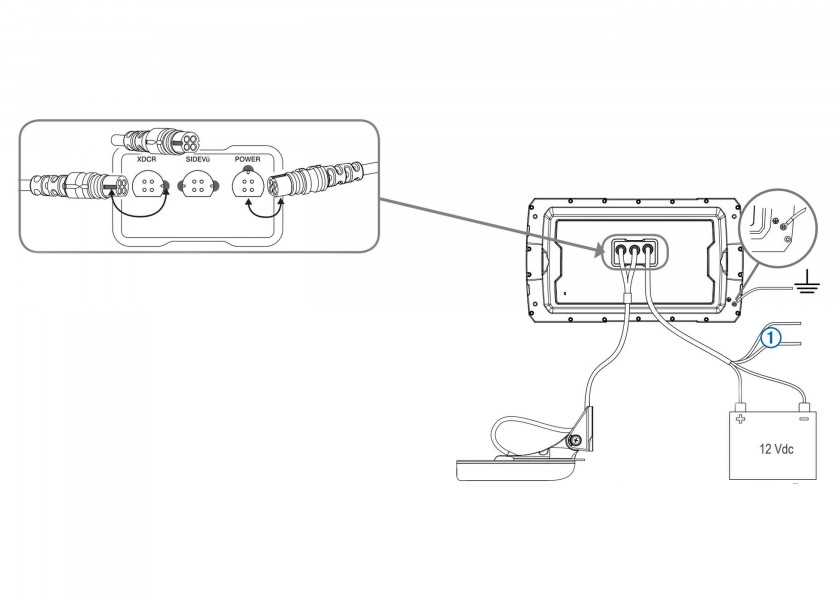
For proper installation, start by connecting the power wires to the device’s power input terminals. The red wire should be attached to the positive terminal, while the black wire connects to the negative terminal. Make sure to use high-quality marine-grade wires to ensure long-lasting performance and prevent corrosion.
Next, secure the fuse holder to the positive lead. It’s crucial to use the appropriate fuse size to protect the electronics from power surges. A 3A fuse is typically used for most installations, but always check the device manual for the recommended size. Place the fuse close to the positive terminal to minimize the risk of electrical damage.
If you are installing a transducer, it needs to be connected to the corresponding port on the device. The transducer is responsible for sending and receiving sonar signals, so positioning and connecting it properly is critical. Follow the color-coded wiring instructions to ensure correct polarity.
For those adding additional accessories like a GPS or external sensors, ensure all wires are clearly marked and routed. Avoid tight bends in the wires, as this could lead to signal loss. Ensure that the accessory connections are also fused to safeguard them from power surges.
In some cases, an external power source may be required for additional sensors or devices. If you are using a second power supply, ensure the connections are made with the same care as the primary one. A separate fuse should also be used for this power source to prevent issues during operation.
Finally, after securing all wiring connections, test the unit by turning on the device. Check the screen for proper functionality and ensure the power supply is stable. If any errors or issues arise, recheck all connections to ensure they are secure and properly attached. A stable power supply is key for a smooth operation of the device.
Steps for Connecting Garmin Striker 4 to Power Supply

Start by identifying the power cables. The positive wire should be red, and the negative wire should be black. Attach the red wire to the positive terminal on the power supply, making sure the connection is secure. Use a wrench to tighten the connection if necessary.
Next, connect the black wire to the negative terminal. It is crucial to ensure this wire is securely fastened to avoid any loose connections. A poor ground can cause the device to malfunction or even lead to power loss.
Once both wires are connected to the terminals, insert a fuse holder on the positive wire. Select the appropriate fuse size as recommended by the manufacturer to protect the device from potential power surges. Install the fuse holder as close to the power supply as possible to minimize any risk of electrical damage.
After wiring the power connections, test the setup by turning on the unit. Check if the device powers up correctly and ensure there are no warning lights or error messages. If issues arise, double-check the connections for any loose wires or improper fuse placement.