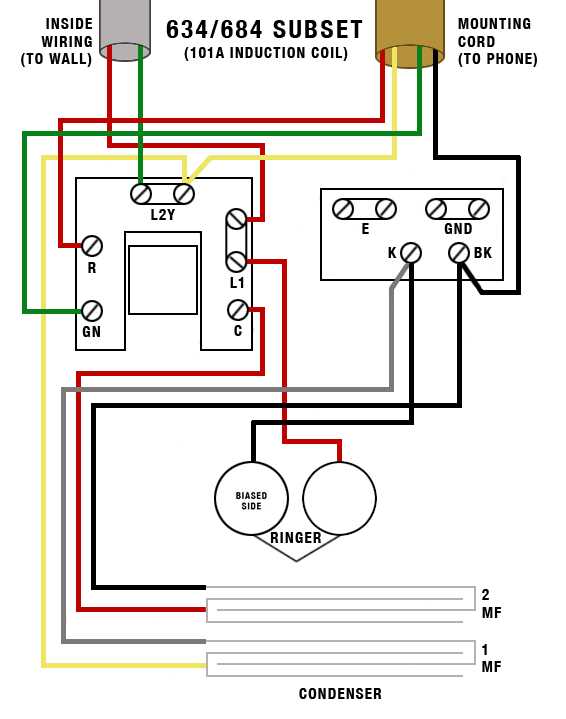
Start by disconnecting the incoming telephone wires from the junction box. Identify the two primary wires: the tip (usually green) and the ring (usually red). These carry the signals from the service provider to the terminal in your home. Make sure you have the correct tools, such as a wire stripper, to safely remove any insulation before making connections.
Once the wires are exposed, you’ll connect the incoming lines to the terminal block or the telephone jack. The tip wire connects to the left terminal, and the ring wire connects to the right. If you are using a multi-line system, you may encounter additional wires that handle extra features, such as call waiting or voicemail. Each of these must be correctly identified and connected as per the manufacturer’s instructions.
After connecting the wires, secure the terminal block in place, ensuring that each connection is tight and secure. This prevents any signal loss or interference. Then, check the wiring continuity with a tester to make sure everything is connected properly. Once confirmed, you can reattach the cover or place the jack into the wall mount, ensuring it’s tightly secured.
Test the line by plugging in a telephone. If you hear a dial tone, your setup is complete. If there’s no signal, go back and check each wire connection for any loose or incorrect placement. This method ensures a stable and reliable connection to your telephone system.
Telephone Wiring Setup and Connections
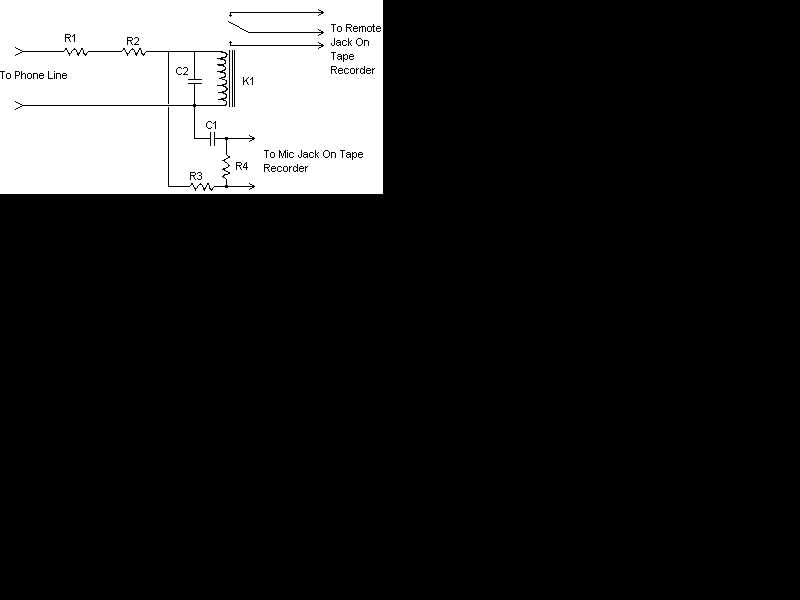
To set up your telephone system, start by identifying the two main wires coming from the service provider: the tip (green) and the ring (red). These wires are responsible for carrying the signals from the central exchange to your house. Connect the tip to the left terminal of the jack and the ring to the right terminal. Make sure the wires are securely attached to avoid signal interruptions.
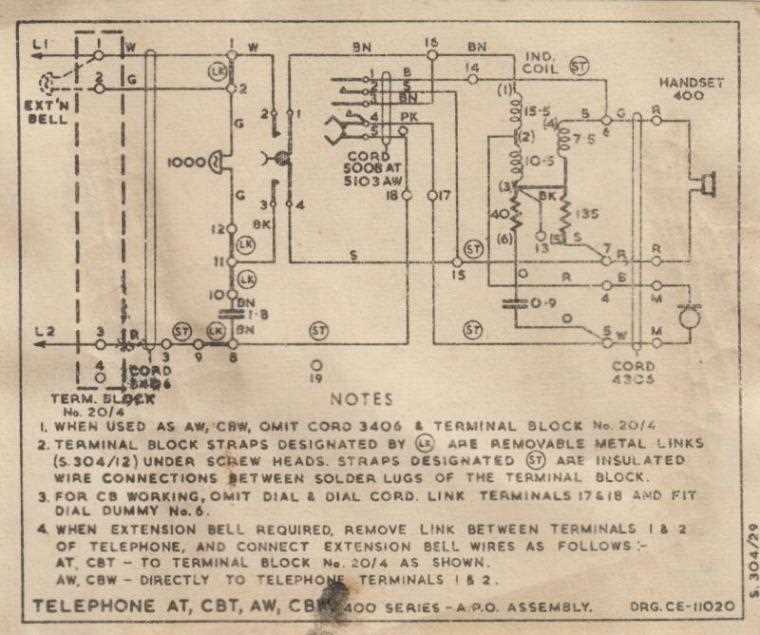
If you’re adding more devices or multi-line services, you might encounter additional wires. These could include a blue or yellow wire, used for extra features like internet or fax lines. Always confirm the correct wiring sequence by checking the manufacturer’s specifications or using a voltage tester to verify each connection. Once all wires are securely connected and tested, replace the cover and test the line with a working handset to ensure functionality.
How to Connect a Telephone to the Junction Box
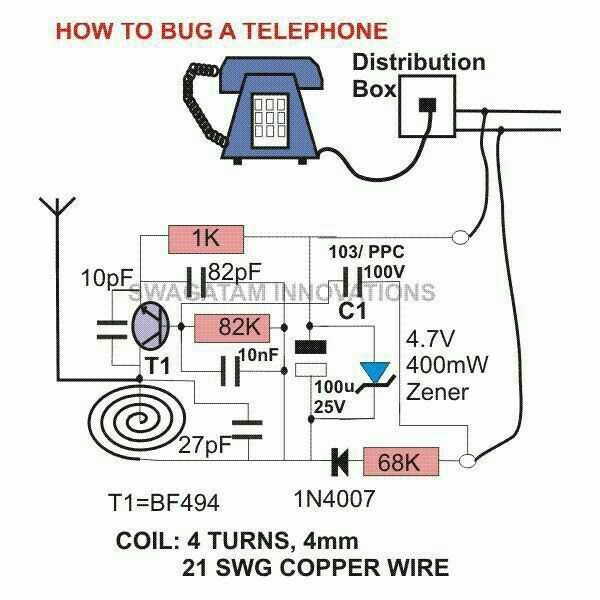
Start by ensuring the power is off to avoid any electrical hazards. Use a voltage tester to double-check that there is no active current flowing through the wiring. Once confirmed, remove the cover plate from the junction box to expose the terminal connections.
Locate the two main wires coming into the box: the tip (green) and the ring (red). These wires are used to carry signals between the exchange and your system. Connect the tip wire to the left terminal of the box and the ring wire to the right terminal. Tighten the screws to ensure a solid connection.
If your setup includes additional lines or services, such as DSL, there may be more wires to connect. These wires will typically be color-coded for easy identification. Follow the color guide or wiring instructions provided by your service provider to ensure that each line is connected correctly.
After making all necessary connections, secure the wires and replace the cover plate. Test the line by plugging in a handset and checking for a dial tone. If no signal is present, recheck the wire connections and ensure they are properly fastened to the terminals.