
Connect the red power lead directly to a switched 12-volt source to prevent battery drain when the vehicle is off. Ensure the black ground wire is attached to a clean, bare metal surface on the chassis to maintain stable voltage reference.
Identify input and output terminals carefully using the printed labels or color-coding on the harness. Match each signal lead to its corresponding preamp input to avoid cross-channel interference and distortion.
Route the adapter near existing audio components to minimize signal loss and interference. Avoid running leads parallel to high-current cables such as alternator feeds or ignition lines to reduce hum or noise in the audio output.
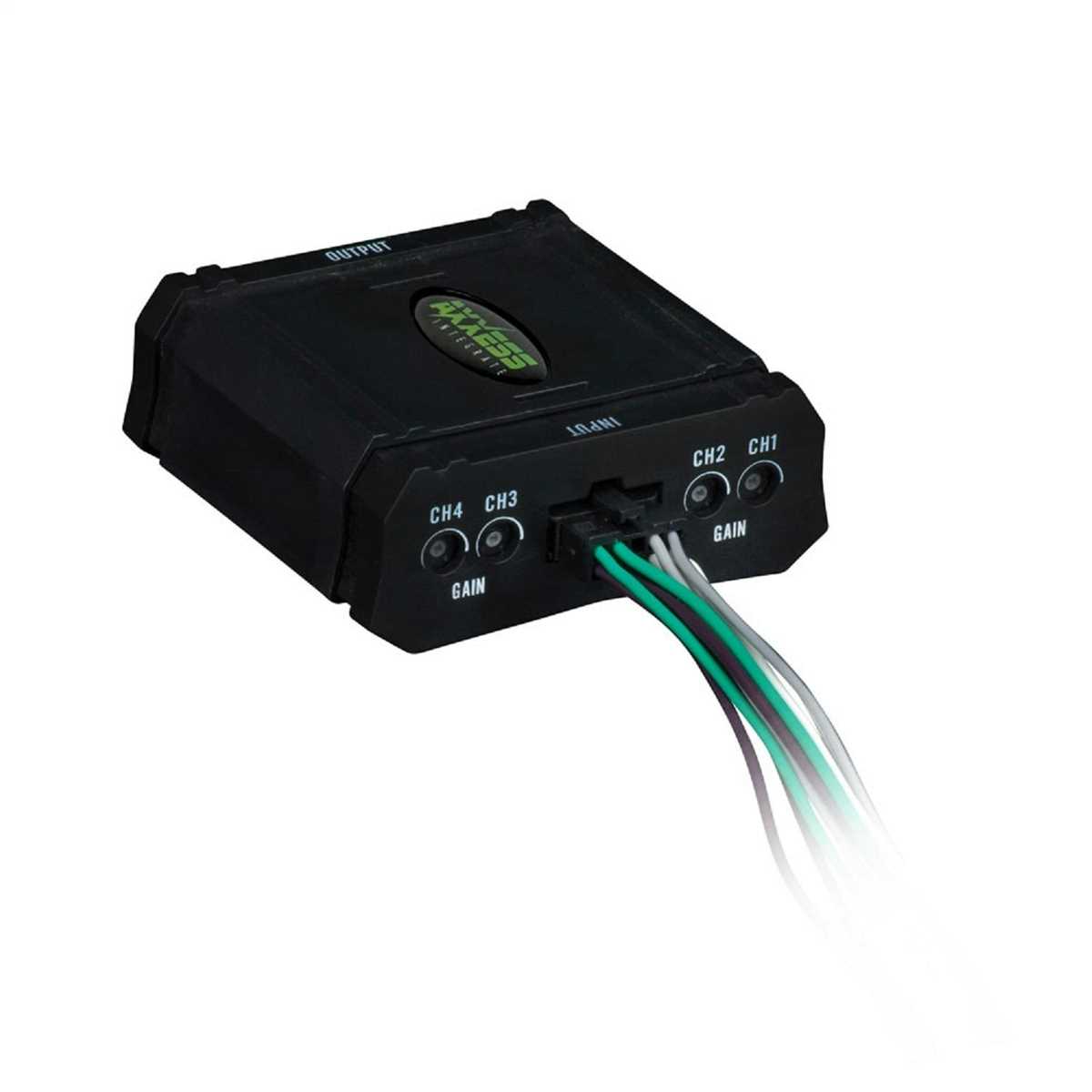
Use insulated connectors or crimp terminals when attaching leads to prevent short circuits. Secure all connections with electrical tape or heat-shrink tubing to maintain stable contact under vibration.
Adjust output voltage knobs gradually while monitoring speaker levels. Start at minimum gain and slowly increase until the signal matches factory head unit levels without clipping, ensuring safe operation for amplifiers or aftermarket speakers.
Verify left and right channel polarity by briefly testing each speaker. Incorrect polarity can cause phase cancellation, reducing bass response and stereo imaging.
Perform a final inspection of all connections before powering the system fully. Confirm that no bare wires are exposed and that all terminals are securely fastened to prevent intermittent audio issues.
2 Output Audio Adapter Installation Guide
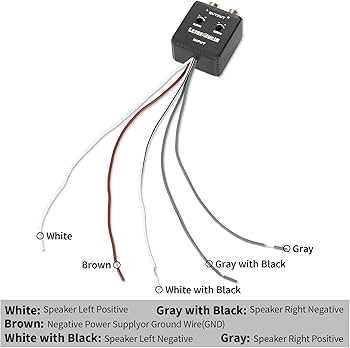
Connect the red power lead to a switched 12V source to ensure the adapter only draws current when the ignition is on. Attach the black ground wire securely to a bare metal section of the chassis to maintain a stable reference.
Identify input and output signal terminals by color-coding or printed labels. Match left and right channels precisely to prevent distortion or phase issues in the audio system.
Route all leads close to existing audio components to minimize interference. Keep signal lines away from high-current paths such as alternator cables to reduce hum and noise.
- Use insulated connectors or crimp terminals on all leads to avoid short circuits.
- Secure connections with heat-shrink tubing or electrical tape to prevent vibration-related contact loss.
- Ensure leads are not pinched or stretched when reinstalling panels.
Adjust output voltage gradually by starting at minimum gain and increasing slowly while monitoring speaker levels. Avoid exceeding the head unit’s native output to prevent clipping.
Check channel polarity by briefly testing each speaker. Reversing polarity can reduce bass response and degrade stereo imaging.
Perform a final inspection before powering the system fully. Confirm that all terminals are secure, no bare wire is exposed, and leads are routed safely to prevent shorts or interference.
Locating Power and Ground Connections for the Converter
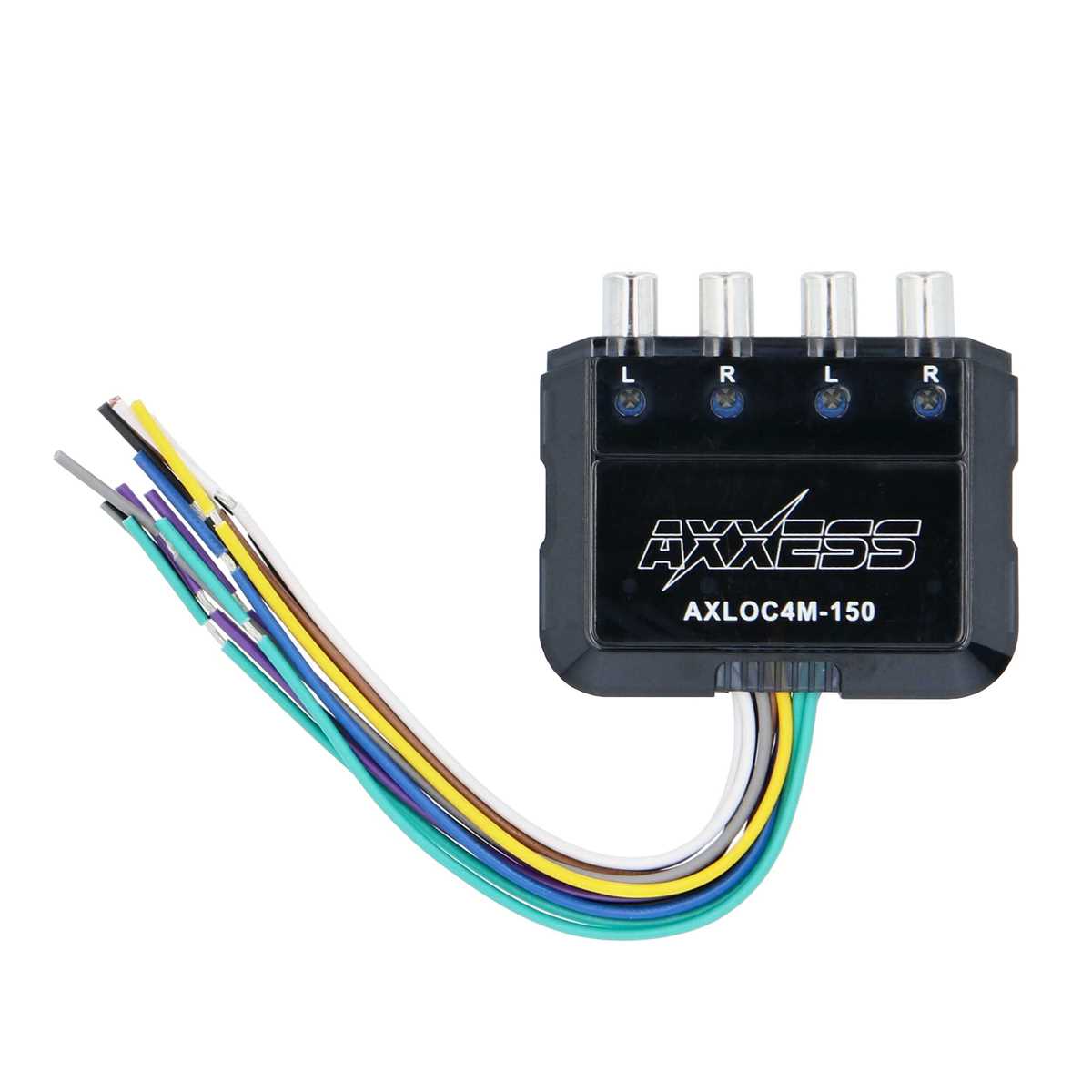
Connect the positive lead to a switched 12V source that is active only when the ignition is turned on. Install a fuse within 12 inches of the source to prevent electrical shorts or damage to the unit.
Secure the ground lead to a clean, unpainted section of the vehicle chassis. Ensure the contact point is free of rust and debris to maintain a stable and reliable electrical connection.
Identify existing power distribution points near the dashboard or fuse panel. Tapping into these terminals can simplify installation while providing consistent voltage without overloading the circuit.
Route the leads carefully along factory harnesses, keeping them away from heat sources, moving components, and sharp edges. Use zip ties or clamps to prevent movement that could damage insulation over time.