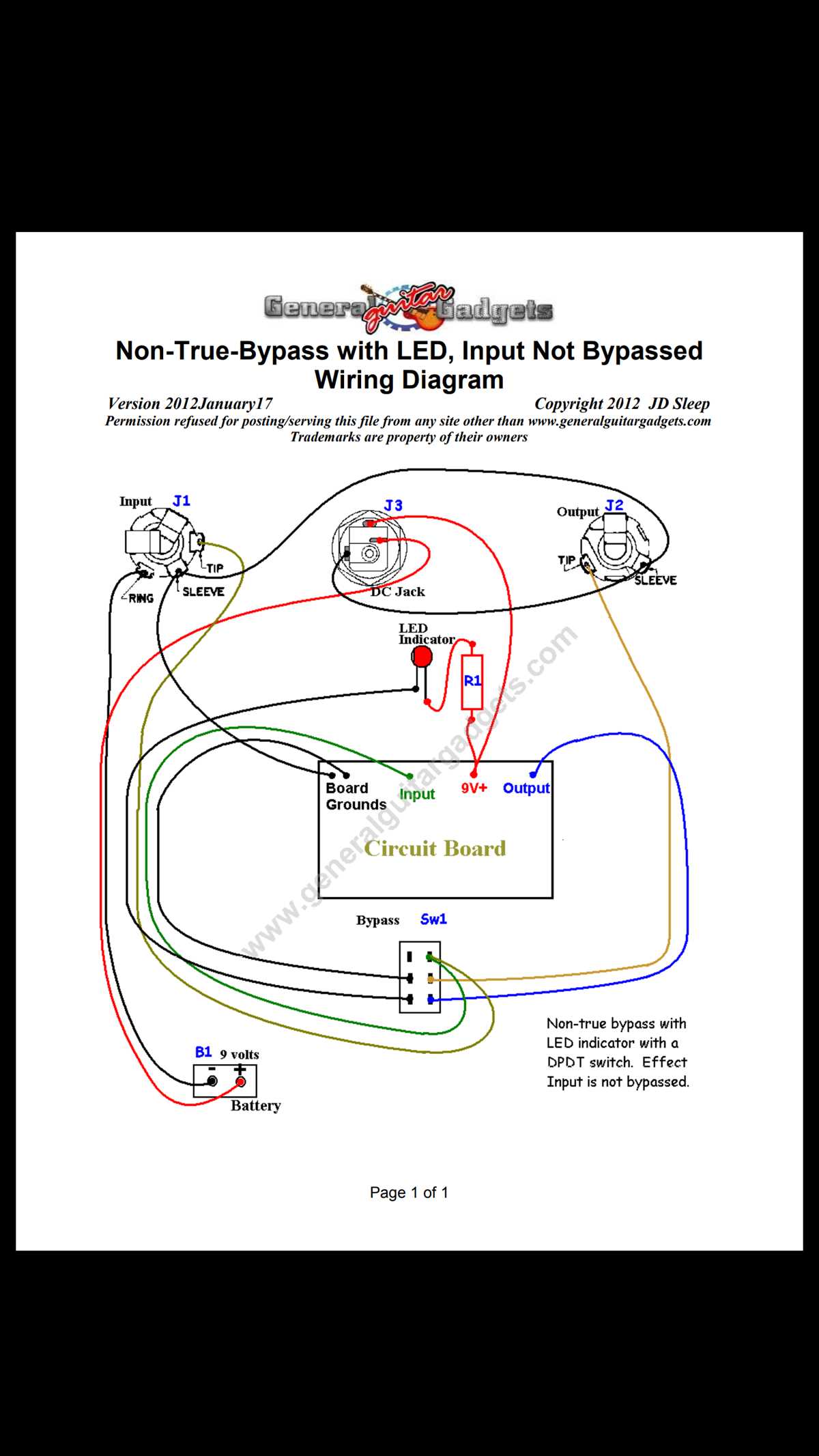
Connect the six terminals according to the standard layout to allow control of two separate circuits simultaneously. Use color-coded wires to prevent confusion and maintain clear separation between circuits.
Ensure each pole handles the correct load by checking the voltage and current rating on the device. Exceeding the rated capacity can damage contacts and cause overheating.
Use a multimeter to identify continuity between terminals before final installation. This step confirms which terminals correspond to each pole and prevents misconnection when toggling between positions.
Mount the unit on an insulated panel to prevent accidental shorts. Keep wires neatly routed and secured with cable ties to maintain organization and safety during operation.
Label each connection according to its function–common, normally open, and normally closed–to simplify future maintenance or modifications. Clear labeling reduces troubleshooting time.
Test the device with a low-voltage load first to verify proper switching between circuits. Observe that each position activates only the intended load before applying full voltage.
Check for loose connections or exposed strands that could cause short circuits. Tighten terminals and trim excess wire insulation to ensure reliable performance.
Document the setup with a simple reference chart showing terminal assignments and corresponding circuits. This provides an easy guide for replication or troubleshooting in the future.
DPDT Switch Connection Guide with Terminal Functions and Step by Step Instructions
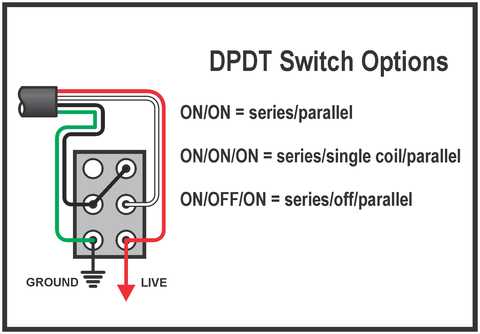
Identify all six terminals on the device before making connections. Two poles each have a common, normally open, and normally closed terminal. Label them to avoid errors during installation.
Follow these steps for proper connection:
- Connect the input voltage to both common terminals.
- Attach the first load to the normally open terminals of each pole.
- Connect the second load to the normally closed terminals.
- Double-check that no wires touch adjacent terminals to prevent shorts.
- Secure all connections with a screwdriver and confirm firm contact.
Test continuity with a multimeter after initial connections. Toggle between positions to ensure each load activates correctly and that poles operate independently without interference.
Mount the unit on an insulated surface and route cables neatly with ties or clips. Avoid crossing wires from different circuits to maintain clear separation and reduce the risk of accidental shorts.
Label each connection and maintain a reference chart showing terminal assignments and corresponding loads. This simplifies troubleshooting and future modifications, ensuring reliable long-term operation.
Identifying DPDT Switch Terminals and Their Functions
Start by locating the six terminals on the unit–each pole has a common, normally open, and normally closed terminal. Label the terminals to match their functions: common terminals receive input voltage, normally open terminals activate the first load when toggled, and normally closed terminals engage the second load by default.
Use a continuity tester or multimeter to verify connections before applying power. This confirms which terminals correspond to each position and ensures that toggling the device correctly switches between the two circuits without causing shorts or unexpected behavior.