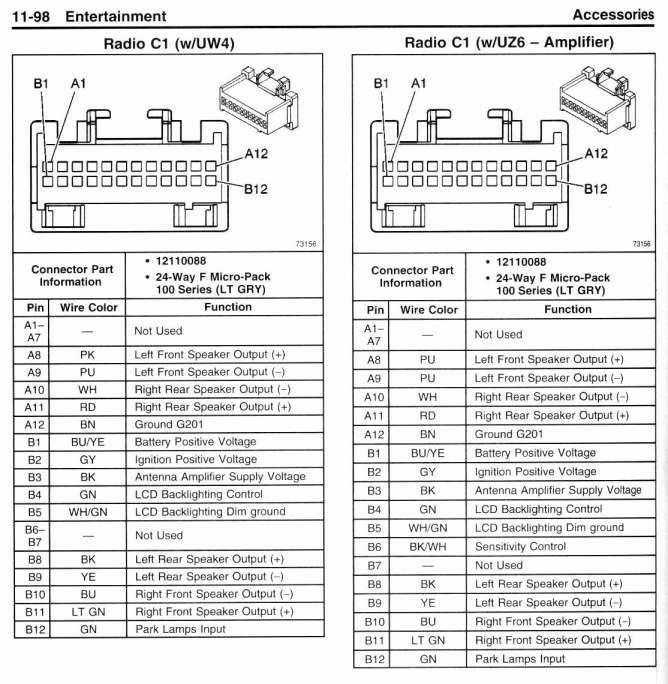
For proper installation or troubleshooting of your vehicle’s sound system, it’s critical to know the exact electrical connections. Begin by ensuring you have the correct harness for your setup. Identifying each wire is key to maintaining functionality and avoiding electrical issues.
Always check the power and ground wires first. The constant power wire typically carries the 12V power needed to maintain settings when the engine is off. The ground wire must be properly connected to a solid metal part of the car’s frame to avoid shorts or malfunction.
For signal wires, pay close attention to the color coding. The speaker wires are usually distinguished by a combination of colors, such as red for positive and black for negative connections. For vehicles with more complex systems, additional wires may be used for control functions like volume or mute.
Don’t skip verifying the antenna wire, especially if the system includes radio functions. This wire ensures the system receives signals for radio operation. Incorrect wiring can result in poor reception or failure to pick up channels.
Before proceeding with any wiring tasks, always disconnect the vehicle’s battery to prevent accidental shorts. Afterward, use a multimeter to verify that all connections are correctly made before reassembling the system. Proper wiring is vital for smooth performance and safety of your vehicle’s electrical system.
How to Connect Your Car’s Audio System Properly
Start by identifying the power input. The primary wire is often red, delivering a constant 12V to keep the settings intact while the engine is off. You should connect this wire directly to the power source in your vehicle’s electrical system.
Key Connections for Smooth Operation
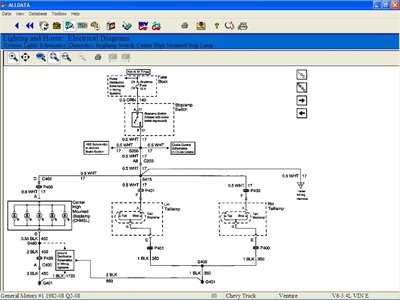
Next, make sure the ground wire is correctly installed. This is typically black and must be securely fastened to a metal part of the vehicle’s body to ensure proper grounding. A poor connection here can lead to intermittent functionality or static interference in the audio system.
Speaker and Additional Wires
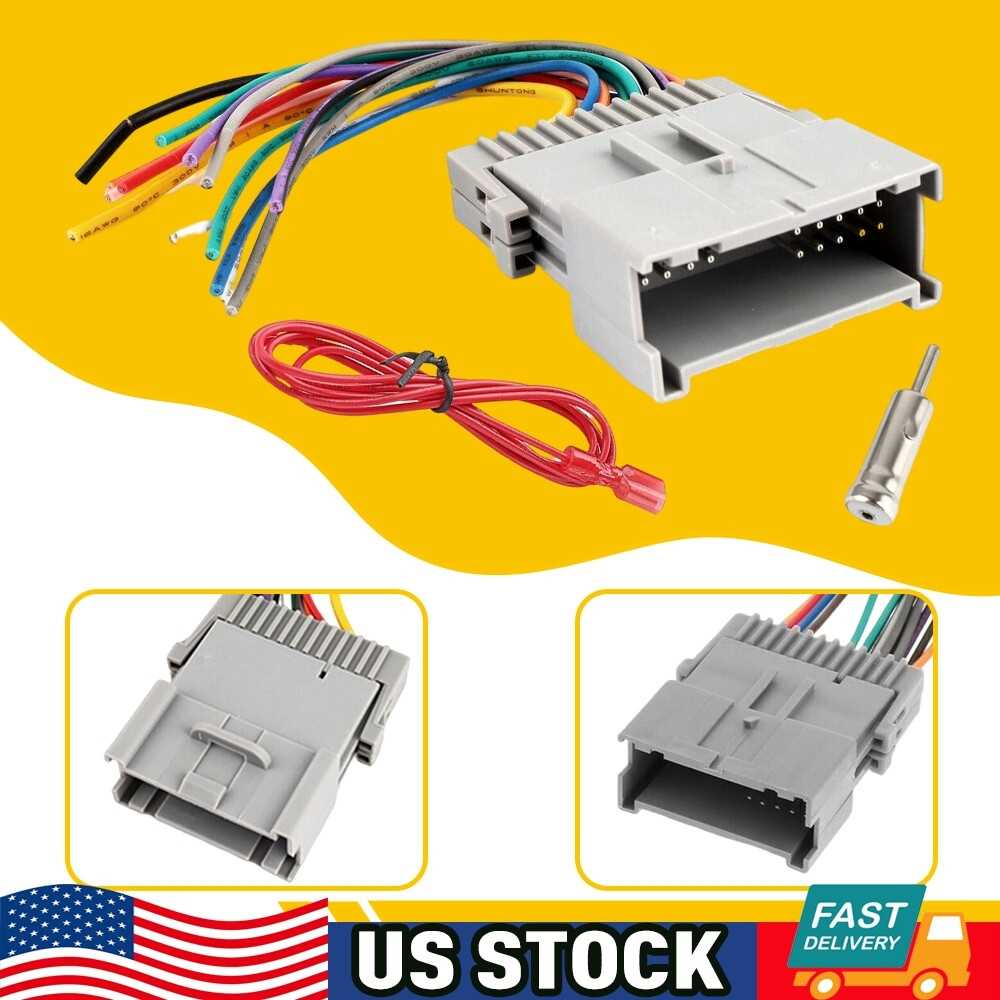
- Speakers: Usually identified by color combinations like green and green/black or white and white/black for left and right channels.
- Control Wires: If your setup includes steering wheel controls or a remote, check for additional wires that manage these functions.
- Antenna: The antenna wire is often blue or blue/white and should be connected for clear reception.
Before finalizing the connections, double-check each wire with a multimeter to confirm its purpose. This will ensure all components function as expected and avoid potential damage to the system or vehicle’s electrical network.
Understanding the Pinout for Car Audio Connector
The pinout configuration for your car’s audio system connector plays a significant role in ensuring all components function properly. Each pin serves a specific purpose, making it vital to identify the correct wires to avoid mistakes during installation or repair.
Start by identifying the power wire. Typically, this is the wire that connects to the constant power supply, usually carrying a steady 12V. In most connectors, this pin is clearly labeled or color-coded (often red). This pin maintains memory for settings even when the vehicle is off.
The ground wire is equally important. Usually, the ground pin is black, and it needs a solid connection to the vehicle’s chassis. If this connection is faulty, it can lead to electrical shorts, noise, or complete malfunction of the system.
Pinout for Audio Functions
Next, you’ll encounter several pins responsible for audio functions. These typically include the left and right speaker outputs, which are responsible for driving the speakers in your vehicle. Commonly, these are color-coded: white and white/black for the left channel, and gray and gray/black for the right channel.
Additional Pins for Advanced Features
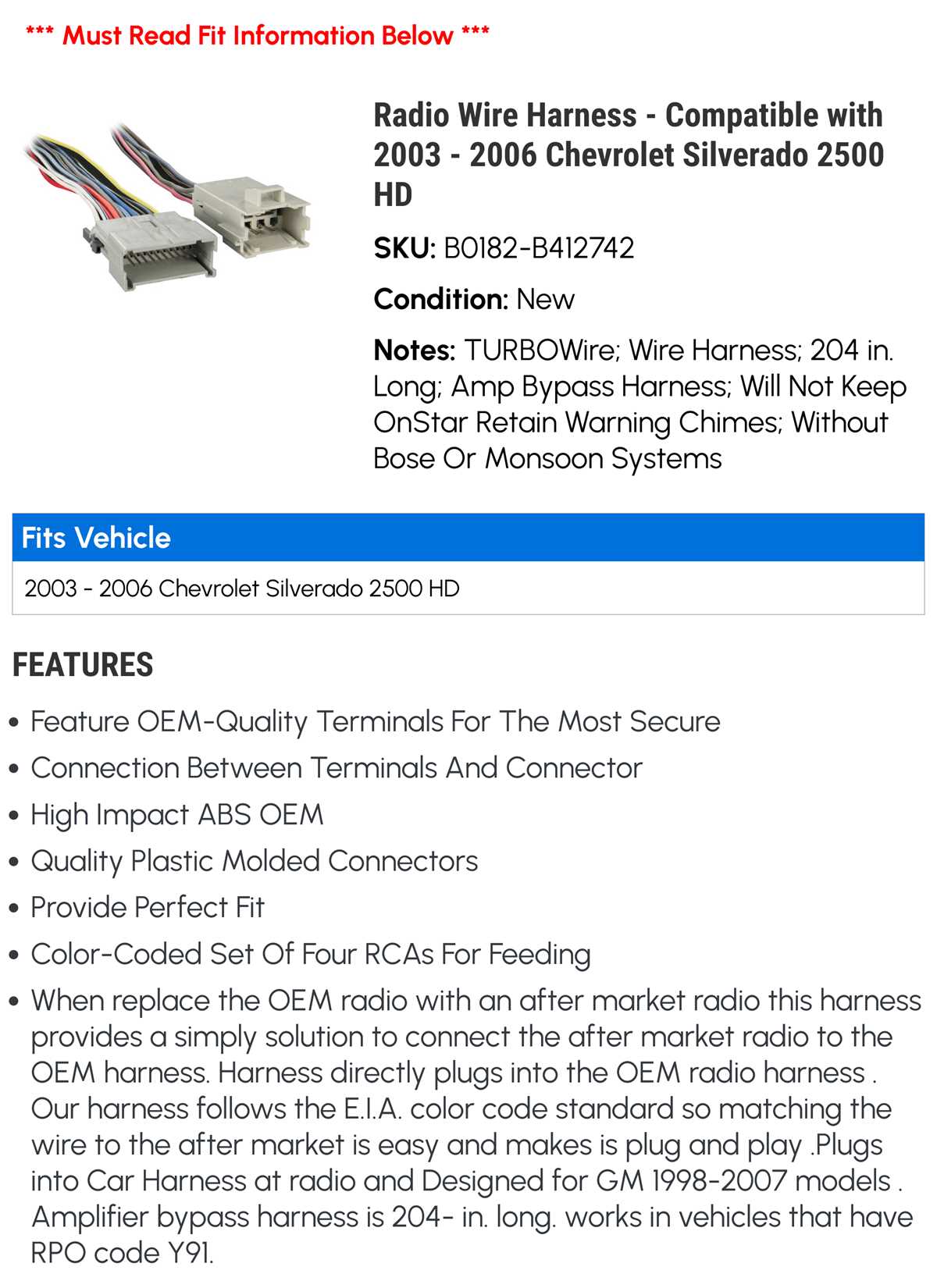
- Amplifier Control: A dedicated pin for controlling an external amplifier, if one is included. This is usually a blue wire that powers on the amp when the system is turned on.
- Illumination: Some connectors feature a pin for lighting the display. This pin is generally orange and activates the backlight when the vehicle’s lights are on.
- Antenna Trigger: A blue/white wire is typically used to activate the antenna when the system is turned on, ensuring proper signal reception.
It’s essential to test each pin using a multimeter before completing the installation. This will help verify the connections are correct and that the system operates as expected. Incorrect wiring can result in functionality issues such as no sound or poor reception.
Finally, double-check the configuration against your vehicle’s manual or a reliable wiring guide to confirm the specific pinout for your model. Having the right pinout diagram ensures you’ll avoid common mistakes and complete the installation smoothly.