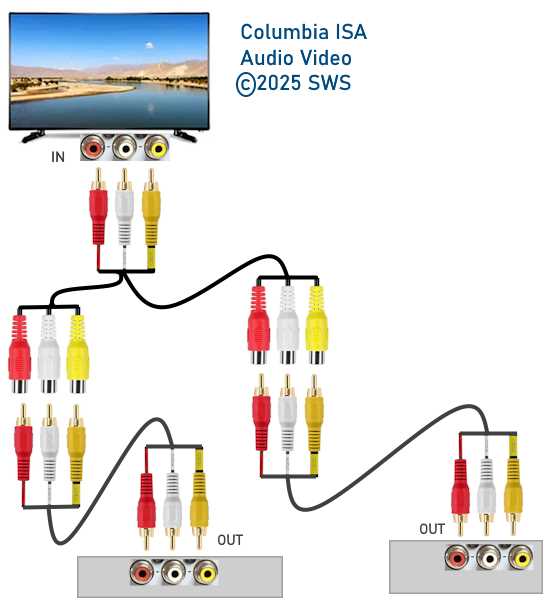
To properly connect your audio and video devices, start by understanding the role of each wire. The most common setup involves a red wire for the right audio channel, a white or black wire for the left audio, and a yellow wire for video. Each wire must be securely connected to the correct input and output ports to ensure proper signal transmission.
When wiring your connections, always double-check the color coding. This will prevent errors and ensure your devices function as expected. For stereo audio setups, use the red and white wires for sound, while the yellow wire should be dedicated to the video signal if required. If you’re working with multiple devices, ensure each input/output matches the color-coded wires.
Keep in mind the difference between composite and component connections. While composite cables only use three connectors (red, white, yellow), component cables offer superior quality with five connectors. If you are looking for high-definition video, a component setup will provide better results than a basic composite connection.
Understanding RCA Connections for Audio and Video
When setting up an audio and video system, start by carefully matching the corresponding connectors. For stereo sound, you’ll typically find three primary connectors: one red (right audio), one white or black (left audio), and one yellow (video). These connectors should be plugged into the matching color-coded ports on both the source and receiving devices. This ensures the correct flow of signals without interference.
Common Mistakes and How to Avoid Them
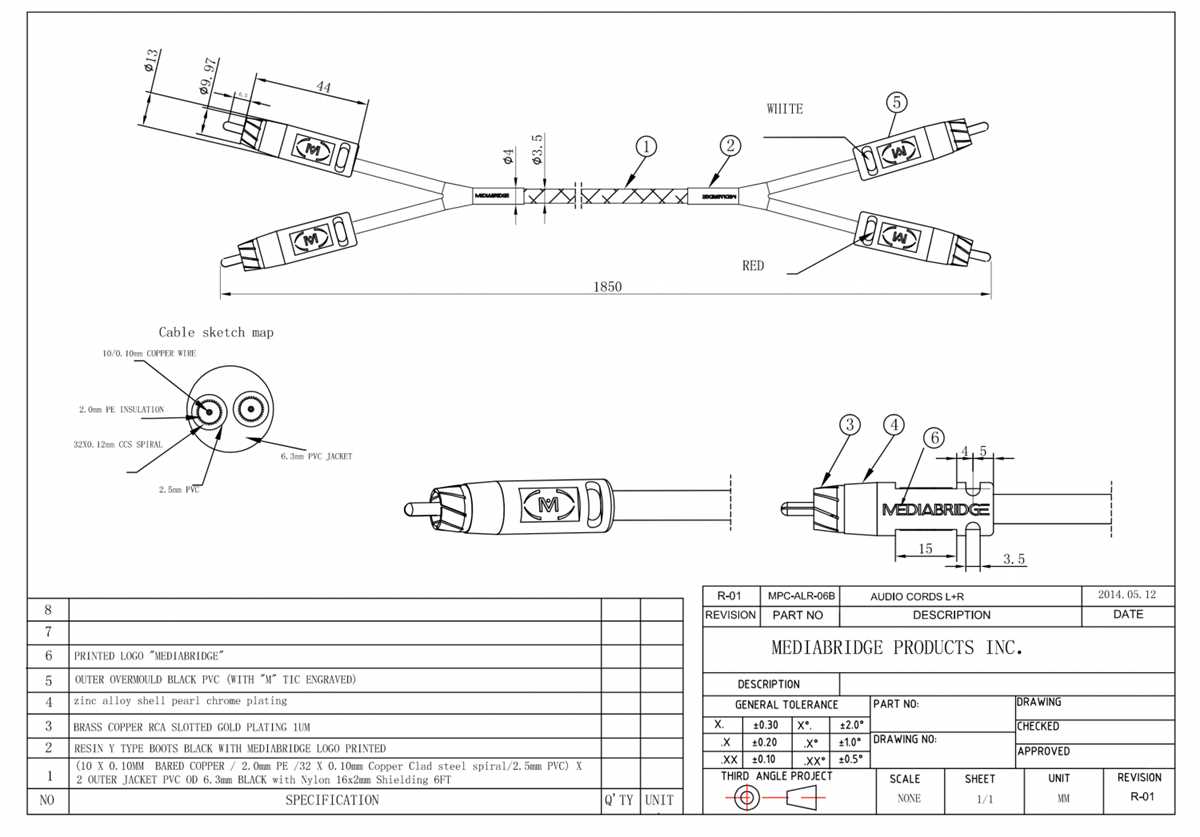
One common error is misconnecting the color-coded connectors, which can result in distorted audio or no video signal. To avoid this, always verify the input and output ports on both the device and the source before making connections. Additionally, using low-quality connectors or damaged cables can lead to poor signal quality. Invest in durable and reliable connectors to avoid any interruptions during playback.
How to Wire RCA Cables for Audio Connections
Start by identifying the color codes for the audio connectors. The red plug represents the right audio channel, while the white or black plug is for the left audio channel. These should be connected to the corresponding ports on both the audio source and the receiving device, ensuring the right signals are transmitted to the appropriate channels.
Step-by-Step Connection Process
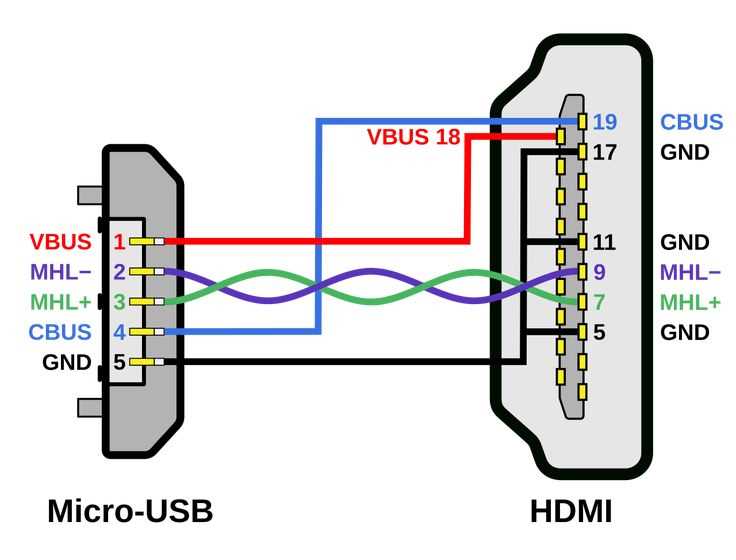
To connect the devices, first insert the red plug into the “Right” port on both the source and receiving units. Then, connect the white (or black) plug to the “Left” port. Ensure that the plugs fit snugly into the ports, making a secure connection. If you are working with a stereo system, the left and right plugs should be the only connections needed for audio. If you also need video, use the yellow connector for that purpose.
Double-check that all connectors are properly aligned. Any loose or partially connected plugs can result in a weak or distorted audio signal. If possible, use high-quality connectors for better sound clarity and durability. Poor-quality connectors can lead to interference, so it’s worth investing in reliable plugs.
Testing and Troubleshooting
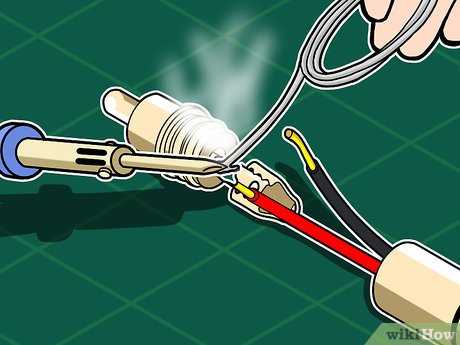
After the connection is complete, power on the devices and test the audio. Ensure the sound comes through both the left and right channels clearly. If you notice any issues with one channel, check the plug connections to ensure they are secure. Additionally, swapping the cables between the devices can help you determine if the issue lies with the connector or the port itself.