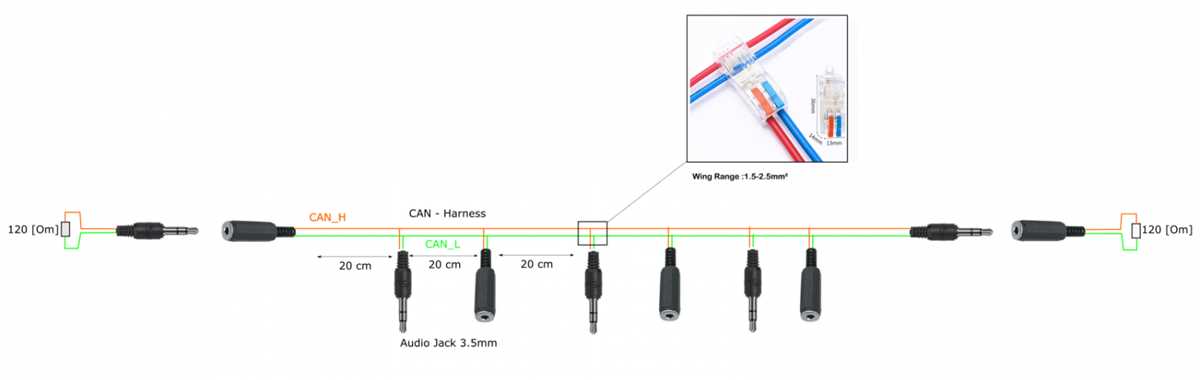
Match the tip, ring, and sleeve contacts to the corresponding signal paths to maintain stereo separation and prevent short circuits. Ensure that the metallic surfaces are clean and free from oxidation before making connections.
Attach the left and right channels securely to their designated terminals while keeping the ground path isolated. Loose or swapped connections can result in unbalanced sound or noise interference.
Use a multimeter or continuity tester to verify each connection before applying power. Confirm that the signal flows from source to receiver without crossing paths or grounding errors.
Label each conductor with colored tape or markers to simplify assembly and future troubleshooting. Consistent labeling prevents confusion when integrating multiple audio devices in a system.
MM Connector Connection Guide
Identify the tip, ring, and sleeve terminals clearly before attaching conductors. The tip usually carries the left channel, the ring carries the right channel, and the sleeve is reserved for ground. Correct identification prevents channel reversal and signal loss.
Strip insulation carefully to avoid fraying strands and insert each conductor fully into its contact point. Partial insertion can create intermittent audio interruptions or static noise.
Securing Conductors and Maintaining Signal Integrity
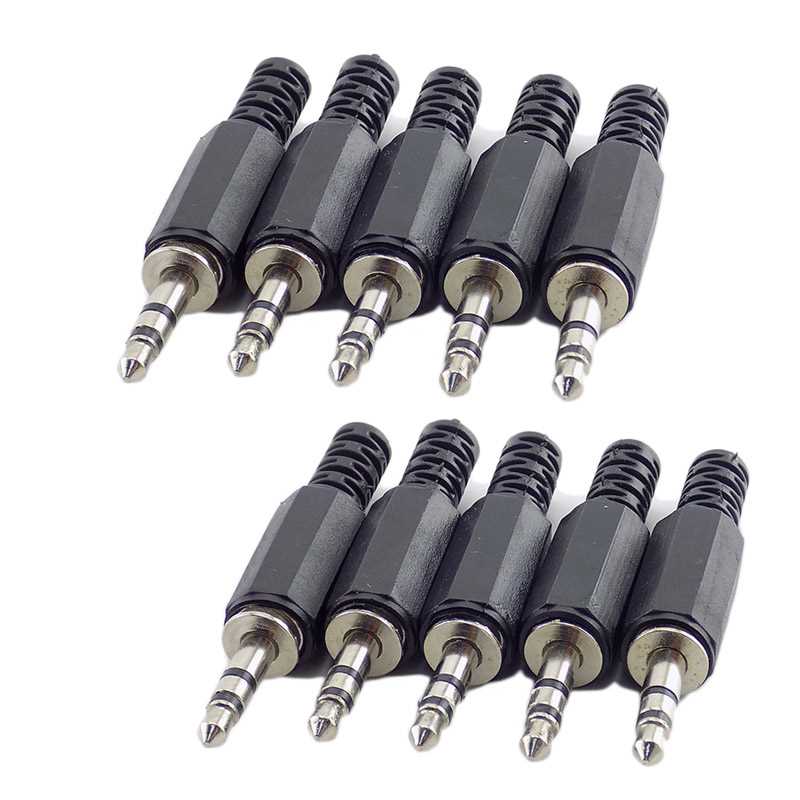
Solder or clamp connections firmly to prevent loose contacts that could distort sound. Avoid bridging terminals, as shorts between channels or to ground will degrade performance or silence one side of the stereo path.
Testing and Verification
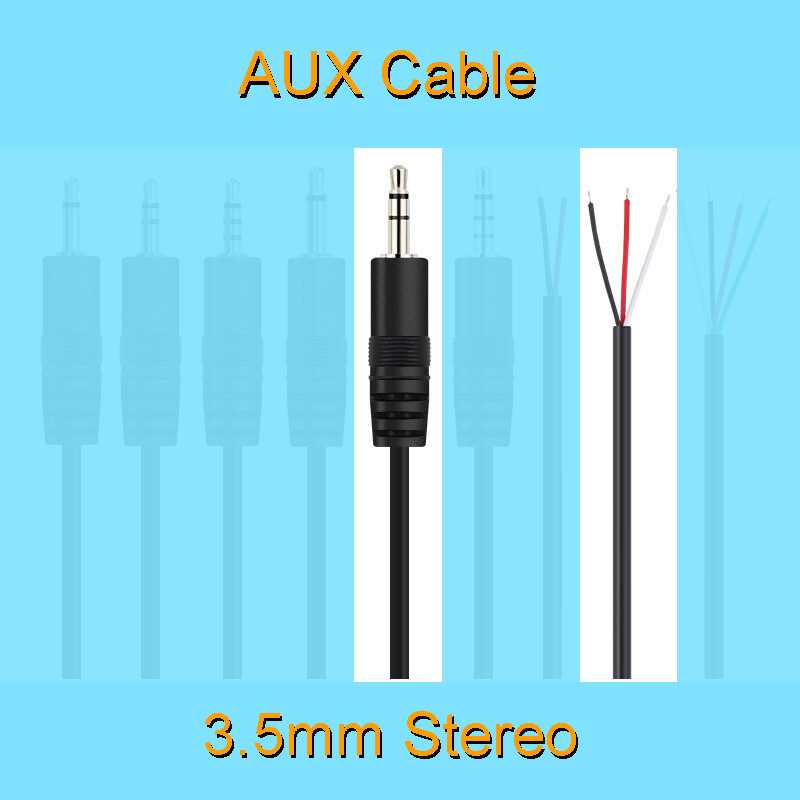
After assembly, check continuity and channel output using a multimeter or small audio source. Confirm left and right channels are distinct and that the ground path is uninterrupted for clear, balanced audio.
Identifying Tip Ring and Sleeve Contacts
Use a magnifying glass or close inspection to distinguish the sections on the connector. The tip is the smallest segment at the end, the ring is the middle band, and the sleeve forms the longest section connected to the casing.
Mark each section with colored tape or labels before attaching conductors. This prevents accidental channel swapping, which can reverse left and right audio output.
Verify the internal paths with a continuity tester to confirm that each section corresponds to its expected channel or ground. This step avoids shorts and ensures proper signal flow.
- Tip connects to the left channel signal.
- Ring connects to the right channel signal.
- Sleeve connects to the common ground return.
Check that no metal bridges exist between sections by lightly probing with a multimeter. Even small contacts touching across bands can cause distortion or mute one channel.
Inspect solder joints or clamps on each terminal to ensure firm attachment. Weak connections increase resistance, leading to audible hums, drops, or imbalance between channels.
After assembly, perform a test playback to confirm left and right audio separation and clean ground. Proper identification of these contacts is critical for maintaining stereo integrity and preventing noise interference.